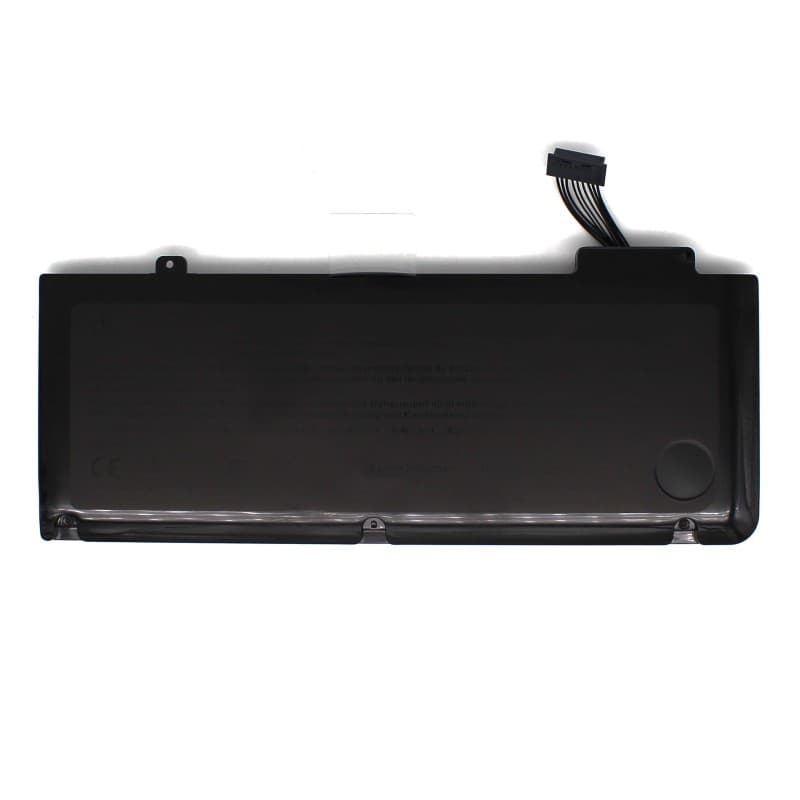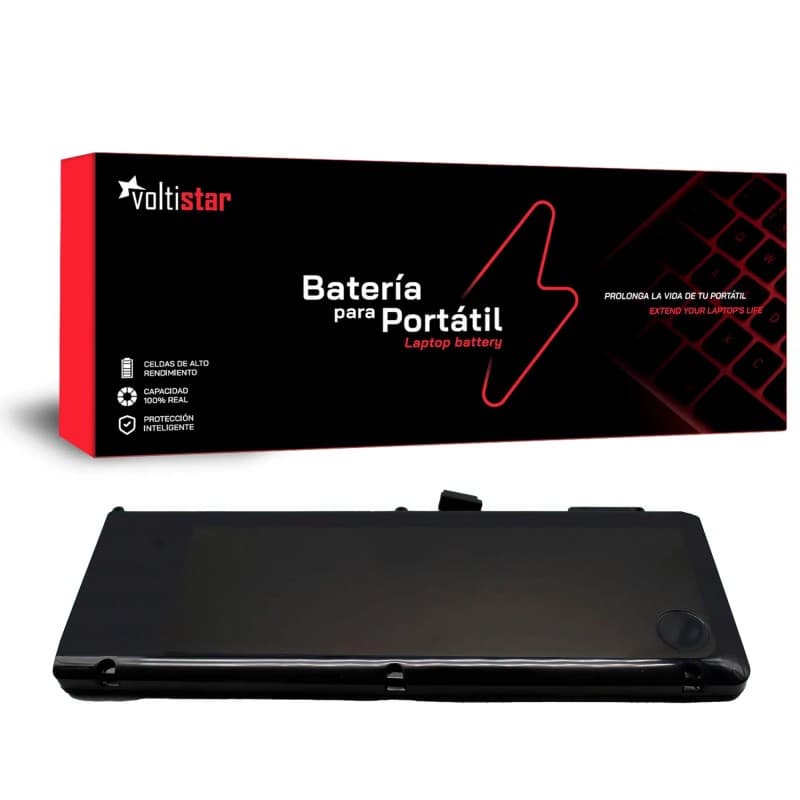
Batterie Voltistar pour MacBook Pro A1286 15" A1321 (2009-2010)
Marca
Voltistar
Modelo Compatível
Apple MacBook Pro A1286 15" (2009-2010)
Códigos Compatíveis
MB985LL/A, MB986LL/A, A1321
Condição
Novo - Selado (0 ciclos de carga)
Batterie de remplacement originale Voltistar pour MacBook Pro 15" modèle A1286, compatible avec les séries de mi-2009 à 2010. Produit neuf scellé avec zéro cycle de charge et certifications CE et RoHS.
Offre une protection complète contre la surcharge, la surtension, la décharge profonde et les courts-circuits, avec une gestion intelligente de la température pour prolonger la durée de vie de la batterie.
Caractéristiques Principales
- Protection contre la Surcharge: Coupure automatique et surveillance continue
- Gestion de la Température: Contrôle pendant la charge et la décharge pour une sécurité maximale
- Décharge Profonde: Système de protection avancé contre les dommages cellulaires
- Coupure Instantanée: Réaction immédiate aux courts-circuits et anomalies
- Charge Stable: Gestion intelligente pour prolonger la durée de vie et les performances
Compatible Avec
- Apple MacBook Pro 15" A1286
- MacBook Pro 15" MB985LL/A
- MacBook Pro 15" MB986LL/A
- Dell, HP, Asus, Fujitsu et Lenovo (avec adaptateur)
Pourquoi RM TechStore?
- Garantie de 12 mois
- Livraison en 24h au Portugal et en Europe
- Magasin physique à Lisbonne
How to replace the battery
General steps to replace a laptop battery. Screw layout and position vary by model — if in doubt, we can do it for you in store.
Tools
- 🔧 Small Phillips screwdriver
- 🔧 Plastic spudger
- 🔧 Clean, anti-static surface
Step by step
- 1
Shut down the laptop and unplug the charger. Let it cool.
- 2
External battery: slide the latches and remove it. Internal battery: remove the bottom-cover screws and gently pry the cover open with the spudger.
- 3
Find the battery connector on the board and unplug it by the plug (never pull the wires).
- 4
Remove the screws holding the battery and lift it out without bending it.
- 5
Fit the new battery in the same position, screw it down and reconnect the connector.
- 6
Close the cover, power on and charge to 100% before first use.
Good to know: Never force or pierce a swollen battery. If it's deformed, bring it in — we handle the swap and safe recycling.
Rather we fit it? We do it for you in store in Entrecampos, Lisbon.
Produits associés
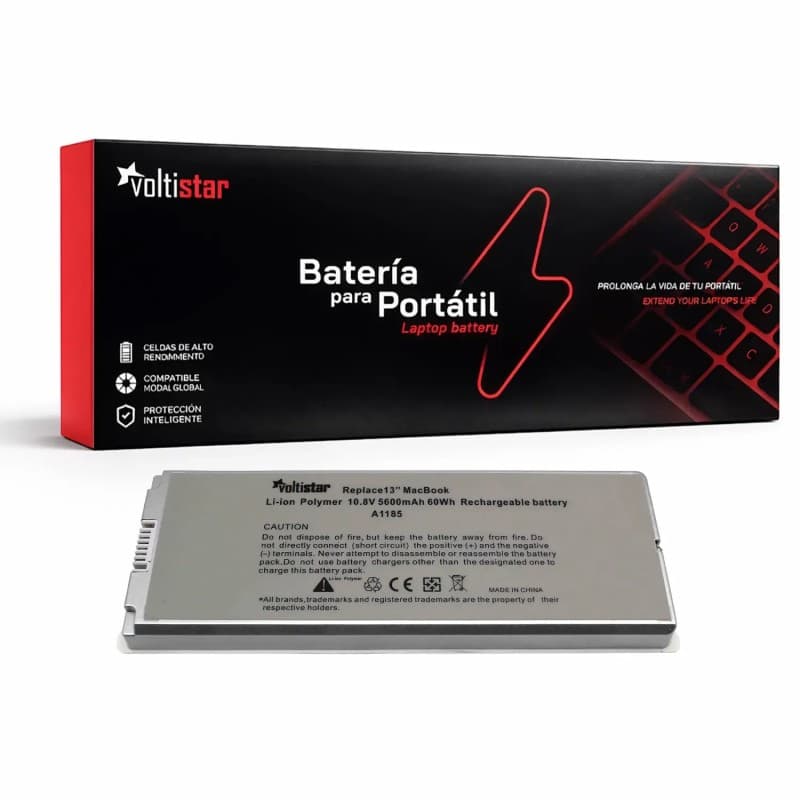
Batterie Voltistar pour MacBook 13 Pouces A1185 - Neuve Scellée
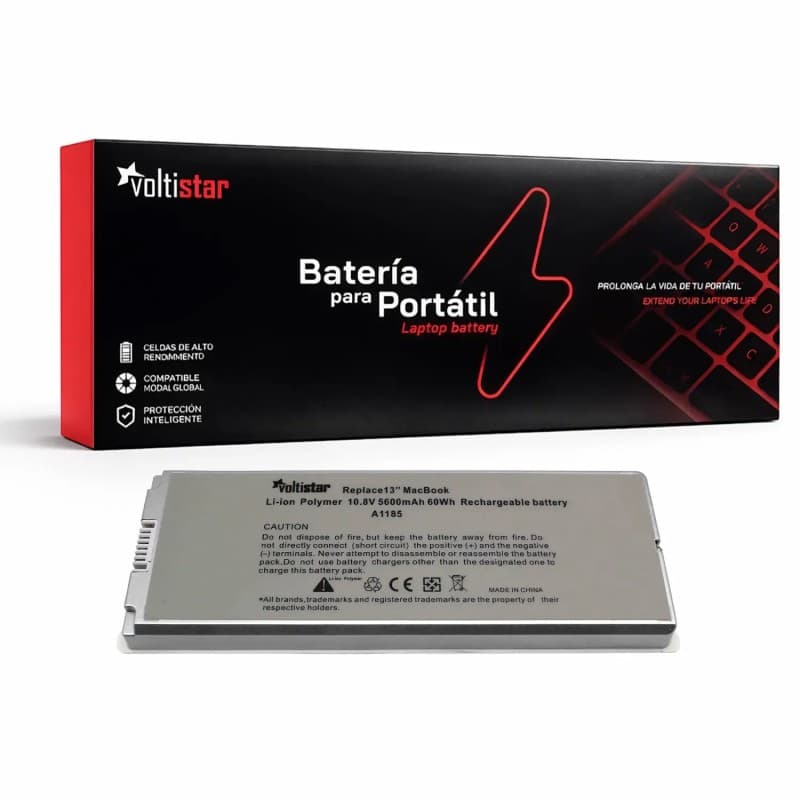
Batterie Voltistar pour MacBook Apple Ma254B MB062X - Neuve
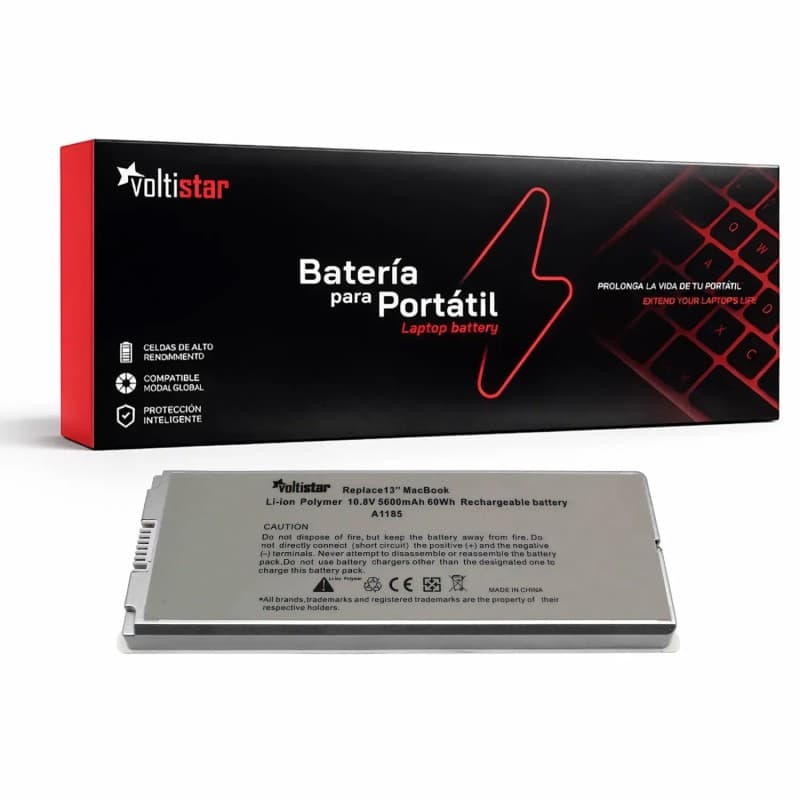
Batterie Voltistar pour MacBook A1185 MA561 - Neuve et Scellée
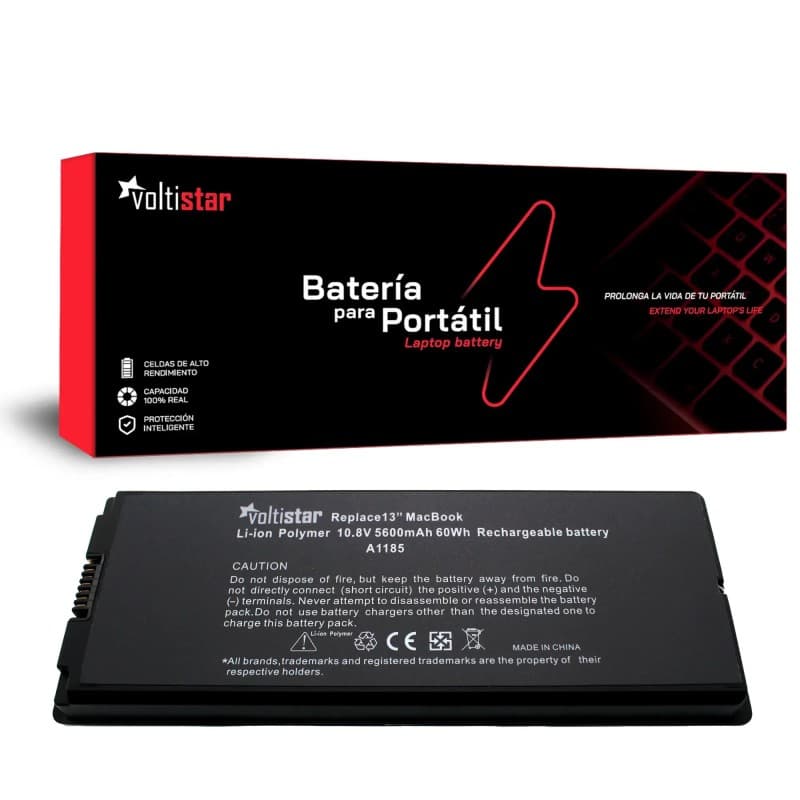
Batterie Voltistar pour MacBook A1185 A1181 13 Pouces - Noir
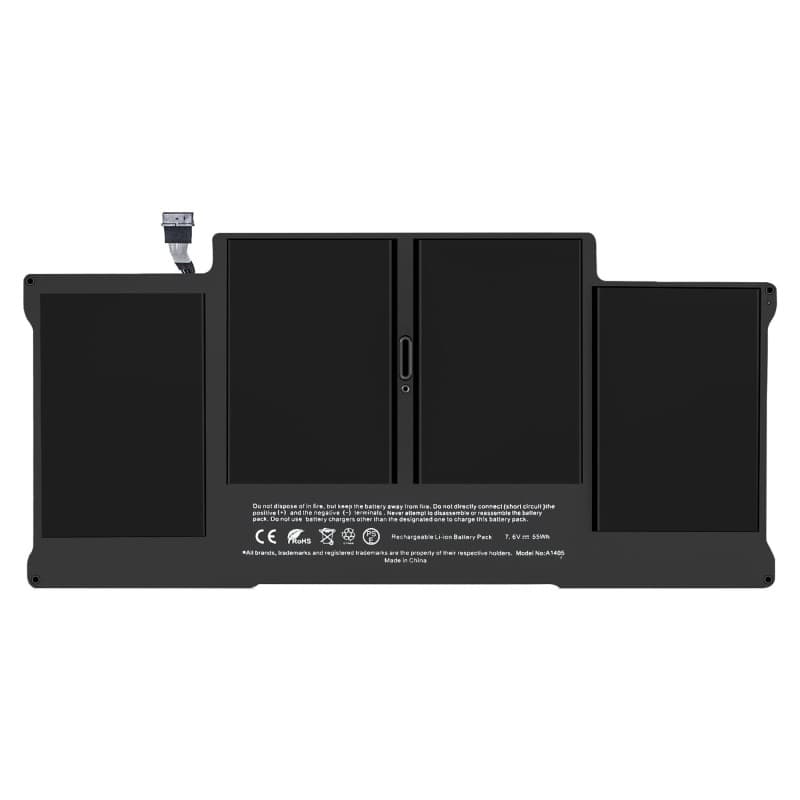
Batterie pour MacBook Air 13' A1369 A1466 (2017) 7.6V - Neuve Scellée