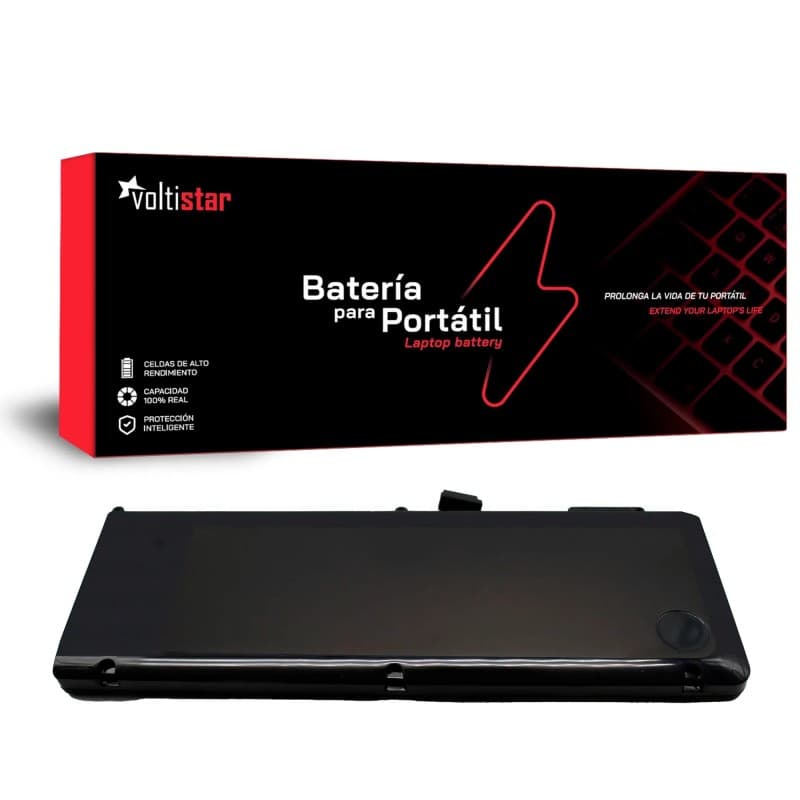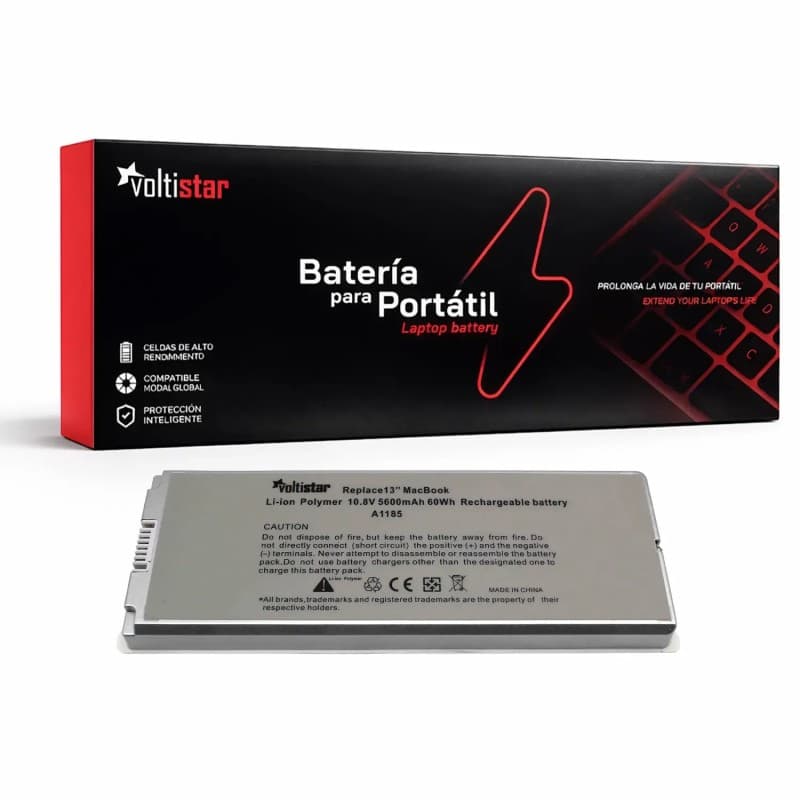
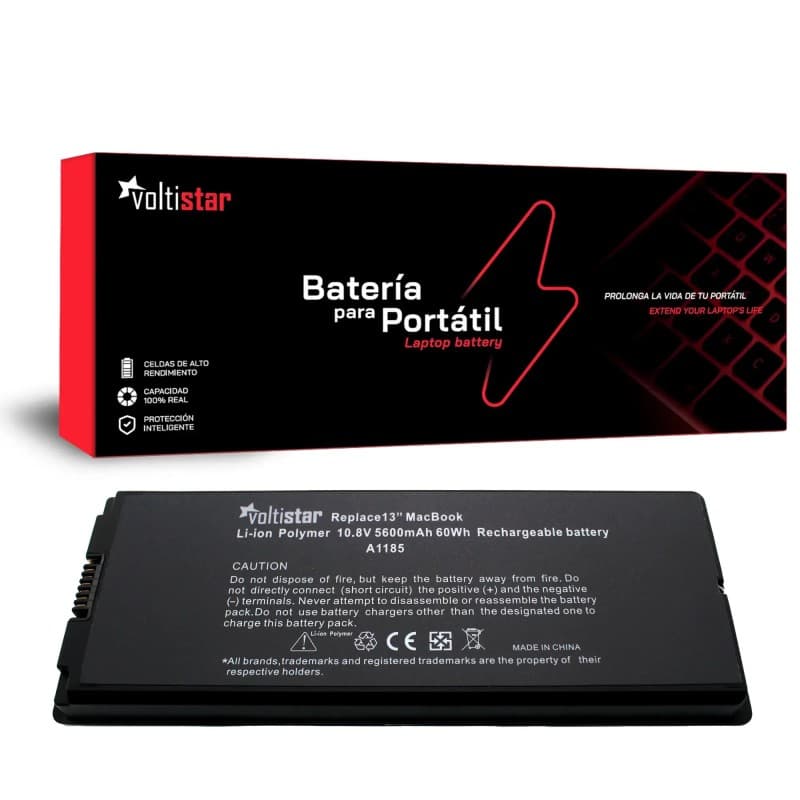
Batterie Voltistar pour MacBook 13 Pouces A1185 - Neuve Scellée
Marca
Voltistar
Modelo
A1185
Device Compatibility
MacBook 13 Inch
Condição
New / Sealed - 0 Cycles
Batterie de remplacement Voltistar pour MacBook 13" modèle A1185, neuve et scellée avec zéro cycle d'utilisation. Protection complète contre la surcharge, la surtension et la décharge profonde avec gestion intelligente de la charge.
Restaurez l'autonomie de votre MacBook avec une technologie de batterie certifiée et fiable.
Caractéristiques Principales
- Protection Contre la Surcharge: Système automatique qui prévient les dommages de tension
- Gestion Thermique Avancée: Surveillance continue avec arrêt automatique de température
- Protection Contre la Décharge Profonde: Prolonge considérablement la durée de vie de la batterie
- Certifié CE et RoHS: Conformité européenne et sans substances dangereuses
- Compatible Parfaitement: Remplacement direct pour MacBook 13" A1185
Compatible Avec
- Apple MacBook 13" A1185
Pourquoi RM TechStore?
- Garantie 12 mois
- Livraison 24h Portugal et Europe
- Magasin physique à Lisbonne
How to replace the battery
General steps to replace a laptop battery. Screw layout and position vary by model — if in doubt, we can do it for you in store.
Tools
- 🔧 Small Phillips screwdriver
- 🔧 Plastic spudger
- 🔧 Clean, anti-static surface
Step by step
- 1
Shut down the laptop and unplug the charger. Let it cool.
- 2
External battery: slide the latches and remove it. Internal battery: remove the bottom-cover screws and gently pry the cover open with the spudger.
- 3
Find the battery connector on the board and unplug it by the plug (never pull the wires).
- 4
Remove the screws holding the battery and lift it out without bending it.
- 5
Fit the new battery in the same position, screw it down and reconnect the connector.
- 6
Close the cover, power on and charge to 100% before first use.
Good to know: Never force or pierce a swollen battery. If it's deformed, bring it in — we handle the swap and safe recycling.
Rather we fit it? We do it for you in store in Entrecampos, Lisbon.
Produits associés
Batterie Voltistar pour MacBook Apple Ma254B MB062X - Neuve
Batterie Voltistar pour MacBook A1185 MA561 - Neuve et Scellée
Batterie Voltistar pour MacBook A1185 A1181 13 Pouces - Noir
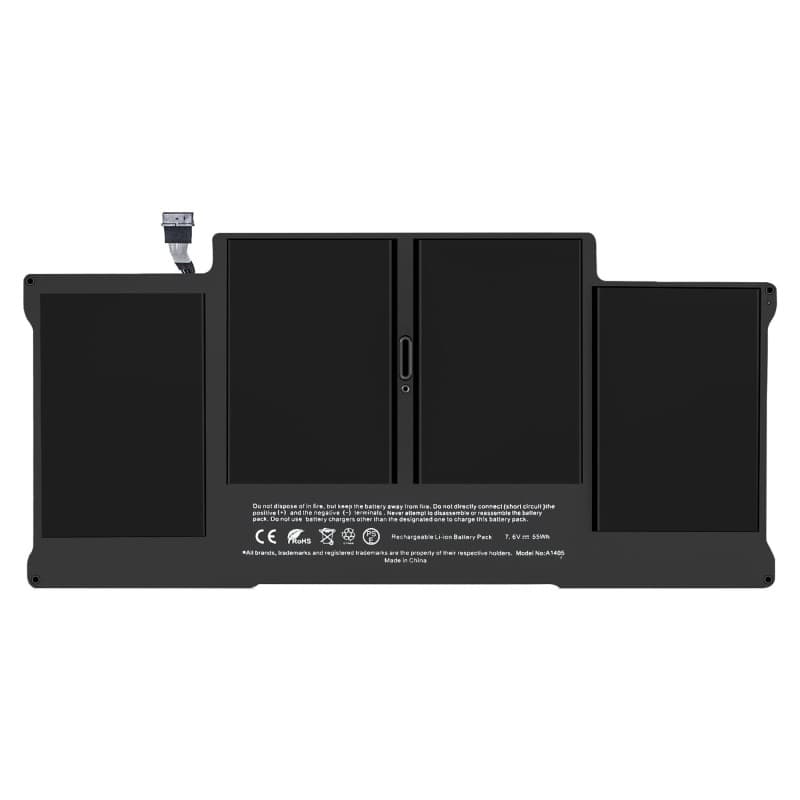
Batterie pour MacBook Air 13' A1369 A1466 (2017) 7.6V - Neuve Scellée
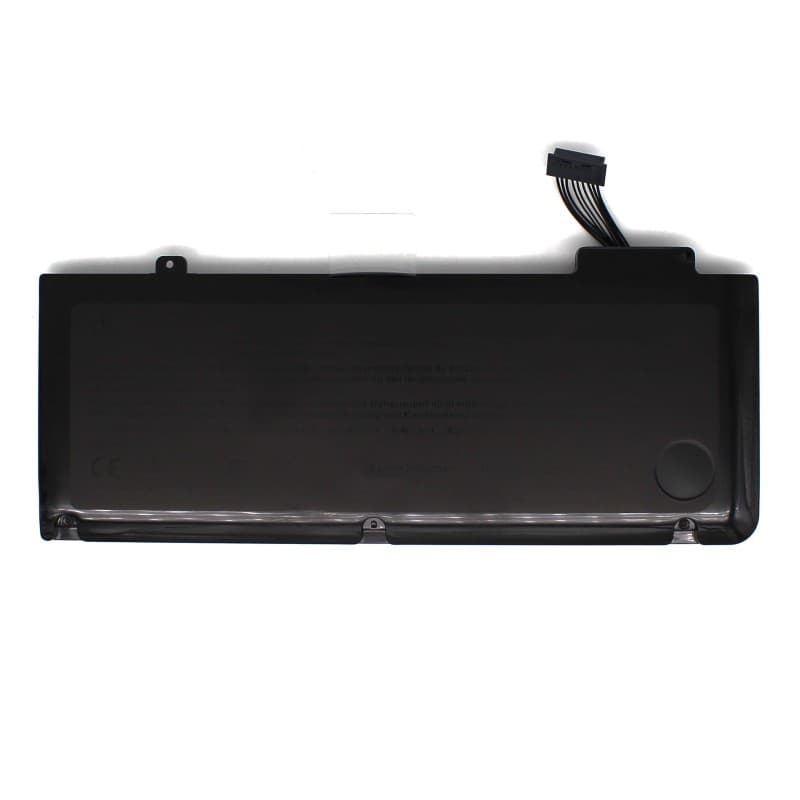
Batterie pour MacBook Pro 13" A1278 A1322 (2011) - 5800mAh