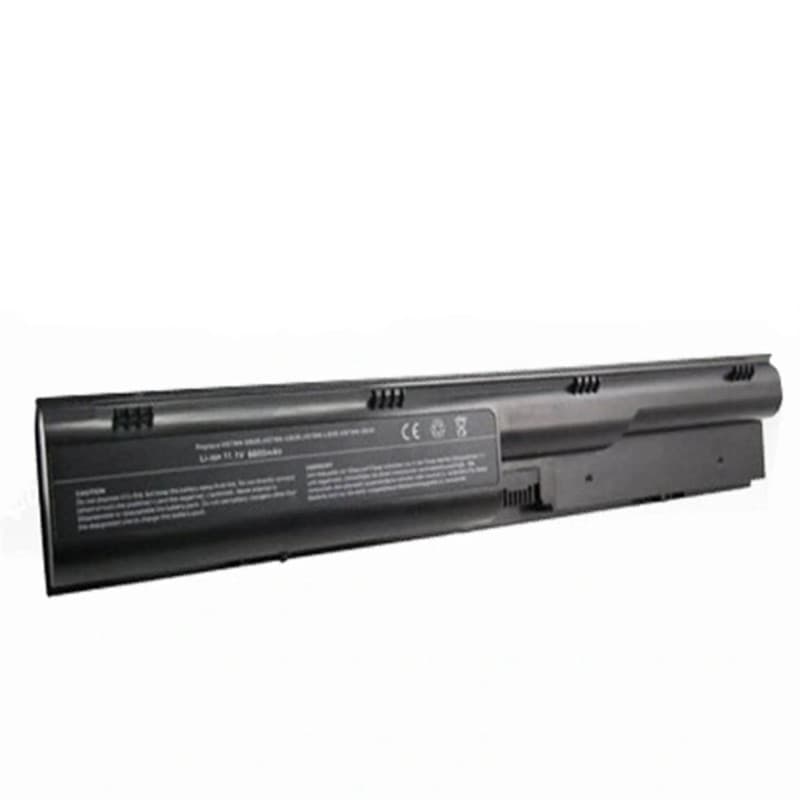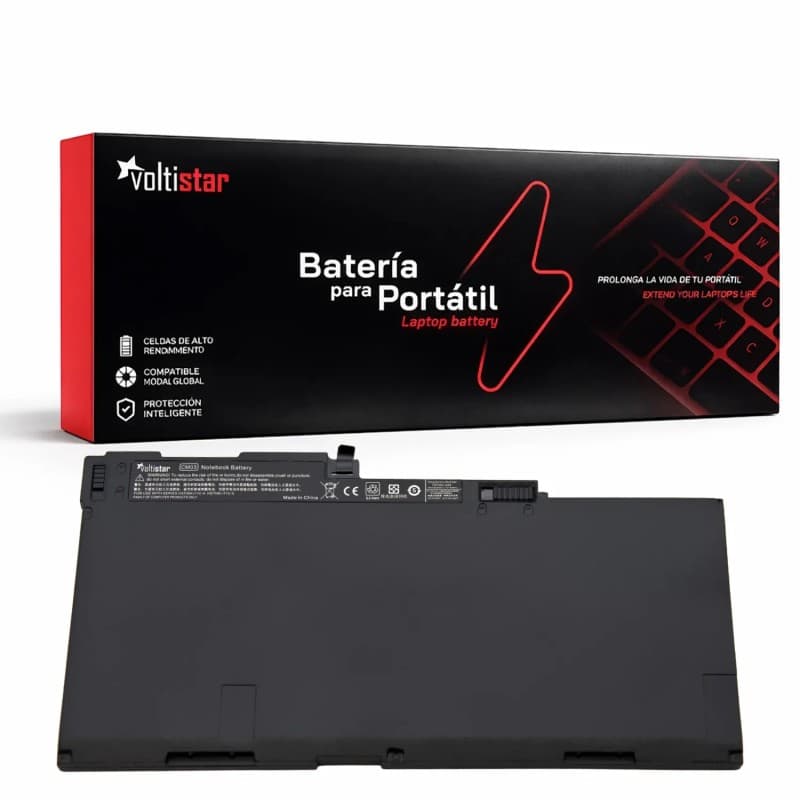
Batería Voltistar para HP EliteBook 740 G2 - 11.1V 4400mAh
Marca
Voltistar
Modelo
Para HP EliteBook 740 G2
Voltagem
11.1V
Capacidade
4400mAh
Batería de reemplazo Voltistar para HP EliteBook 740 G2, con voltaje de 11.1V y capacidad de 4400mAh. Producto nuevo y sellado de fábrica, con protecciones electrónicas avanzadas y certificaciones CE y RoHS.
Características Principales
- Voltaje: 11.1V para compatibilidad total
- Capacidad: 4400mAh de rendimiento fiable
- Protección Térmica: Monitoreo automático de temperatura y corte
- Sistemas de Seguridad: Protección contra sobrecarga, sobretensión y cortocircuitos
- Gestión Inteligente: Control de carga para maximizar la vida de las celdas
Compatible Con
- HP EliteBook 740 G2
- HP EliteBook 750 G2
- HP ENVY 15-AS000
- HP Pavilion 15 series (15-CW, 15-CS, 15-DA, 15-DB)
- HP Pavilion X360 (14-BF, 14-BK, 15-CC, 15-CD)
- HP ZBook 17 G3
- Dispositivos con conectores VS03XL, BP02XL, HSTNN-IB51
¿Por Qué RM TechStore?
- Garantía de até 3 anos (novos) / 18 meses (recondicionados)
- Envío rápido a Portugal y Europa
- Tienda física en Lisboa
How to replace the battery
General steps to replace a laptop battery. Screw layout and position vary by model — if in doubt, we can do it for you in store.
Tools
- 🔧 Small Phillips screwdriver
- 🔧 Plastic spudger
- 🔧 Clean, anti-static surface
Step by step
- 1
Shut down the laptop and unplug the charger. Let it cool.
- 2
External battery: slide the latches and remove it. Internal battery: remove the bottom-cover screws and gently pry the cover open with the spudger.
- 3
Find the battery connector on the board and unplug it by the plug (never pull the wires).
- 4
Remove the screws holding the battery and lift it out without bending it.
- 5
Fit the new battery in the same position, screw it down and reconnect the connector.
- 6
Close the cover, power on and charge to 100% before first use.
Good to know: Never force or pierce a swollen battery. If it's deformed, bring it in — we handle the swap and safe recycling.
Rather we fit it? We do it for you in store in Entrecampos, Lisbon.
Productos relacionados
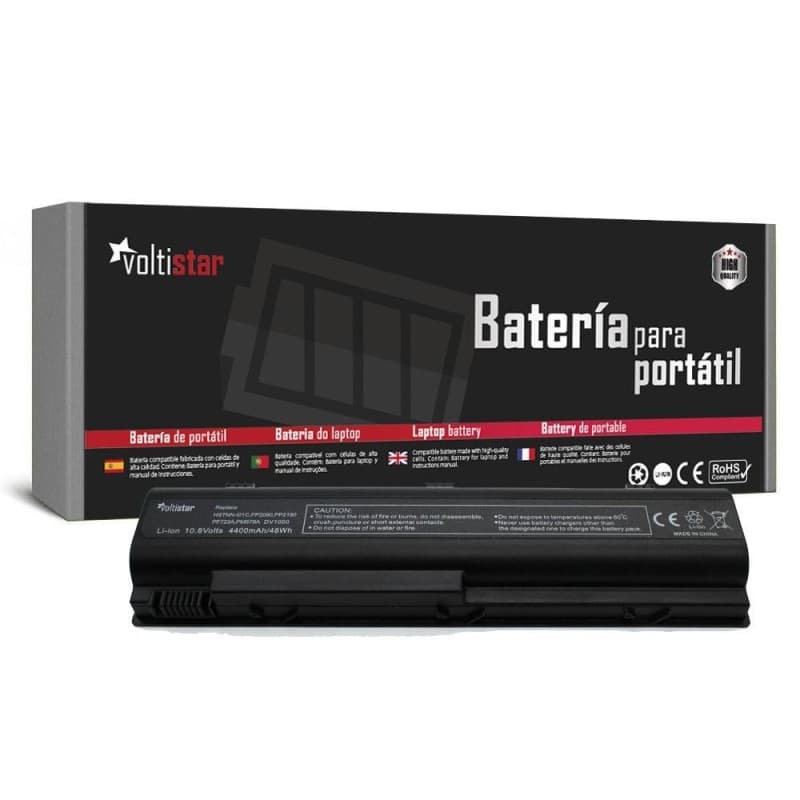
Batería Voltistar para HP Pavilion DV1000 DV4000 DV5000 V2000 M2000 C500
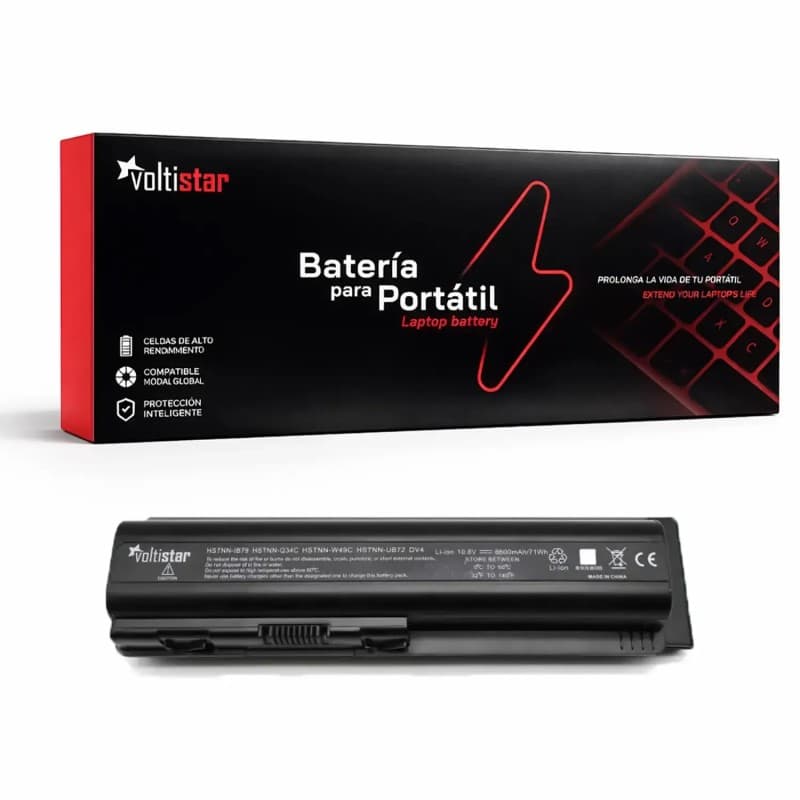
Batería Alta Capacidad Voltistar para HP HSTNN-CB72 HSTNN-IB72 HSTNN-DB72
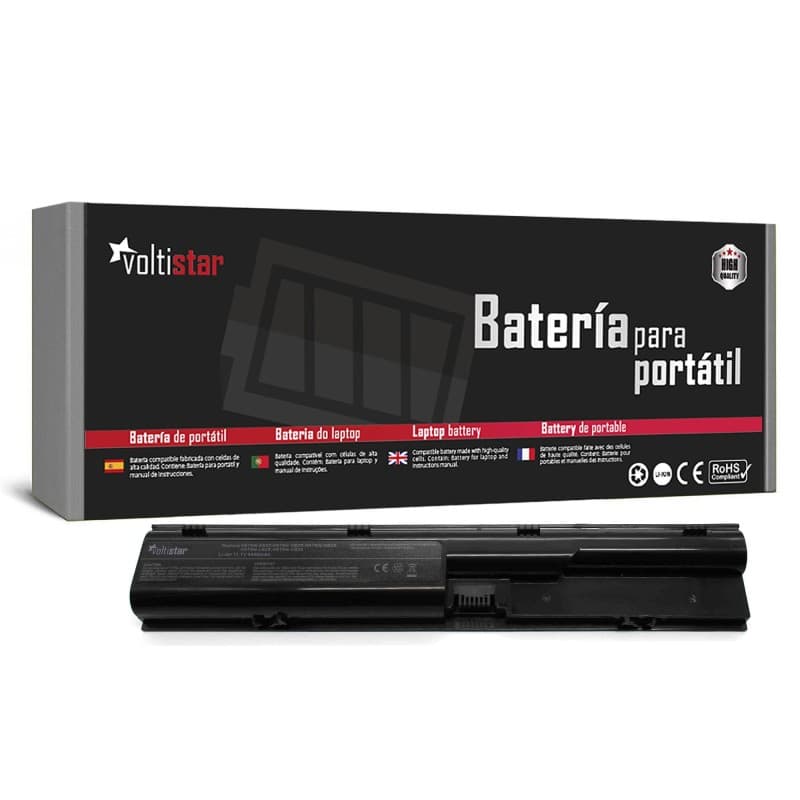
Batería Voltistar para HP ProBook 4330s 4331s 4430s 4435s 4530s
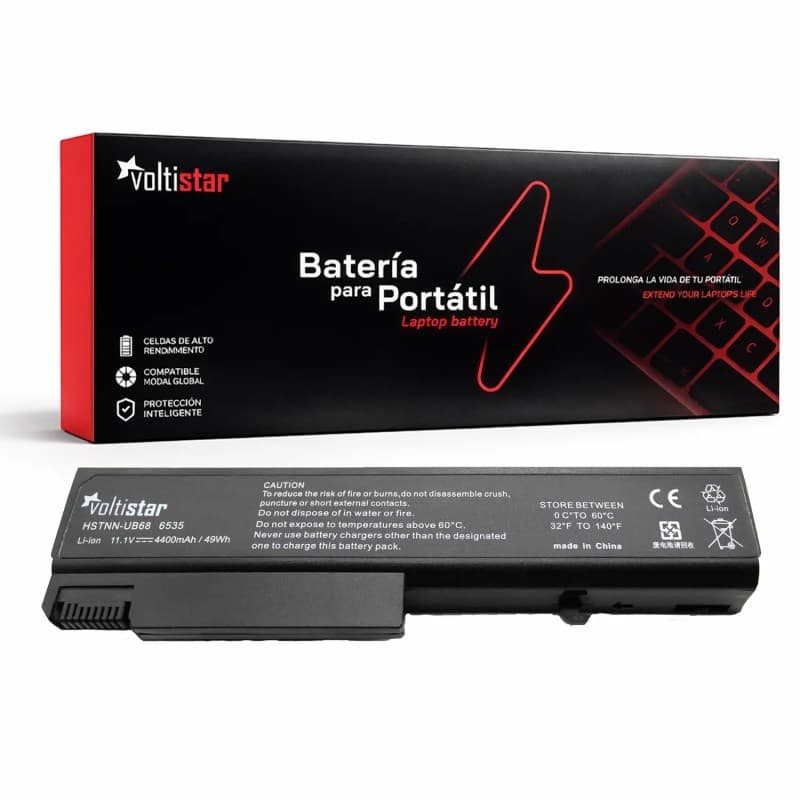
Batería Voltistar para HP EliteBook 6930P 8440P ProBook 6440B - Nueva Sellada
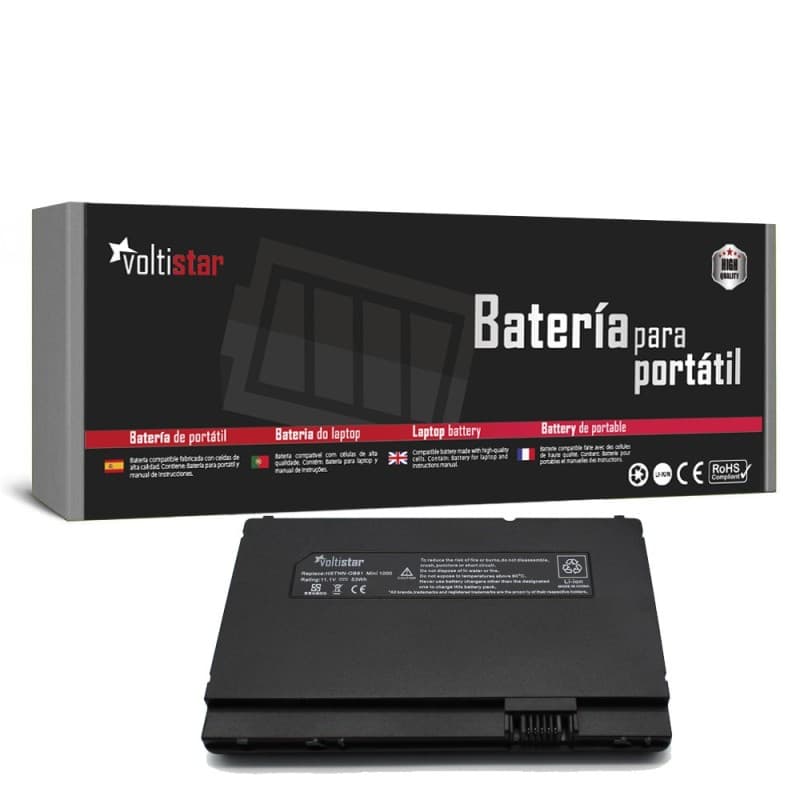
Batería Voltistar para Portátil HP Compaq Mini 700/1000 - Nueva