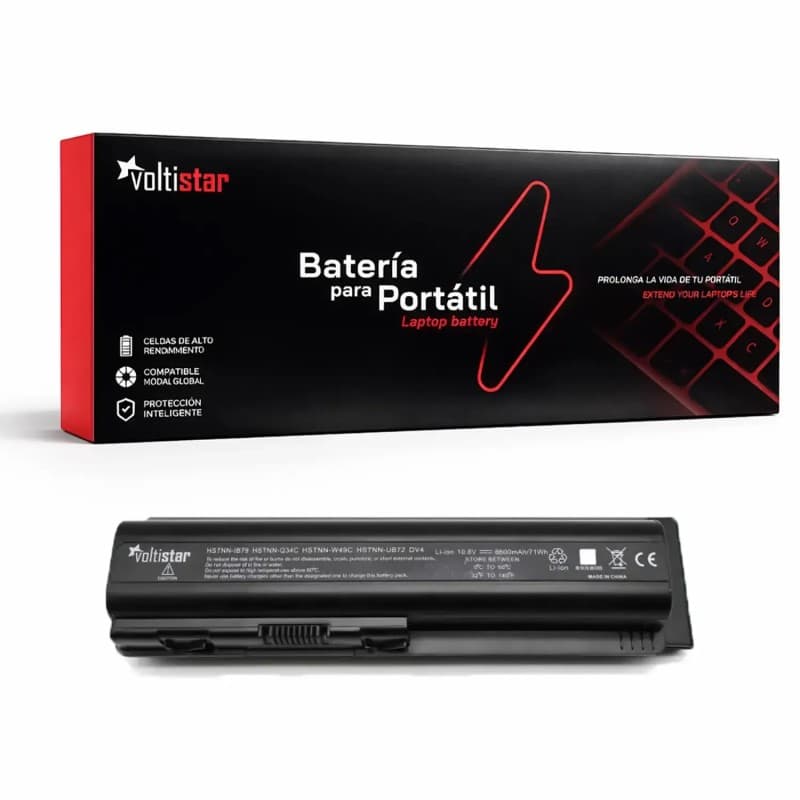
Batería Alta Capacidad Voltistar para HP HSTNN-CB72 HSTNN-IB72 HSTNN-DB72
Marca
Voltistar
Condição
New / Sealed - 0 cycles
Garantia
12 months
Preço
€51.04
Batería de alta capacidad Voltistar compatible con HP HSTNN-CB72, HSTNN-IB72 y HSTNN-DB72. Producto nuevo y sellado con 0 ciclos de uso, garantizando máximo rendimiento para portátiles HP Pavilion y Compaq.
Protección avanzada contra sobrecarga, sobretensión, descarga profunda y cortocircuitos para prolongar la vida útil de la batería.
Características Principales
- Certificaciones CE y RoHS: Garantía de calidad europea
- Gestión Inteligente de Carga: Sistema que prolonga la vida útil
- Protección Térmica: Monitorización continua con corte automático
- Nuevo y Sellado: 0 ciclos con rendimiento de fábrica garantizado
- Amplia Compatibilidad: HP G50, G60, G70 y Pavilion DV4
Compatible Con
- HP Pavilion G50 (todas las versiones)
- HP Pavilion G60 (todas las versiones)
- HP Pavilion G70 (todas las versiones)
- HP Pavilion DV4 (todas las versiones)
- HP Compaq Presario (modelos compatibles)
¿Por qué RM TechStore?
- Garantía até 3 anos (novos) / 18 meses (recondicionados) en todas las baterías
- Envío 24h a Portugal y Europa
- Tienda física en Lisboa para soporte directo
How to replace the battery
General steps to replace a laptop battery. Screw layout and position vary by model — if in doubt, we can do it for you in store.
Tools
- 🔧 Small Phillips screwdriver
- 🔧 Plastic spudger
- 🔧 Clean, anti-static surface
Step by step
- 1
Shut down the laptop and unplug the charger. Let it cool.
- 2
External battery: slide the latches and remove it. Internal battery: remove the bottom-cover screws and gently pry the cover open with the spudger.
- 3
Find the battery connector on the board and unplug it by the plug (never pull the wires).
- 4
Remove the screws holding the battery and lift it out without bending it.
- 5
Fit the new battery in the same position, screw it down and reconnect the connector.
- 6
Close the cover, power on and charge to 100% before first use.
Good to know: Never force or pierce a swollen battery. If it's deformed, bring it in — we handle the swap and safe recycling.
Rather we fit it? We do it for you in store in Entrecampos, Lisbon.
Productos relacionados
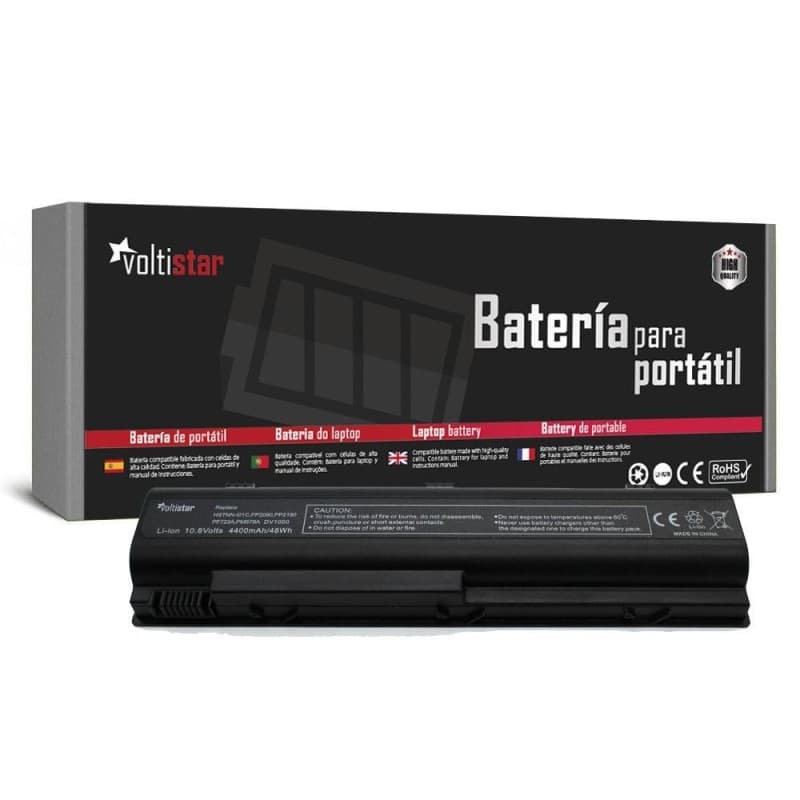
Batería Voltistar para HP Pavilion DV1000 DV4000 DV5000 V2000 M2000 C500
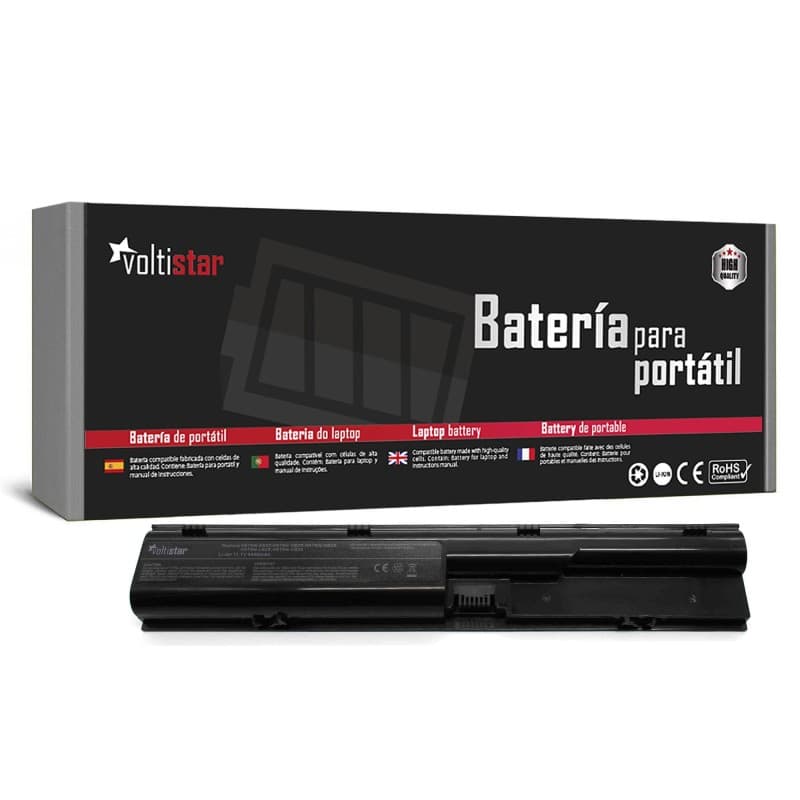
Batería Voltistar para HP ProBook 4330s 4331s 4430s 4435s 4530s
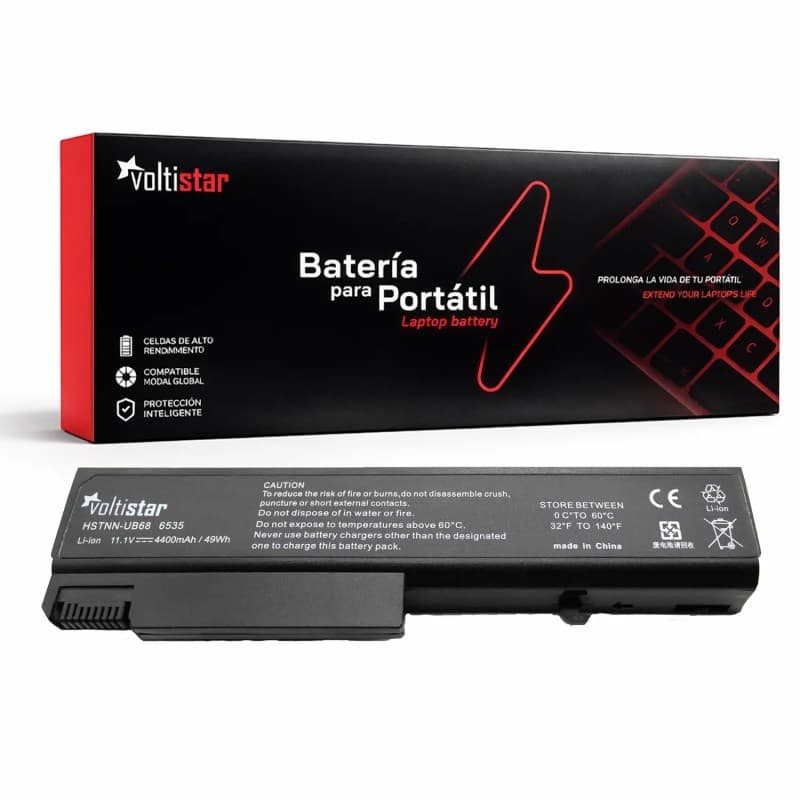
Batería Voltistar para HP EliteBook 6930P 8440P ProBook 6440B - Nueva Sellada
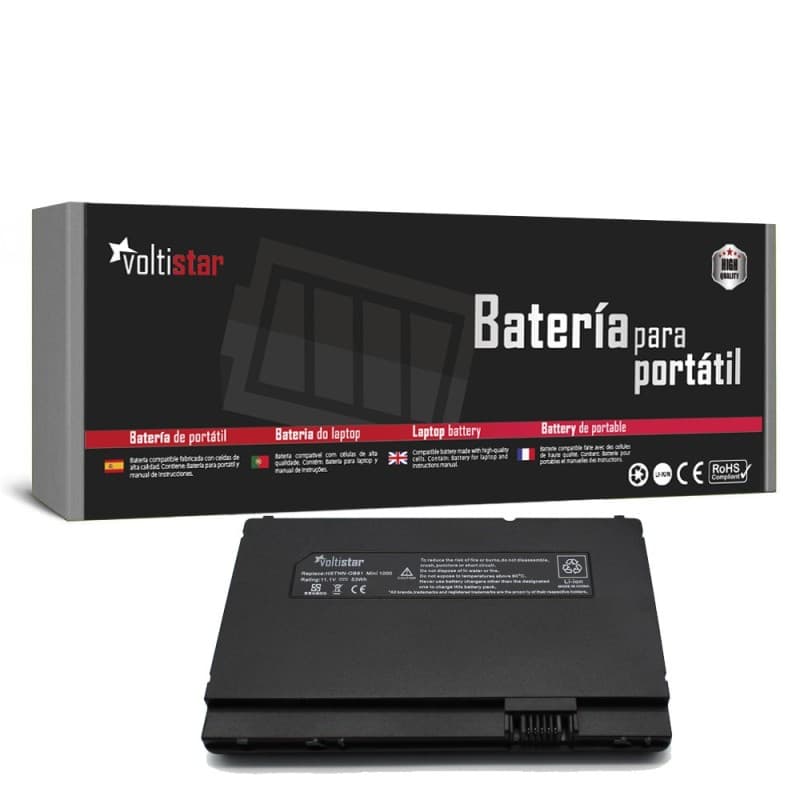
Batería Voltistar para Portátil HP Compaq Mini 700/1000 - Nueva
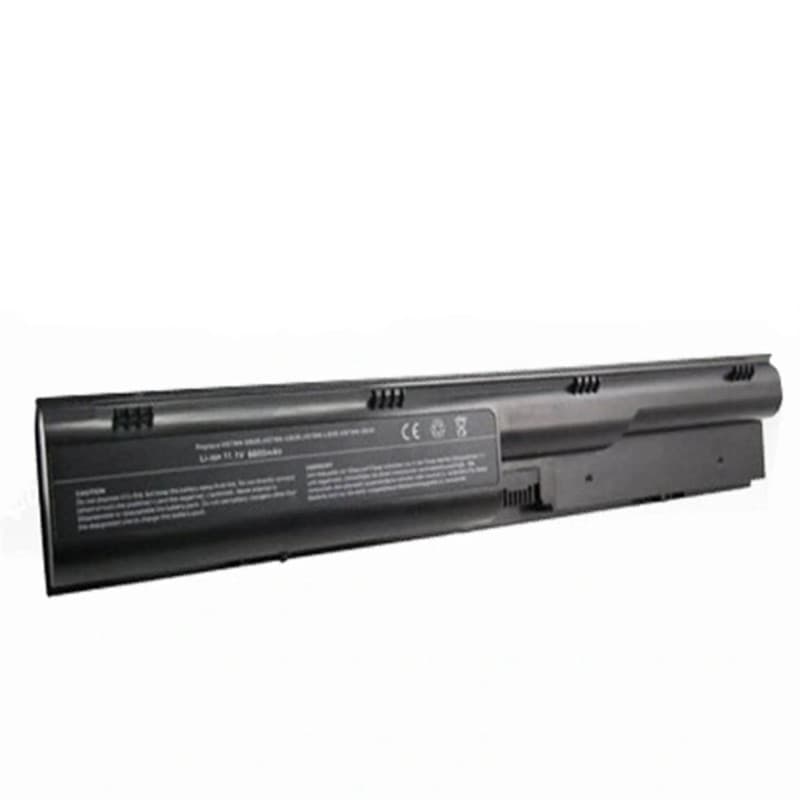
Batería Voltistar para HP ProBook 4330s 4331s 4430s 4431s 633733-1A1