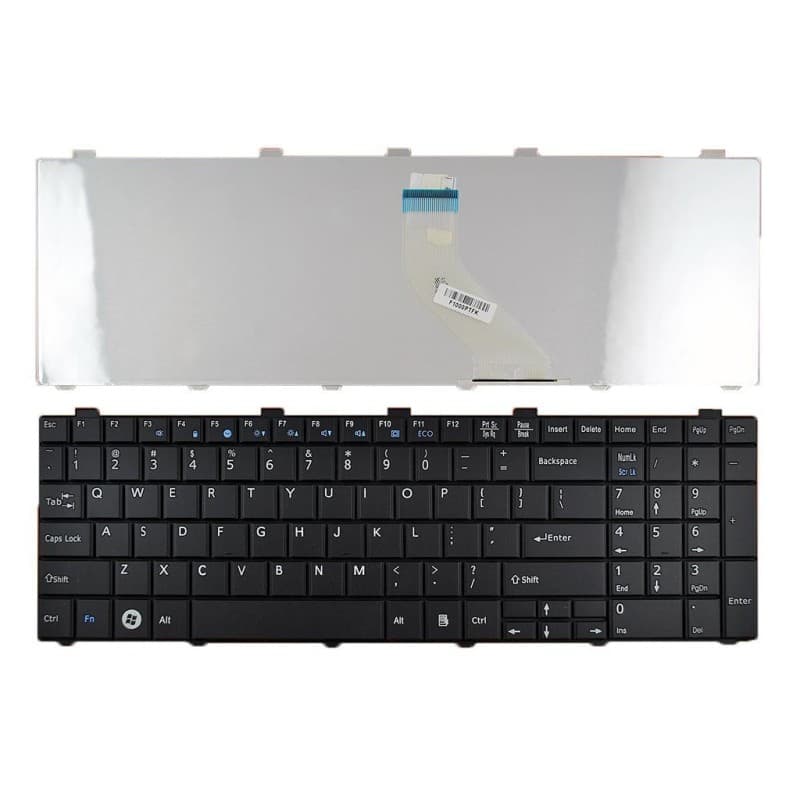
Keyboard for Fujitsu Lifebook A530 AH530 AH531 NH751 US Layout
Marca
PORTATIL MOVIL
Layout
US English
Condição
New / Sealed
Tipo
Replacement Keyboard
Original replacement keyboard for Fujitsu Lifebook A530, AH530 and compatible models. Brand new, sealed unit with zero cycles—never used and ready for immediate installation on your damaged or defective laptop keyboard.
Key Features
- Compatibility: Fujitsu Lifebook A530, AH530, AH531, NH751 and 15+ additional models
- Layout: US English keyboard with standard American layout
- Condition: New and sealed (0 cycles, never used)
- Quality: Genuine replacement component for Fujitsu laptops
- Installation: Simple direct replacement, no tools required
Compatible With
- Fujitsu Lifebook A530
- Fujitsu Lifebook AH530 and AH531
- Fujitsu Lifebook NH751
- Fujitsu Lifebook E743, E744, E733, E734
- Fujitsu AMILO PI1505, PA1510, PI2510
- Fujitsu AMILO A1667G, A3667G
- Fujitsu Lifebook E751, S751, S752
- Fujitsu AMILO V2030, V2033, V3515
Why RM TechStore?
- 12-month warranty on all products
- 24-hour shipping across Portugal and Europe
- Physical store in Lisbon for local support
How to replace the keyboard
Some keyboards lift out from the top (clips); others need the laptop opened from underneath. Check your model's method — if unsure, we'll swap it in store.
Tools
- 🔧 Small Phillips screwdriver
- 🔧 Plastic spudger
- 🔧 Tweezers
Step by step
- 1
Shut down, unplug the charger and (if external) remove the battery.
- 2
Top-mount keyboard: release the clips along the top edge with the spudger and lift it out. Bottom-mount: open the bottom cover and remove the screws marked with a keyboard icon.
- 3
Tilt the keyboard and unplug the flat cable (lift the ZIF connector flap before pulling).
- 4
Connect the new keyboard's flat cable into the connector and close the flap.
- 5
Seat the new keyboard into the clips/screws and reassemble.
- 6
Power on and test every key, including Fn and the arrows.
Good to know: Flat cables tear easily — never pull the cable with the flap closed. Confirm the layout (PT/US) and backlight before buying.
Rather we fit it? We do it for you in store in Entrecampos, Lisbon.
Related products
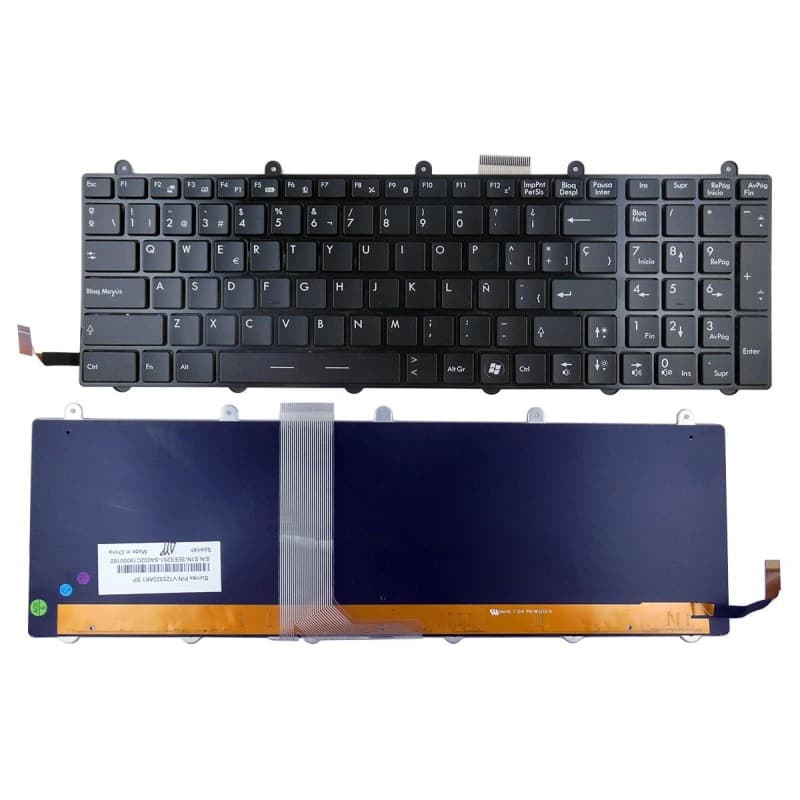
MSI Steelseries GT60 GT70 GX60 GX70 Backlit Gaming Keyboard
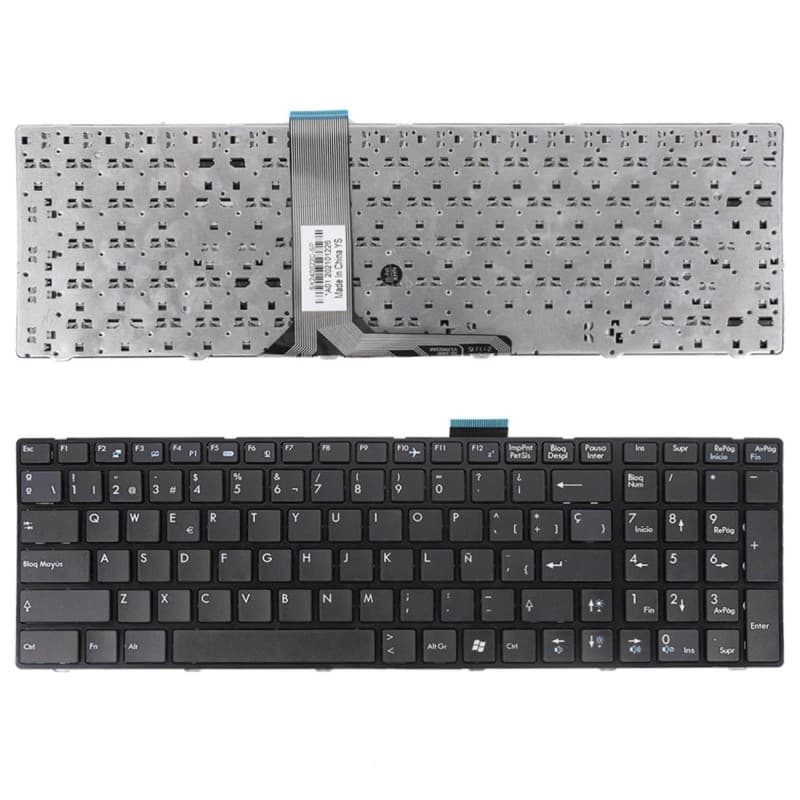
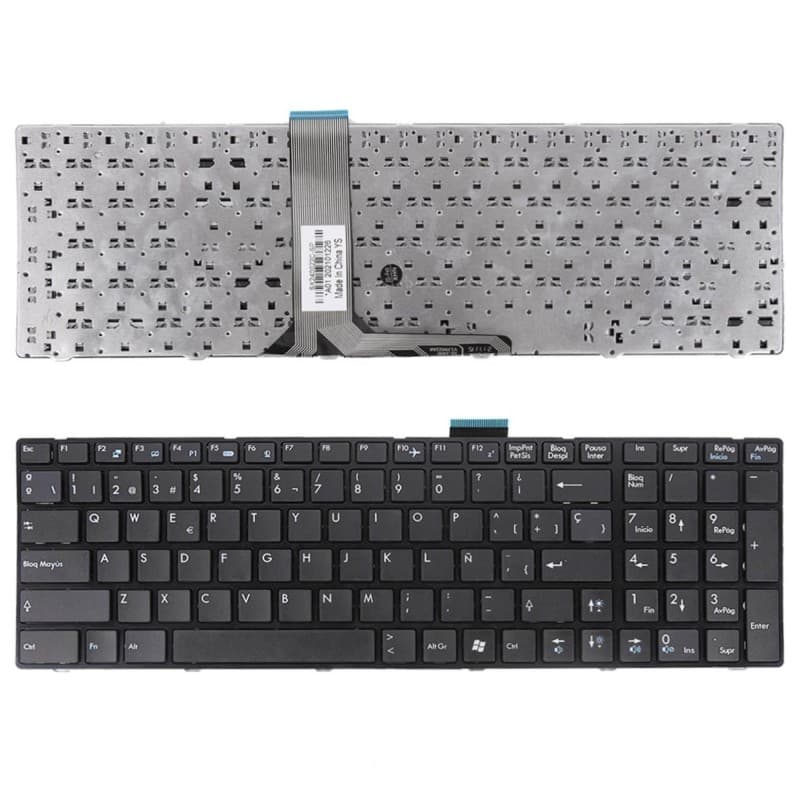
Replacement Keyboard for MSI GT660 GT685 Laptops
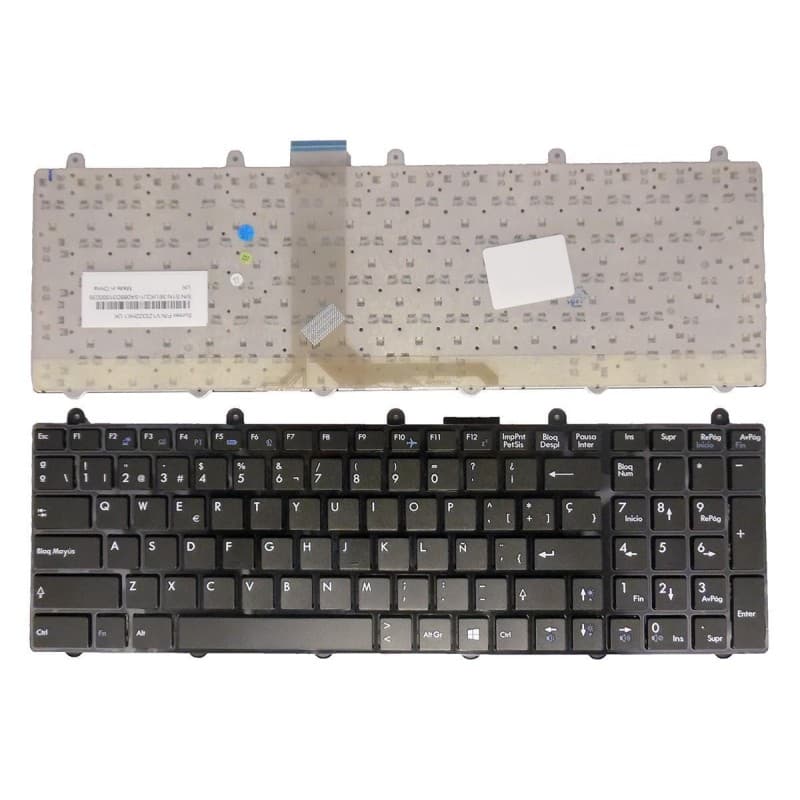
Keyboard for MSI GT60 GT70 GX60 GX70 Laptop - New Sealed
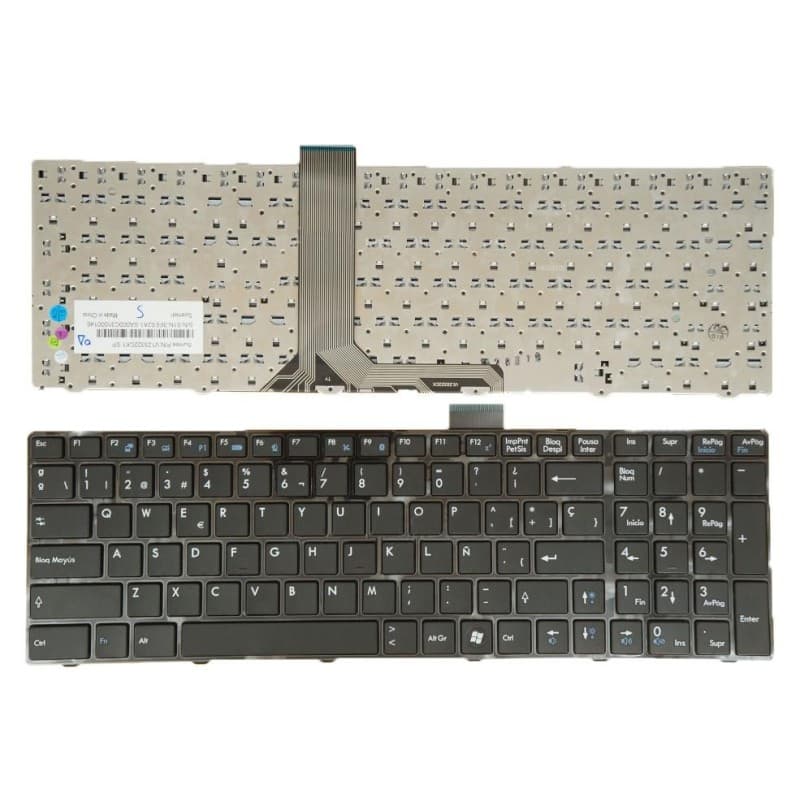
MSI GE60 GE70 Laptop Keyboard - New Sealed
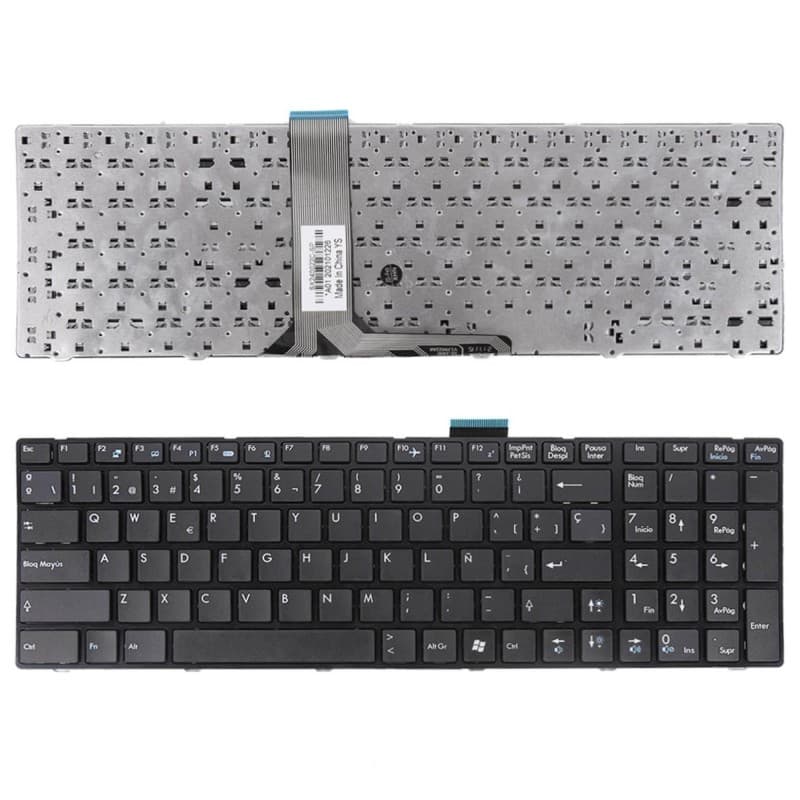
MSI GT660 GT660R GT663 GT685 GT685R Laptop Keyboard Black - New