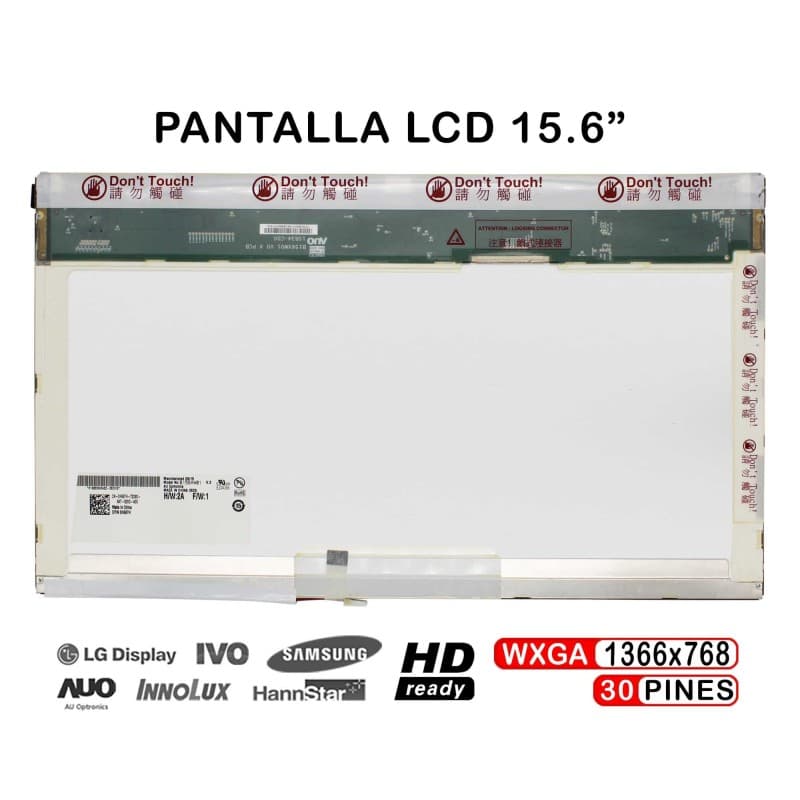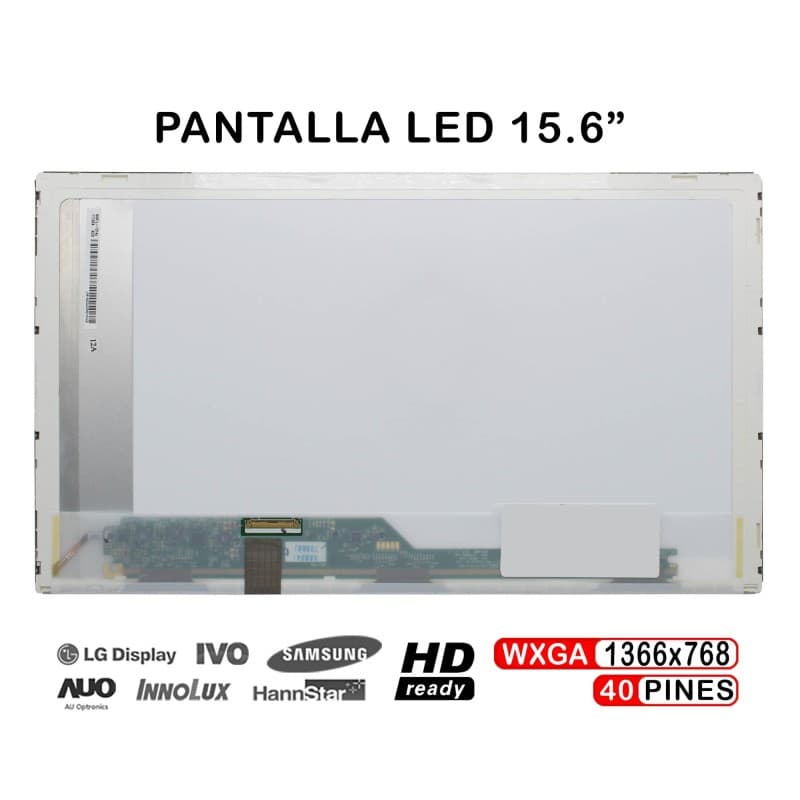
15.6" LED Screen for Fujitsu LifeBook A530 & E780 - New
Primary Compatibility
Fujitsu LifeBook A530, E780
Marca
Portatil Movil
Condição
New, Sealed, 0 Cycles
Garantia
12-month legal warranty
Replacement 15.6" LED screen for Fujitsu LifeBook A530 and E780 laptops. Brand new, sealed and never used. Restore your laptop display with this compatible, high-quality component at an unbeatable price.
Key Features
- Size: 15.6 inches LED display
- Condition: New, sealed, 0 cycles
- Quality: OEM-compatible component
- Installation: Quick and straightforward
- Value: €41.02 - exceptional price-to-quality ratio
Compatible With
- Fujitsu LifeBook A530
- Fujitsu LifeBook E780
- Dell Inspiron 1545, 1546, 1564
- Dell Inspiron 15R N5010, 5520
- Dell Latitude E6520, E6530
- Dell Vostro 3500, 3555, 3560
- eMachines E528, E729
- Fujitsu Siemens Amilo PI3560
Why RM TechStore?
- 12-month warranty included
- 24h shipping to Portugal & EU
- Physical store in Lisbon
How to replace the screen
General steps to replace a laptop screen. The way it's held (bezel, tape, screws) changes by model — we can swap it for you and test it if you prefer.
Tools
- 🔧 Small Phillips screwdriver
- 🔧 Plastic spudger/pick
- 🔧 Thin adhesive tape (to re-seat)
Step by step
- 1
Unplug the laptop and the charger.
- 2
Remove the rubber covers and bezel screws (if any) and release the bezel with the spudger.
- 3
Remove the screws holding the panel to the hinges and tilt the panel forward carefully.
- 4
On the back, peel the tape and unplug the flat cable (LVDS/eDP) from the panel.
- 5
Connect the flat cable to the new panel, secure it with tape and screw the panel to the hinges.
- 6
Before clipping the bezel back, power on and check the image (no lines, no dark areas). Then refit the bezel.
Good to know: Screens crack easily — work on a flat surface and don't press the panel. Always confirm the panel model is compatible before fitting.
Rather we fit it? We do it for you in store in Entrecampos, Lisbon.
Related products
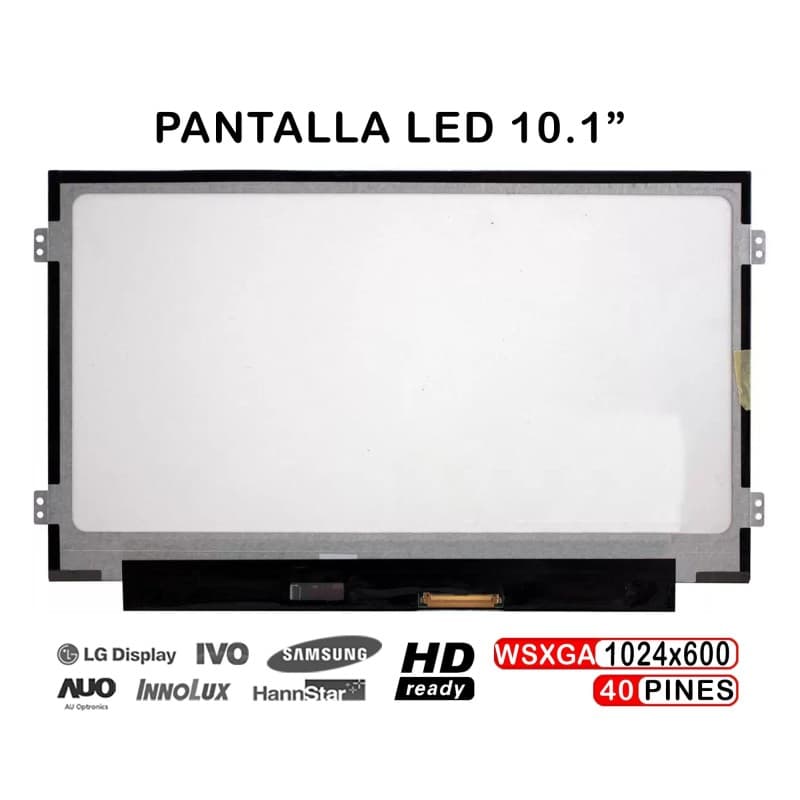
eMachines EM355 Laptop Screen 10.1" WSVGA 40-Pin Display
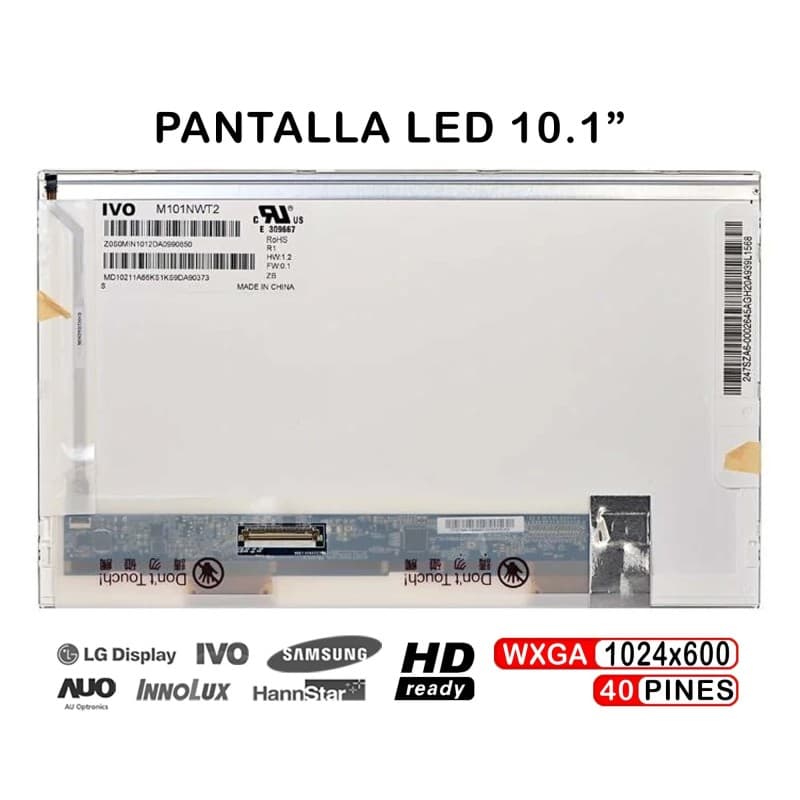
LED Screen 10.1" for eMachines EM250 EM350 Laptop
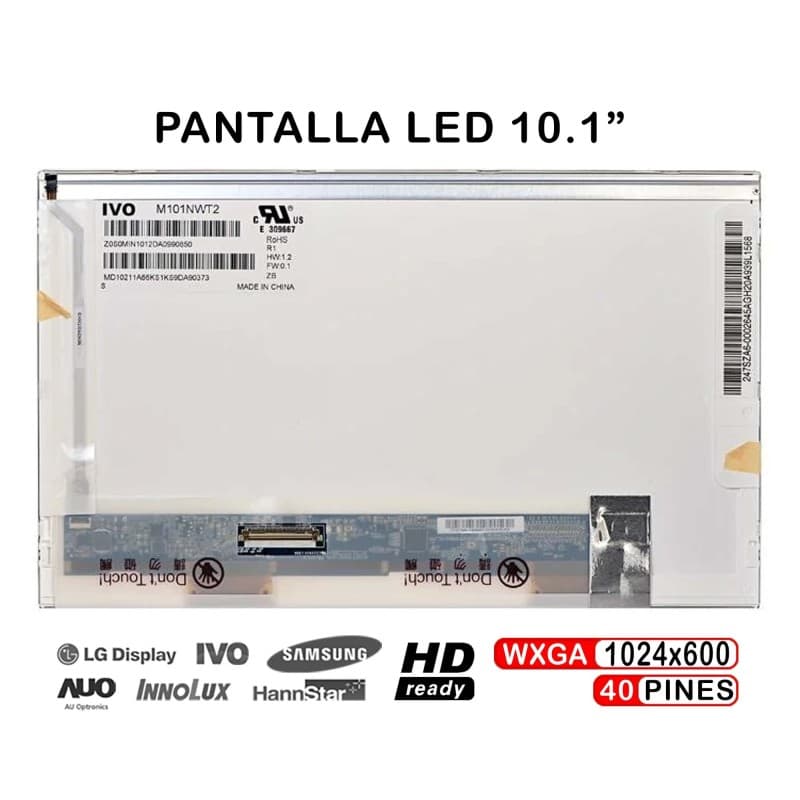
eMachines 250 Netbook Screen 10 Inch Replacement
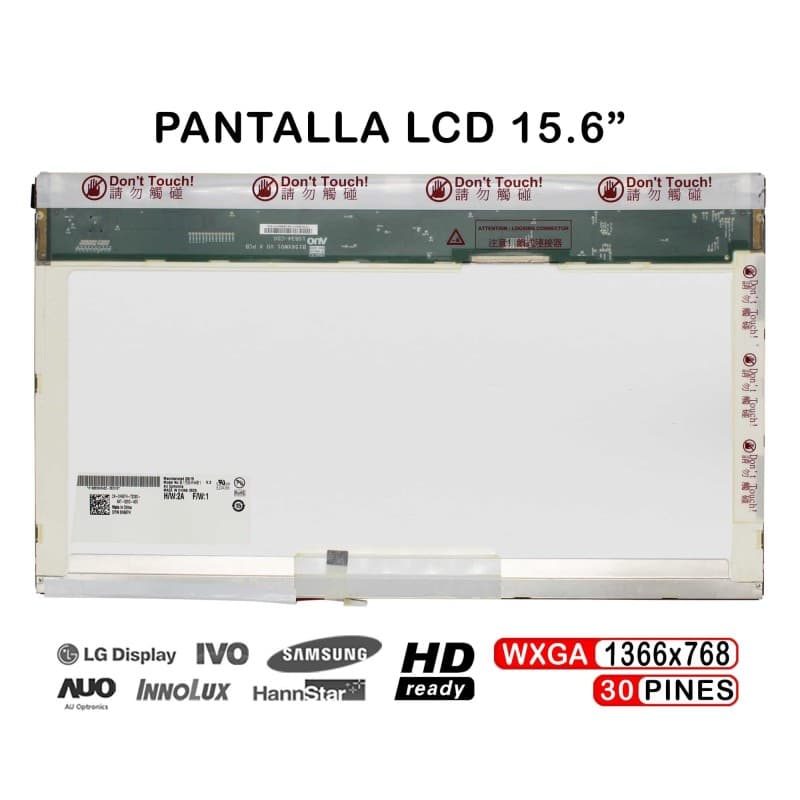
15.6" LCD Screen for eMachines E625 E725 E627 Laptop
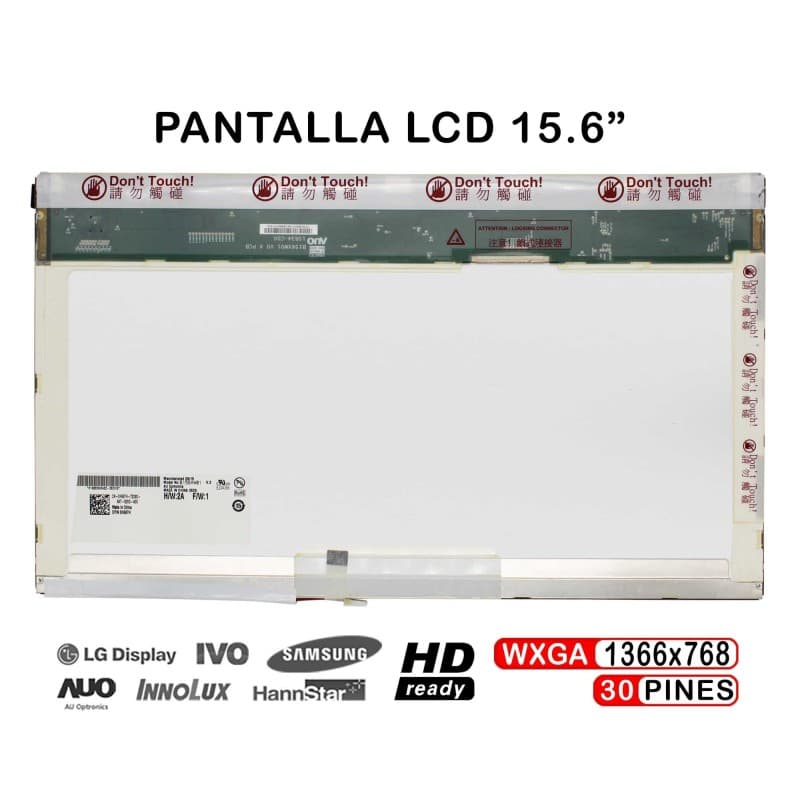
15.6" LCD Screen for Emachines E525 E510 E520 Laptop