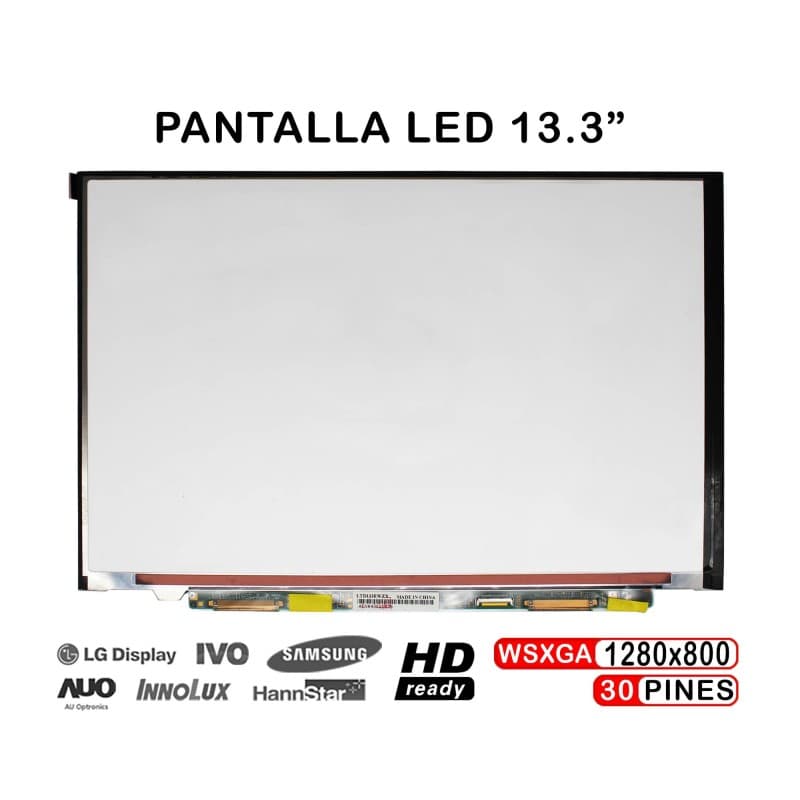
13.3" LED Screen for Sony VAIO VGN-SR Laptop LTD133EWZX LTN133AT05
Diagonal
13.3 inches
Tecnologia
LED backlight
Original Brand
Sony VAIO VGN-SR
Garantia
12 months
Original 13.3-inch LED display for Sony VAIO VGN-SR Series laptops. Brand new and sealed, never used, ready for immediate installation. Replace your damaged monitor with a guaranteed quality component.
Key Features
- Size: 13.3 inches HD-ready with LED technology
- Compatibility: Sony VAIO VGN-SR, Lenovo ThinkPad, Dell, HP, Asus, Fujitsu models
- Part Numbers: LTD133EWZX, LTN133AT05
- Condition: New, sealed, 0 cycle usage
- Installation: Simple and quick on compatible laptops
Compatible With
- Sony VAIO VGN-SR Series
- Lenovo ThinkPad (13" models)
- Dell Laptops (13" models)
- HP Laptops (13" models)
- Asus Laptops (13" models)
- Fujitsu Laptops (13" models)
- Acer Laptops (13" models)
Why RM TechStore?
- 12-month warranty on all parts
- Fast shipping to Portugal and Europe
- Physical store in Lisbon for in-person support
- Expert in laptop components and accessories
- Secure payment with cash-on-delivery option
How to replace the screen
General steps to replace a laptop screen. The way it's held (bezel, tape, screws) changes by model — we can swap it for you and test it if you prefer.
Tools
- 🔧 Small Phillips screwdriver
- 🔧 Plastic spudger/pick
- 🔧 Thin adhesive tape (to re-seat)
Step by step
- 1
Unplug the laptop and the charger.
- 2
Remove the rubber covers and bezel screws (if any) and release the bezel with the spudger.
- 3
Remove the screws holding the panel to the hinges and tilt the panel forward carefully.
- 4
On the back, peel the tape and unplug the flat cable (LVDS/eDP) from the panel.
- 5
Connect the flat cable to the new panel, secure it with tape and screw the panel to the hinges.
- 6
Before clipping the bezel back, power on and check the image (no lines, no dark areas). Then refit the bezel.
Good to know: Screens crack easily — work on a flat surface and don't press the panel. Always confirm the panel model is compatible before fitting.
Rather we fit it? We do it for you in store in Entrecampos, Lisbon.
Related products
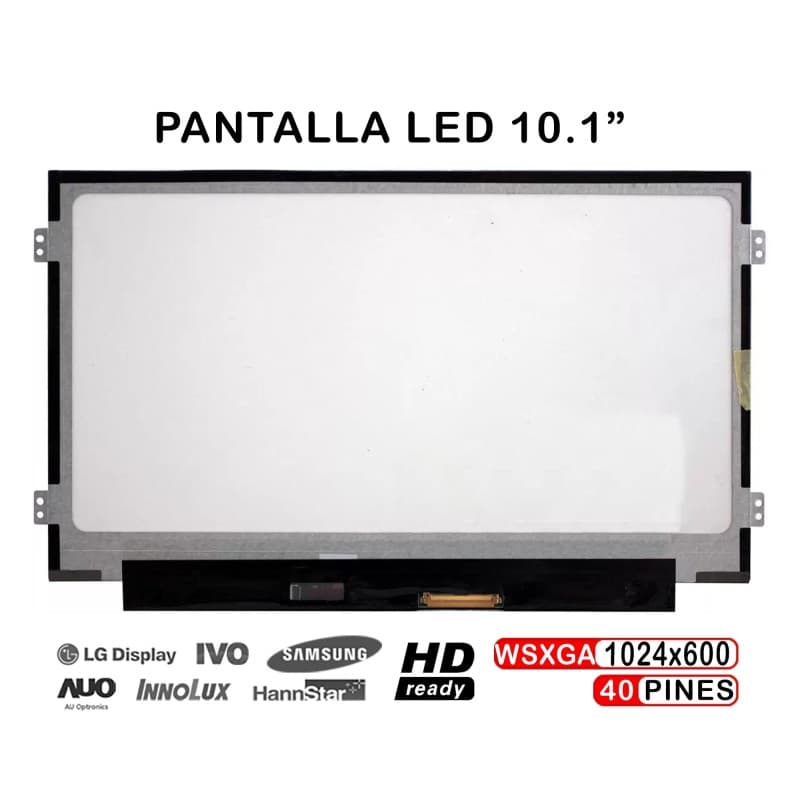
eMachines EM355 Laptop Screen 10.1" WSVGA 40-Pin Display
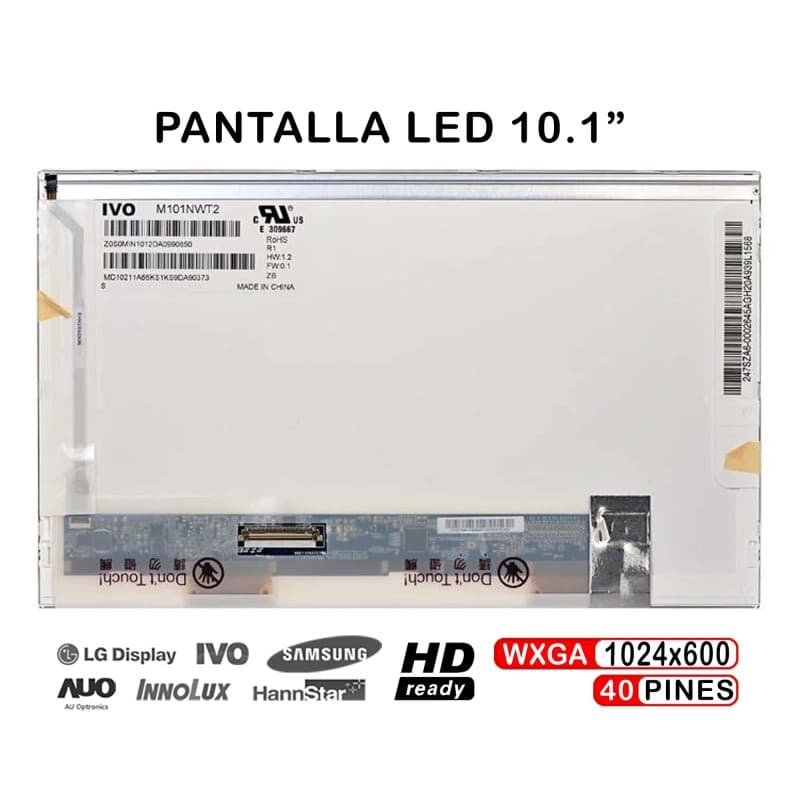
LED Screen 10.1" for eMachines EM250 EM350 Laptop
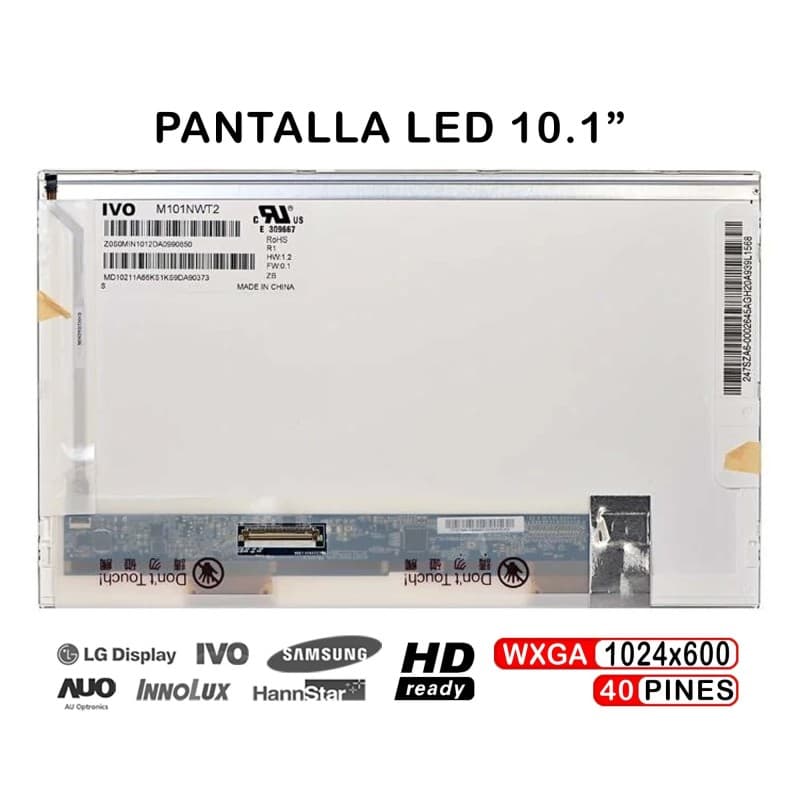
eMachines 250 Netbook Screen 10 Inch Replacement
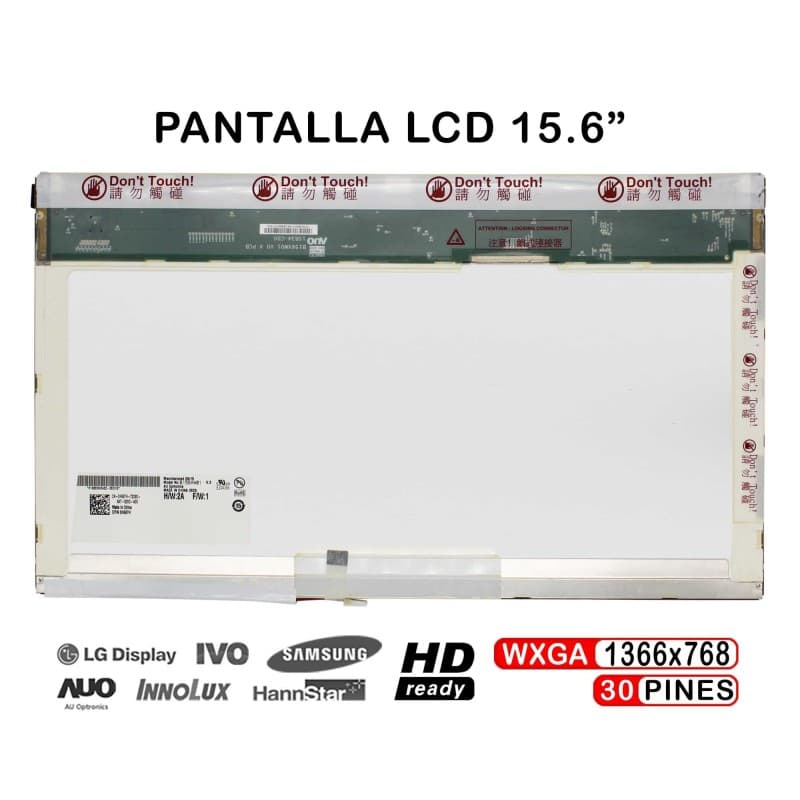
15.6" LCD Screen for eMachines E625 E725 E627 Laptop
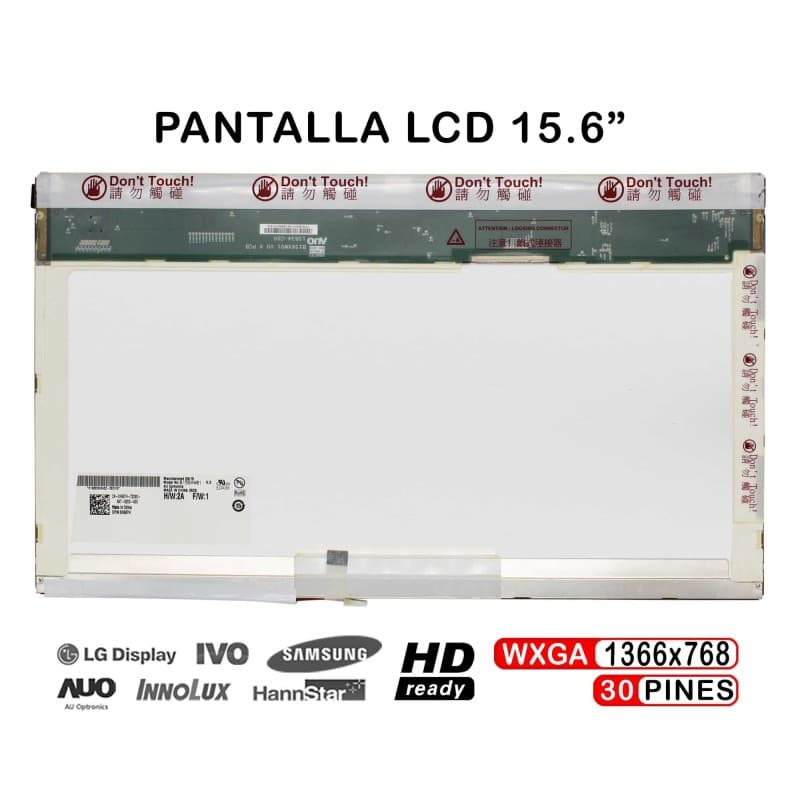
15.6" LCD Screen for Emachines E525 E510 E520 Laptop