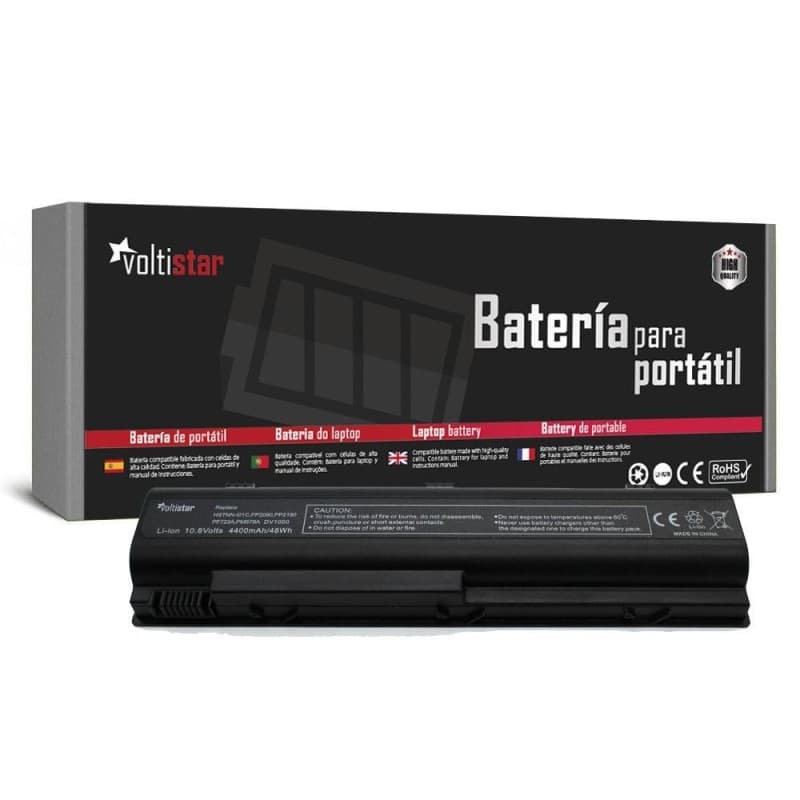
Voltistar Battery for HP Pavilion DV1000 DV4000 DV5000 V2000 M2000 C500
Marca
Voltistar
Condição
New / Sealed - 0 Cycles
Garantia
12 months
Preço
€40.36
Original Voltistar replacement battery for HP Pavilion DV1000, DV4000, and DV5000 laptops. Brand new, sealed product with zero cycles and never used, delivering maximum durability and performance.
Key Features
- Overcharge Protection: Intelligent charge management extends battery lifespan
- Thermal Protection: Temperature monitoring with automatic cutoff
- Deep Discharge Protection: Automatic cutoff safeguards cell integrity
- Short-circuit Protection: Instantaneous safety response
- Certifications: CE and RoHS certified for European quality standards
Compatible With
- HP Pavilion DV1000 Series
- HP Pavilion DV1600 Series
- HP Pavilion DV1700 Series
- HP Pavilion DV4000 Series
- HP Pavilion DV5000 Series
- HP Pavilion DV5100 Series
- HP Compaq V2000
- HP Compaq M2000
Why RM TechStore?
- 12-month warranty included
- Fast shipping across Portugal and EU
- Physical store in Lisbon
How to replace the battery
General steps to replace a laptop battery. Screw layout and position vary by model — if in doubt, we can do it for you in store.
Tools
- 🔧 Small Phillips screwdriver
- 🔧 Plastic spudger
- 🔧 Clean, anti-static surface
Step by step
- 1
Shut down the laptop and unplug the charger. Let it cool.
- 2
External battery: slide the latches and remove it. Internal battery: remove the bottom-cover screws and gently pry the cover open with the spudger.
- 3
Find the battery connector on the board and unplug it by the plug (never pull the wires).
- 4
Remove the screws holding the battery and lift it out without bending it.
- 5
Fit the new battery in the same position, screw it down and reconnect the connector.
- 6
Close the cover, power on and charge to 100% before first use.
Good to know: Never force or pierce a swollen battery. If it's deformed, bring it in — we handle the swap and safe recycling.
Rather we fit it? We do it for you in store in Entrecampos, Lisbon.
Related products
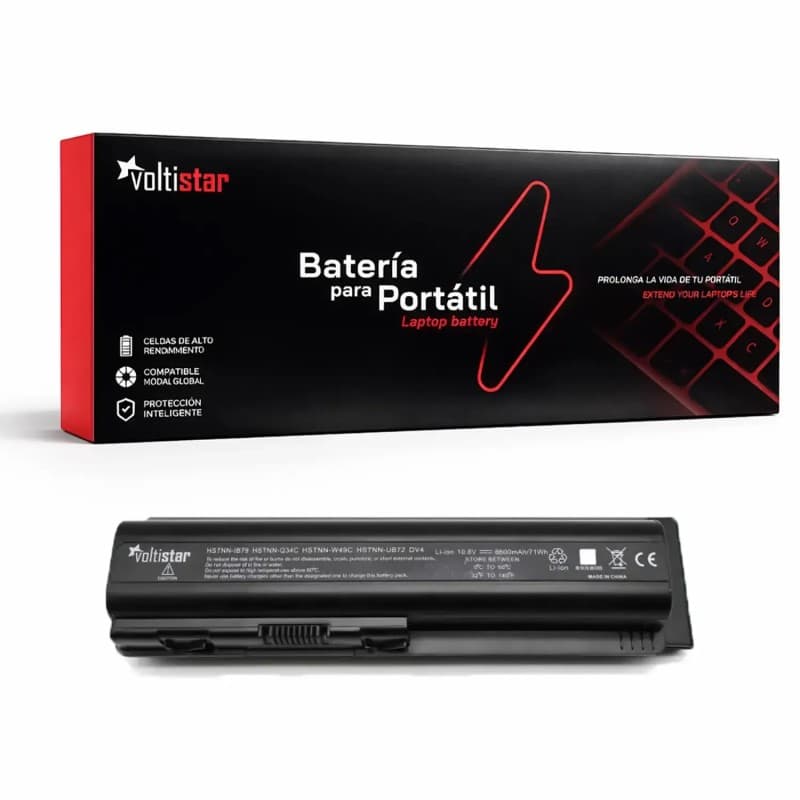
Voltistar High Capacity Battery for HP HSTNN-CB72 HSTNN-IB72 HSTNN-DB72
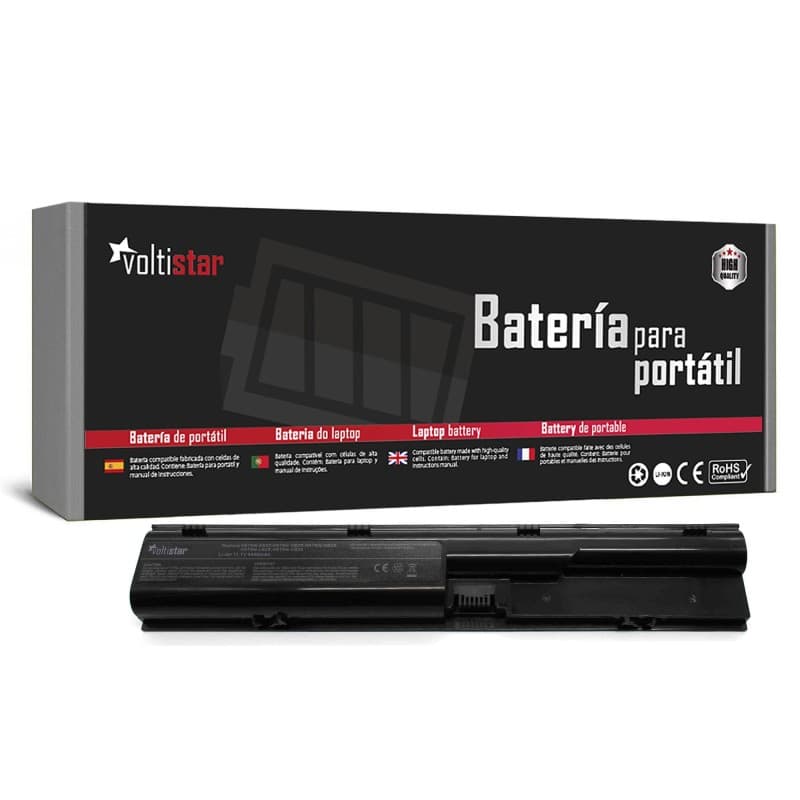
Voltistar Battery for HP ProBook 4330s 4331s 4430s 4435s 4530s
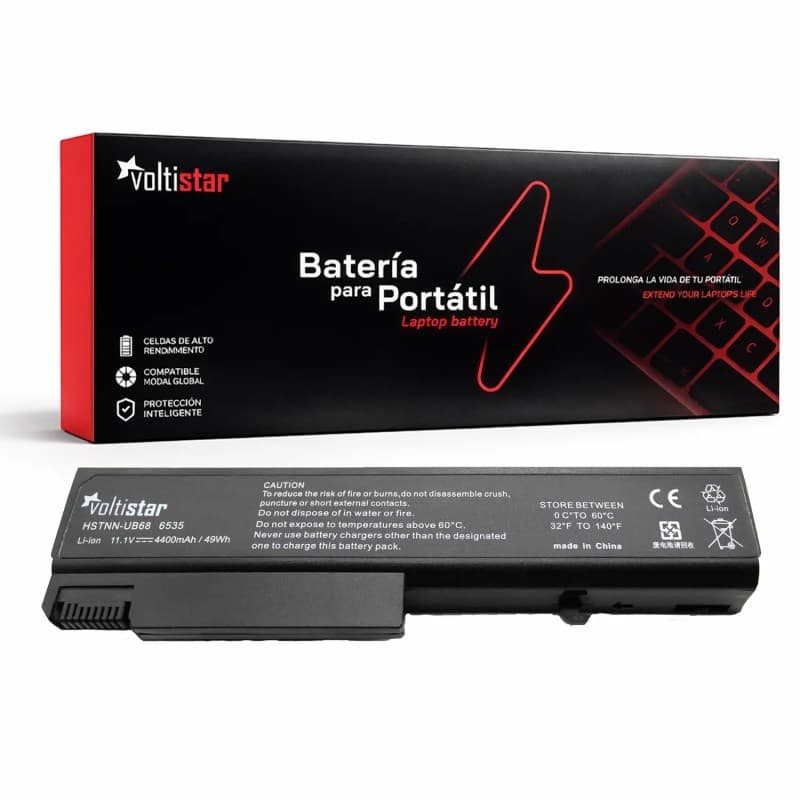
Voltistar Battery for HP EliteBook 6930P 8440P ProBook 6440B - New Sealed
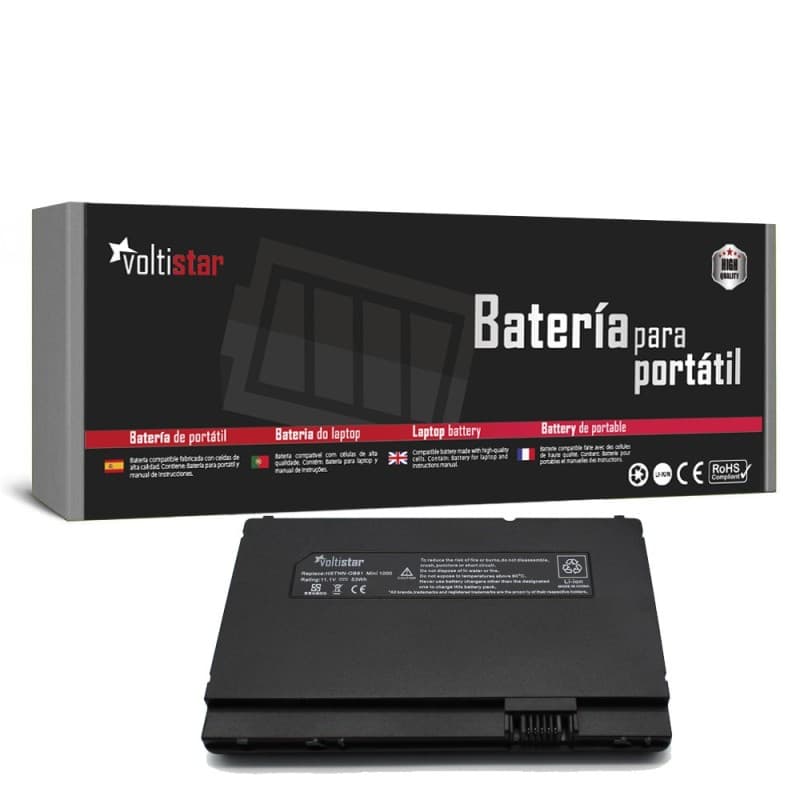
Voltistar Battery for HP Compaq Mini 700/1000 Series Laptop - New
Voltistar Battery for HP ProBook 4330s 4331s 4430s 4431s 633733-1A1