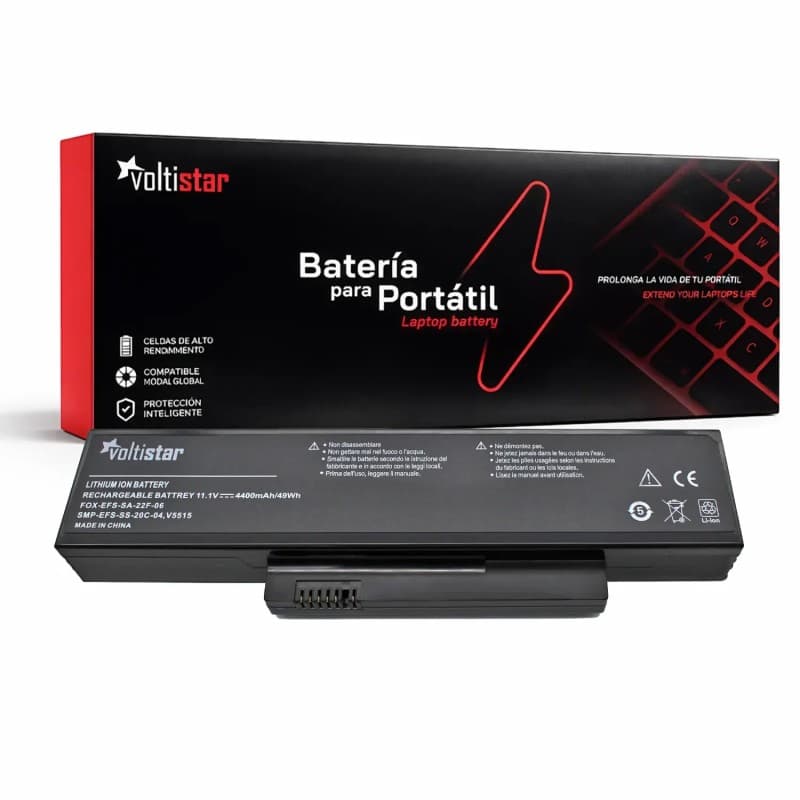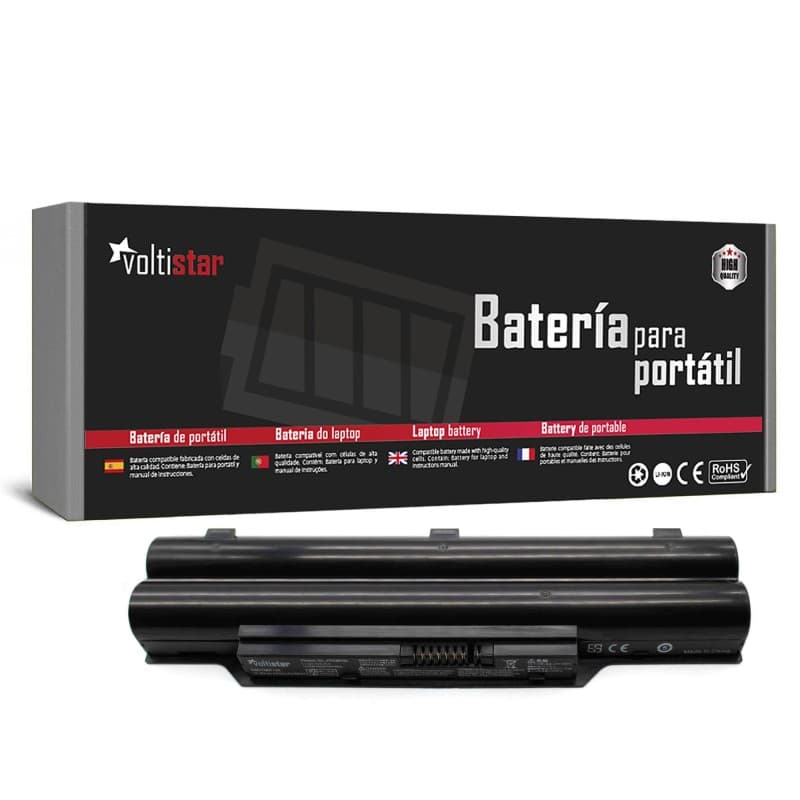
Voltistar Battery for Fujitsu Lifebook A512 A532 AH512 - 4400mAh 10.8V
Marca
Voltistar
Modelo compatível
Fujitsu Lifebook A512, A532, AH512
Capacidade
4400 mAh
Voltagem
10.8 / 11.1 V
Genuine Voltistar replacement battery for Fujitsu Lifebook A512, A532 and AH512 laptops. New, sealed unit with 4400mAh capacity compatible with multiple Fujitsu LifeBook models.
Fast shipping in 24h across Portugal and Europe with 12-month warranty included.
Key Features
- Capacity: 4400 mAh long-lasting power
- Voltage: 10.8 / 11.1 V compatible
- Advanced Protection: Overcharge, overvoltage, deep discharge and short-circuit protection
- Thermal Management: Temperature monitoring with automatic cutoff
- Certifications: CE and RoHS certified for safety
Compatible With
- Fujitsu Lifebook A512
- Fujitsu Lifebook A532
- Fujitsu Lifebook AH512
- Fujitsu Lifebook E8410
- Fujitsu Lifebook S710, S760, S761, S762
- Fujitsu Lifebook U757
- Fujitsu Amilo PI 2450, PI 2530, PI 2540
- Fujitsu Siemens Esprimo Mobile V3505
Why RM TechStore?
- 12-month warranty on all batteries
- 24h fast shipping across Portugal and EU
- Expert support from Lisbon showroom
How to replace the battery
General steps to replace a laptop battery. Screw layout and position vary by model — if in doubt, we can do it for you in store.
Tools
- 🔧 Small Phillips screwdriver
- 🔧 Plastic spudger
- 🔧 Clean, anti-static surface
Step by step
- 1
Shut down the laptop and unplug the charger. Let it cool.
- 2
External battery: slide the latches and remove it. Internal battery: remove the bottom-cover screws and gently pry the cover open with the spudger.
- 3
Find the battery connector on the board and unplug it by the plug (never pull the wires).
- 4
Remove the screws holding the battery and lift it out without bending it.
- 5
Fit the new battery in the same position, screw it down and reconnect the connector.
- 6
Close the cover, power on and charge to 100% before first use.
Good to know: Never force or pierce a swollen battery. If it's deformed, bring it in — we handle the swap and safe recycling.
Rather we fit it? We do it for you in store in Entrecampos, Lisbon.
Related products
Voltistar Battery for Fujitsu LifeBook A531/AH530 Laptop - New
Voltistar Battery for Fujitsu Lifebook AH531 FPCBP250AP 4400mAh
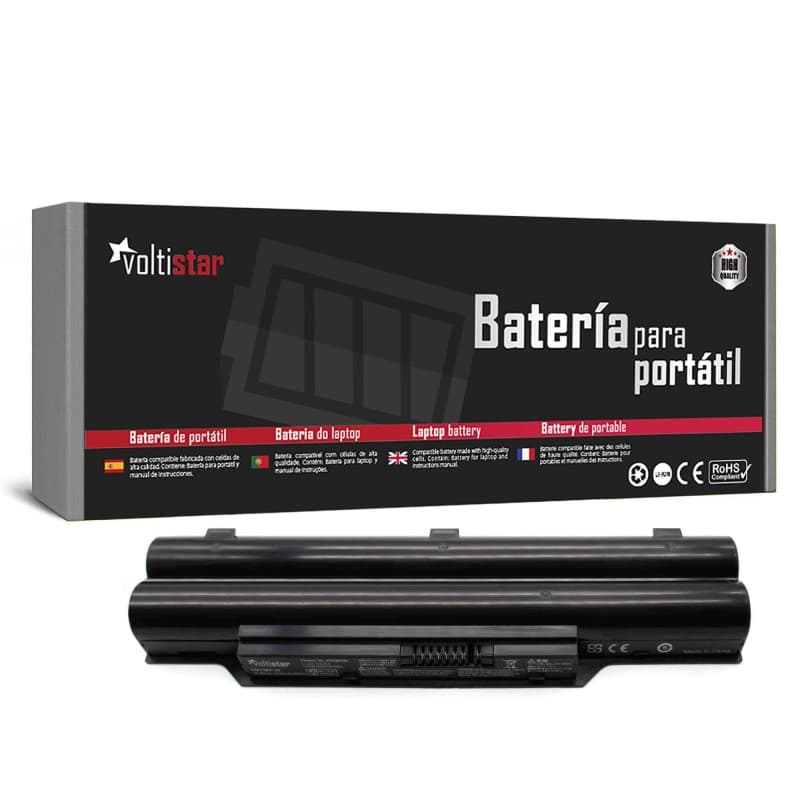
Voltistar Battery for Fujitsu Lifebook A530 A531 AH530 AH531 - 10.8V 4400mAh
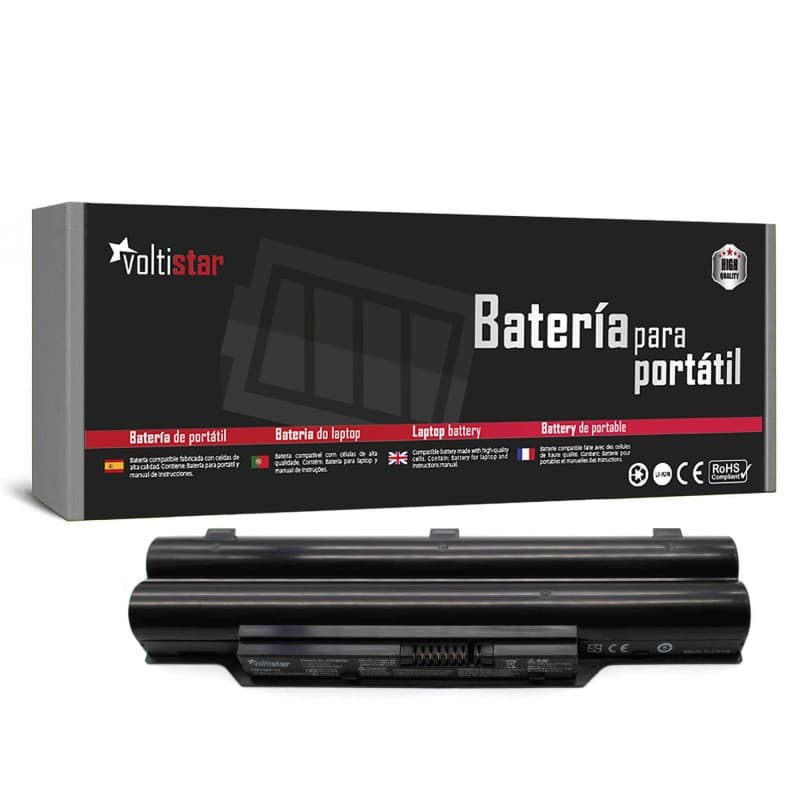
Voltistar Battery for Fujitsu Lifebook A512 AH530 AH531 BH531 CP477891-01
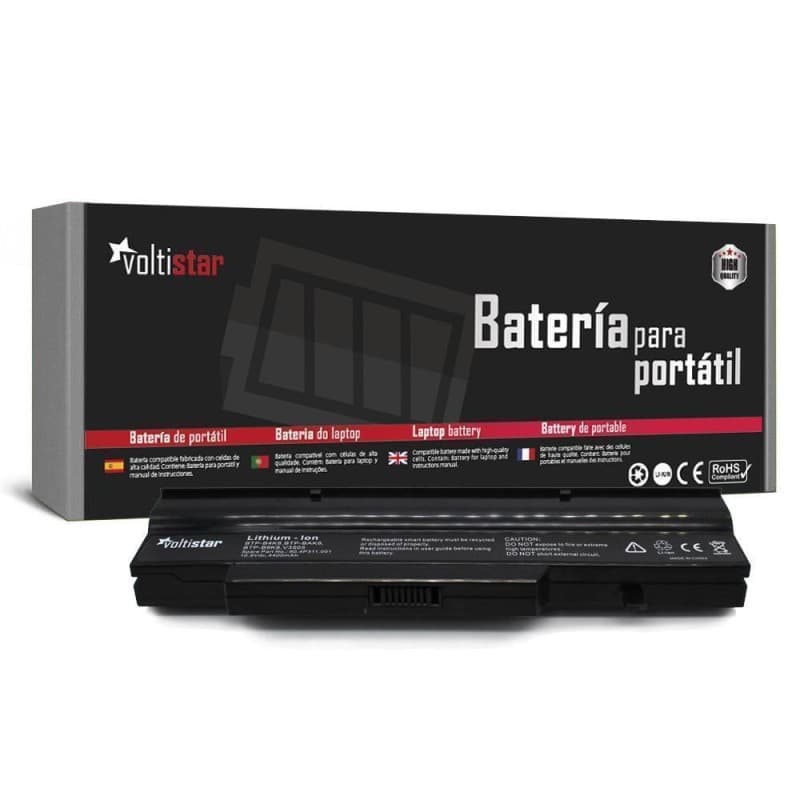
Voltistar Battery for Fujitsu Siemens Esprimo Mobile V3505, V6535, V6545 - BTP-B4K