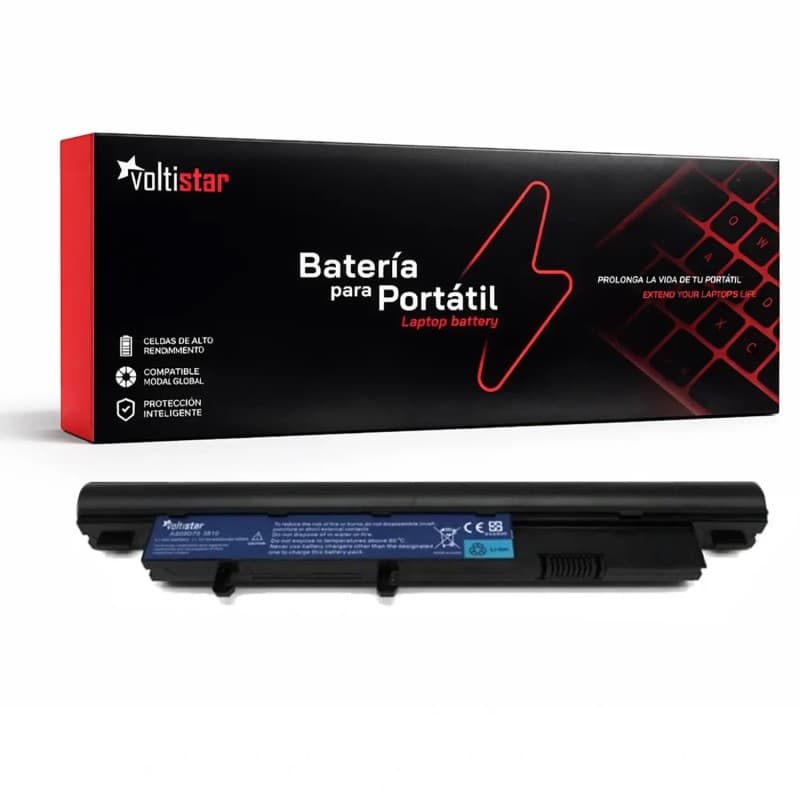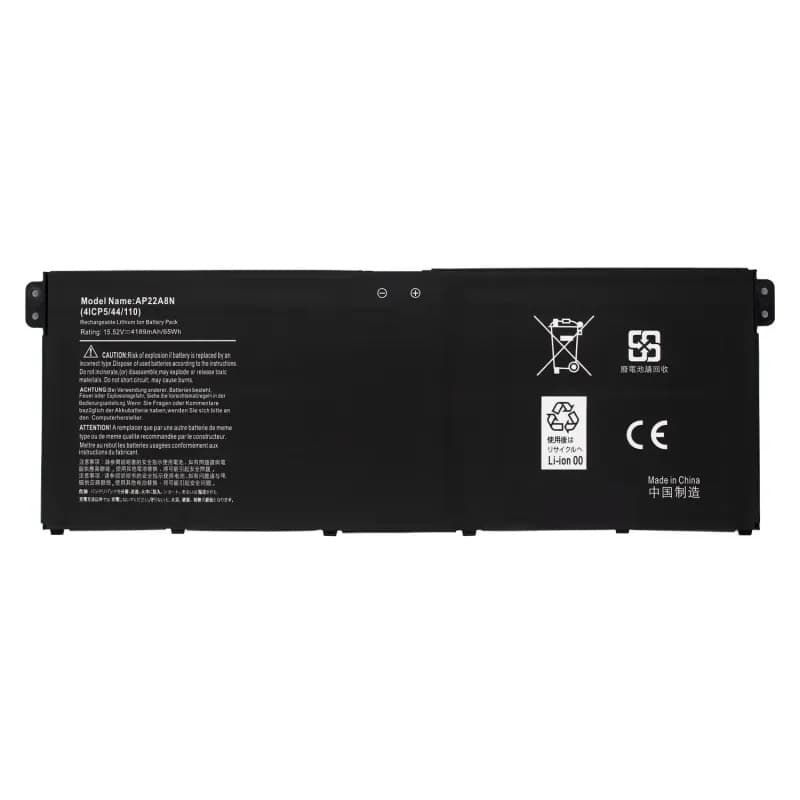
Voltistar Battery for Acer TravelMate P2 TMP216-51G AP22ABN 54.6Wh
Marca
Voltistar
Modelo OEM
AP22ABN
Compatibilidade Principal
Acer TravelMate P2 TMP216-51G
Capacidade
54.6 Wh / 3550 mAh
Replacement battery in Brand New (Like New) condition for Acer TravelMate P2 laptops, fully tested and certified. Buy with confidence from RM TechStore, an authorized retailer in Lisbon with 24-hour shipping across Europe.
Key Features
- Capacity: 54.6 Wh / 3550 mAh
- Voltage: 15.4 V
- Certifications: CE and RoHS certified
- Condition: Brand New — Tested, minimal wear
- Protection: Built-in circuit protection against overcharge and short-circuit
Compatible With
- Acer TravelMate P2 TMP216-51G
- Acer TravelMate P2 TMP216-51
- Acer TravelMate P2 TMP214-55
- Acer TravelMate P4 TMP414-53
- Acer TravelMate P4 TMP416-52
- Acer Swift Go 14 SFG14-41-R05F
- Acer Swift Go 14 SFG14-41-R1JU
- HP EliteBook 725 G6
Why RM TechStore?
- 12-month warranty
- 24-hour shipping to Portugal and Europe
- Physical store in Lisbon — in-person support available
- All Brand New products tested before dispatch
FAQs
Q: Is this battery compatible with my Acer TravelMate P2?
A: Yes, it's fully compatible with models TMP216-51G, TMP216-51, TMP214-55, and P4 variants. See the complete list above.
Q: What capacity and voltage does it have?
A: 54.6 Wh / 3550 mAh at 15.4 V, providing excellent runtime for extended work sessions.
Q: What's your return policy?
A: 12-month warranty and 14-day return window. Contact our Lisbon store for full details.
How to replace the battery
General steps to replace a laptop battery. Screw layout and position vary by model — if in doubt, we can do it for you in store.
Tools
- 🔧 Small Phillips screwdriver
- 🔧 Plastic spudger
- 🔧 Clean, anti-static surface
Step by step
- 1
Shut down the laptop and unplug the charger. Let it cool.
- 2
External battery: slide the latches and remove it. Internal battery: remove the bottom-cover screws and gently pry the cover open with the spudger.
- 3
Find the battery connector on the board and unplug it by the plug (never pull the wires).
- 4
Remove the screws holding the battery and lift it out without bending it.
- 5
Fit the new battery in the same position, screw it down and reconnect the connector.
- 6
Close the cover, power on and charge to 100% before first use.
Good to know: Never force or pierce a swollen battery. If it's deformed, bring it in — we handle the swap and safe recycling.
Rather we fit it? We do it for you in store in Entrecampos, Lisbon.
Related products
Voltistar Battery for Acer AL12B32 AL12B31 AL12X32 - New & Sealed
Battery for Acer Aspire V5-572 High Capacity - Voltistar Brand New
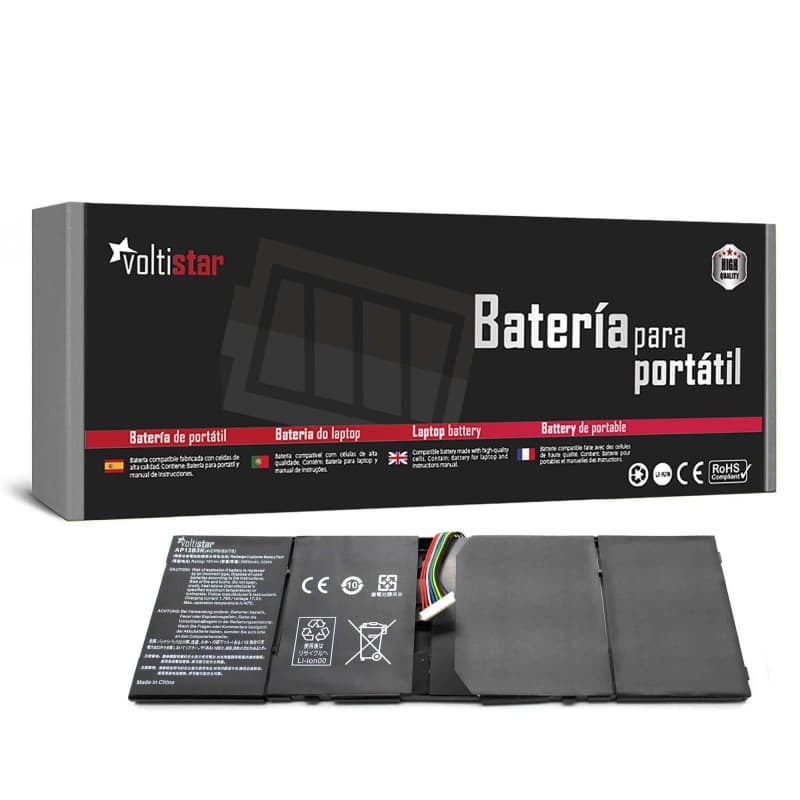
Voltistar Battery for Acer Aspire V5 R7-571 R7-572 AL13B3K 53Wh
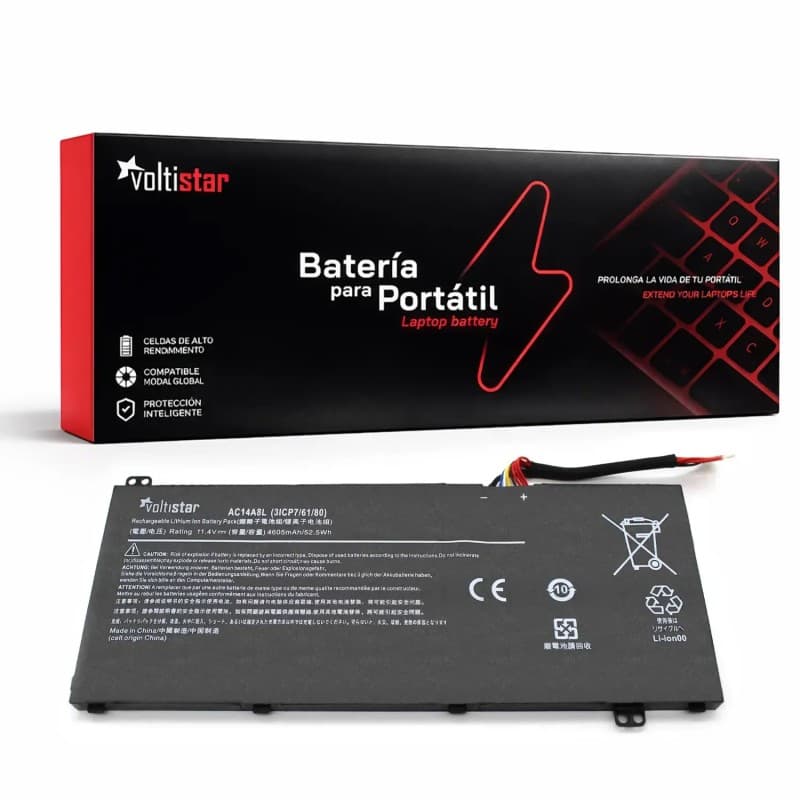
Voltistar Battery for Acer V15 Nitro VN7-571 VN7-591G - 11.4V 4605mAh
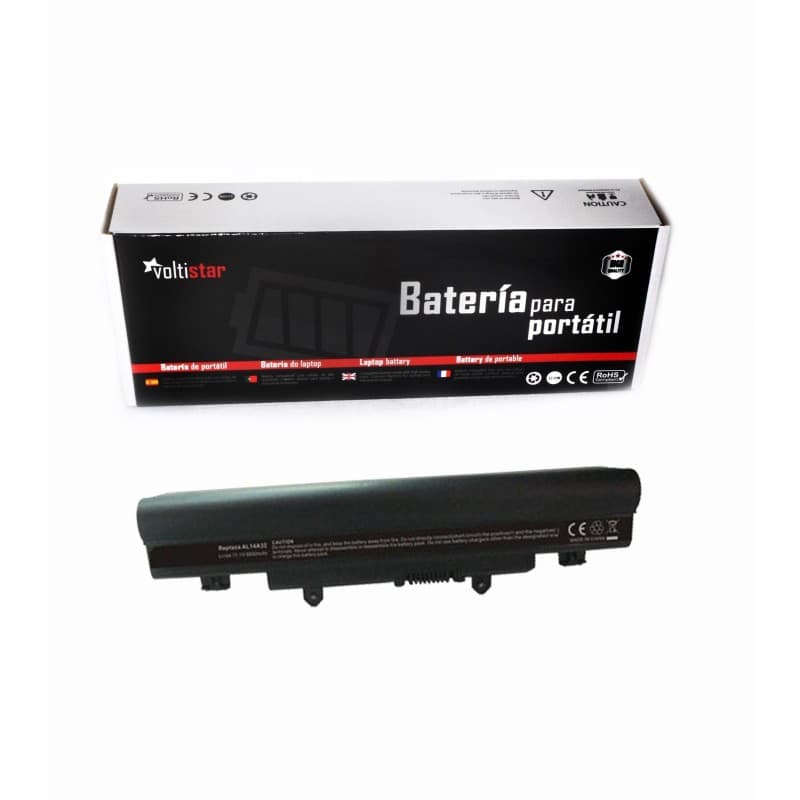
Voltistar High Capacity Battery for Acer AL14A32 Laptop