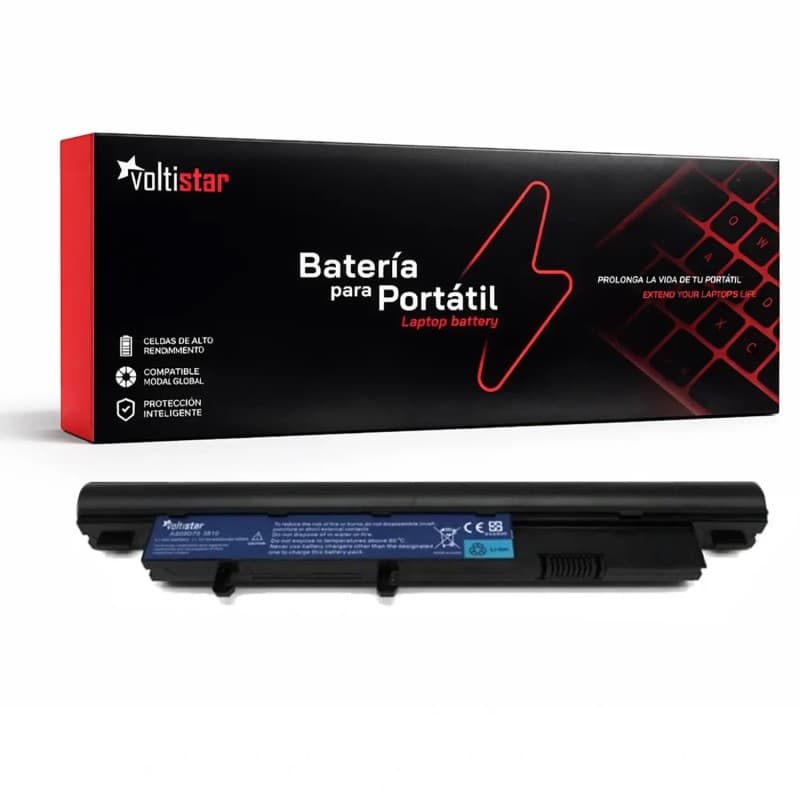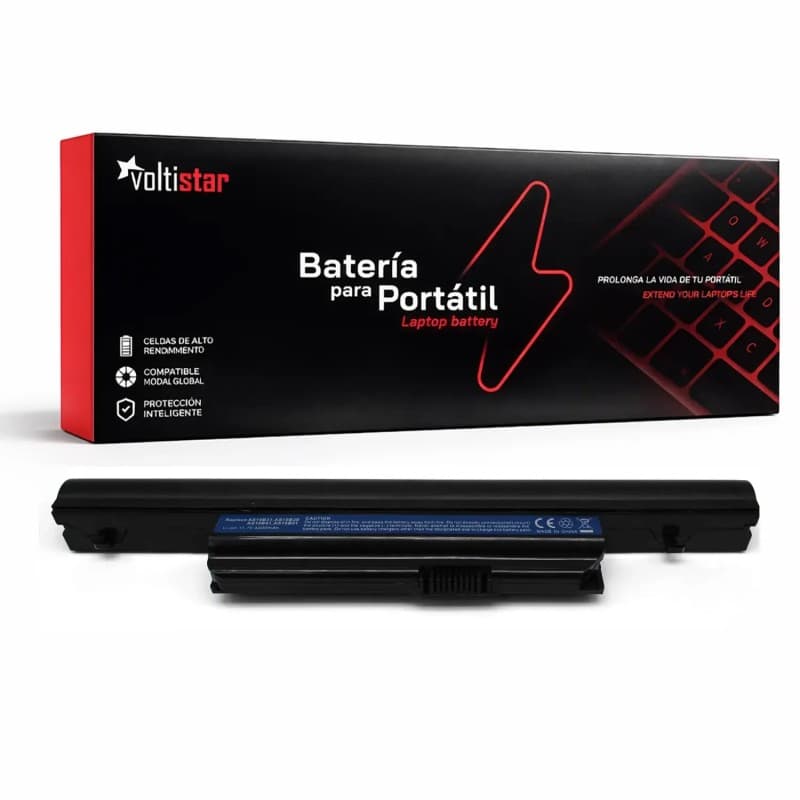
Voltistar Battery for Acer Aspire 4553, 4820, 5553, 5820, 6594, 7745 - Brand New
Condição
Grade A+ - Like New
Garantia
12 months
Preço
€34.61
Gestão de Carga
Extended lifespan algorithm
Voltistar Brand New (like new) battery for Acer Aspire purchased at RM TechStore in Lisbon. Fully tested, CE and RoHS certified, with fast shipping across Europe.
Key Features
- Condition: Brand New - Fully tested, minimal wear
- Smart Protection: Overcharge, overvoltage, short-circuit and deep discharge protection
- Thermal Management: Real-time temperature monitoring during charging and discharging
- Extended Lifespan: Advanced charge management algorithm to maximize battery life
- Certifications: CE and RoHS - Safety guaranteed
Compatible With
- Acer Aspire 4553
- Acer Aspire 4745 / 4745G
- Acer Aspire 5553 / 5553G
- Acer Aspire 5745 / 5745G / 5745DG
- Acer Aspire 7745 / 7745G
- Acer Aspire AS3820 / AS3820T
- Acer Aspire AS3820TG
- Acer Aspire AS4820T
Why Choose RM TechStore?
- 12-month warranty on all batteries
- Fast shipping to Portugal and Europe
- Physical store in Lisbon for pre-purchase inspection
How to replace the battery
General steps to replace a laptop battery. Screw layout and position vary by model — if in doubt, we can do it for you in store.
Tools
- 🔧 Small Phillips screwdriver
- 🔧 Plastic spudger
- 🔧 Clean, anti-static surface
Step by step
- 1
Shut down the laptop and unplug the charger. Let it cool.
- 2
External battery: slide the latches and remove it. Internal battery: remove the bottom-cover screws and gently pry the cover open with the spudger.
- 3
Find the battery connector on the board and unplug it by the plug (never pull the wires).
- 4
Remove the screws holding the battery and lift it out without bending it.
- 5
Fit the new battery in the same position, screw it down and reconnect the connector.
- 6
Close the cover, power on and charge to 100% before first use.
Good to know: Never force or pierce a swollen battery. If it's deformed, bring it in — we handle the swap and safe recycling.
Rather we fit it? We do it for you in store in Entrecampos, Lisbon.
Related products
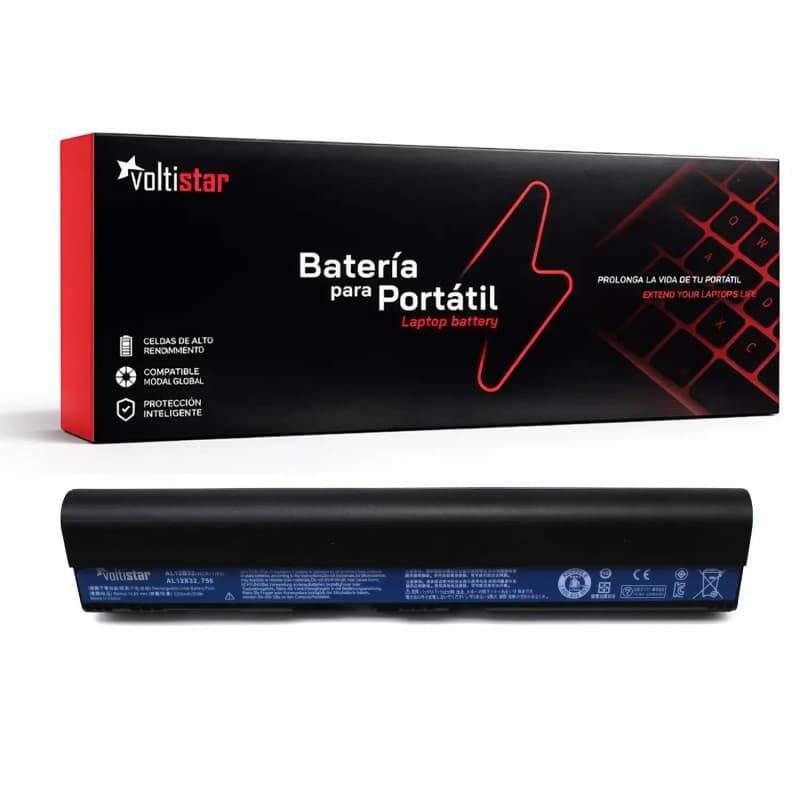
Voltistar Battery for Acer AL12B32 AL12B31 AL12X32 - New & Sealed
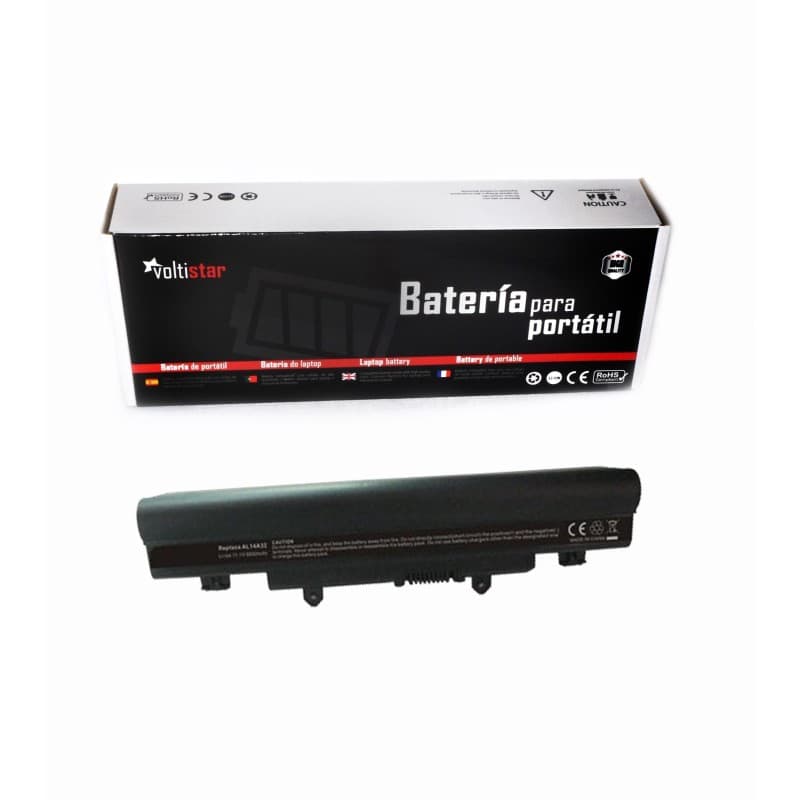
Battery for Acer Aspire V5-572 High Capacity - Voltistar Brand New
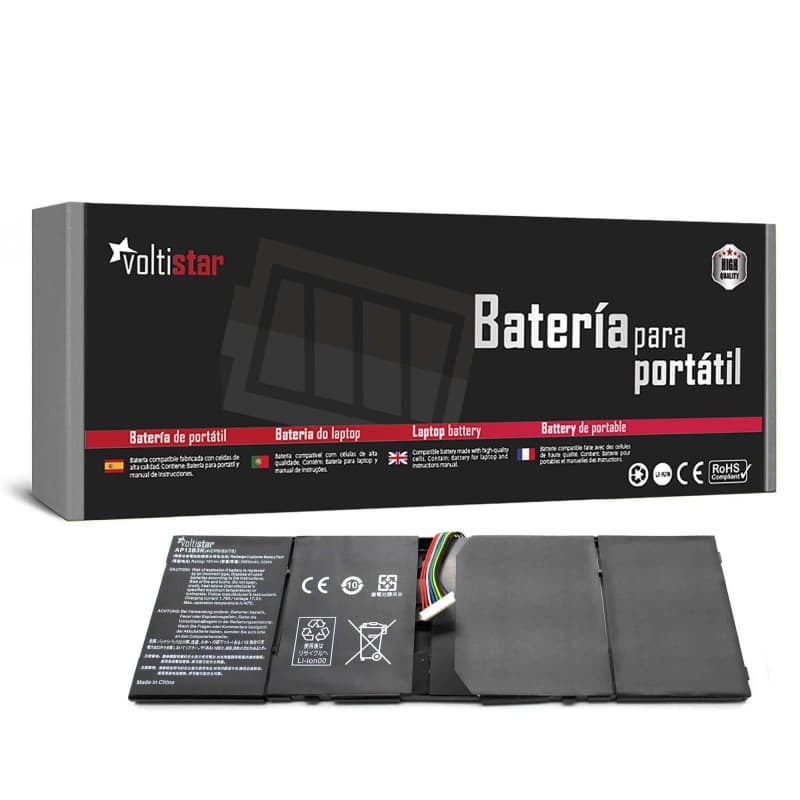
Voltistar Battery for Acer Aspire V5 R7-571 R7-572 AL13B3K 53Wh
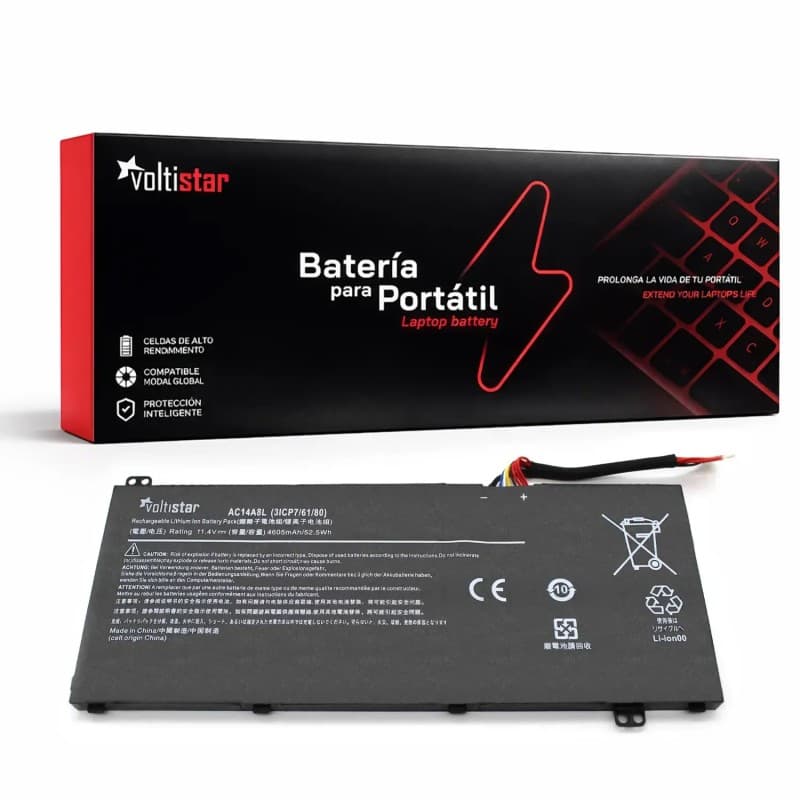
Voltistar Battery for Acer V15 Nitro VN7-571 VN7-591G - 11.4V 4605mAh
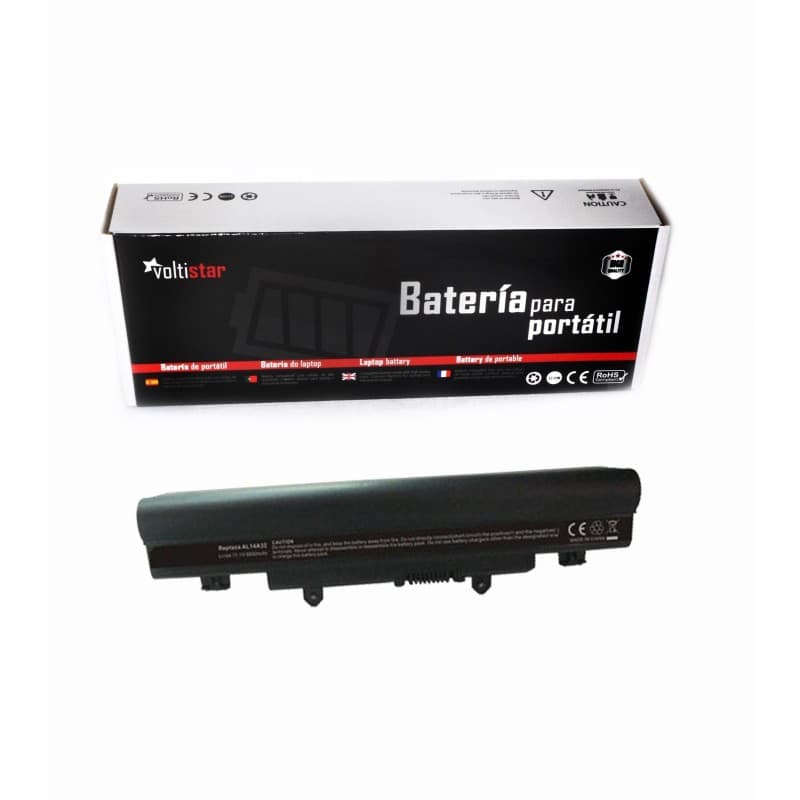
Voltistar High Capacity Battery for Acer AL14A32 Laptop