Battery for Asus ZenBook Duo 14 UX481 C41N1901 50Wh - Voltistar
Model Number
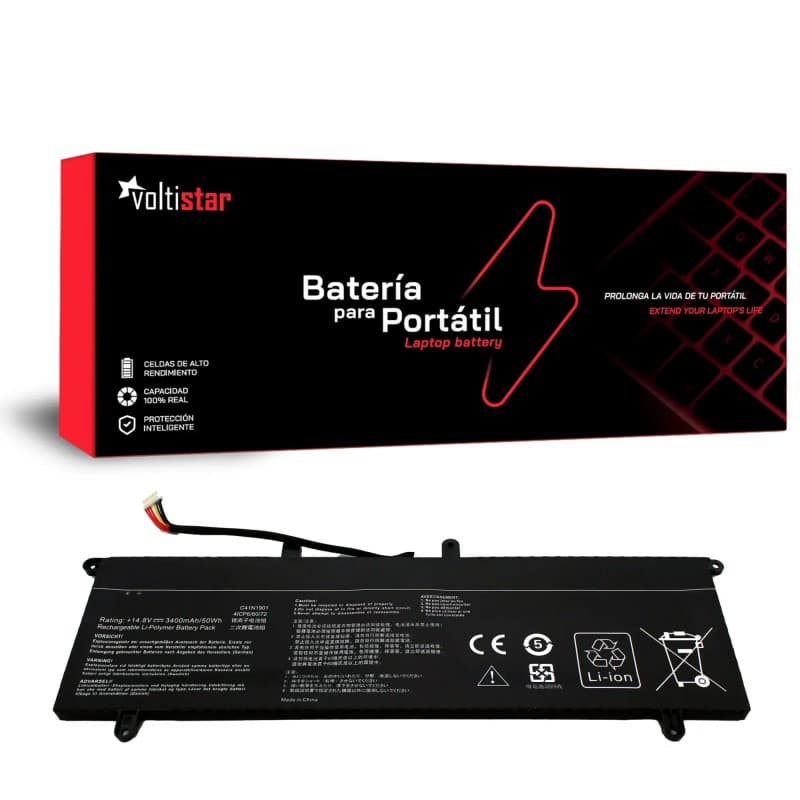
C41N1901
Capacity
3400 mAh / 50Wh
Marca
Voltistar
Condição
New / Sealed (0 cycles)
Voltistar replacement battery for Asus ZenBook Duo 14 UX481, featuring 50Wh capacity (3400 mAh) at 14.8V. Brand new, sealed product with zero charge cycles. Multiple protection systems and CE/RoHS certified for safe, reliable performance.
Compatible with all UX481, UX481F, UX481FL and UX481FA models. Restore full battery autonomy to your laptop with this professional-grade battery.
Key Features
- Capacity: 3400 mAh / 50Wh at 14.8V output
- Complete Protection: Overcharge, overvoltage, deep discharge and short-circuit safeguards
- Thermal Management: Automatic temperature monitoring and cutoff
- Extended Lifespan: Intelligent charge management system
- Certifications: CE and RoHS approved for maximum safety
Compatible With
- Asus ZenBook Duo 14 UX481
- Asus ZenBook Duo UX481F
- Asus ZenBook Duo UX481FL
- Asus ZenBook Duo UX481FA
- Asus ZenBook Duo 14 UX481FAY
- Asus ZenBook Duo 14 UX481FLC
- Asus ZenBook Duo UX4000FL
Why RM TechStore?
- 12-month warranty on all products
- 24-hour shipping across Portugal and Europe
- Physical store in Lisbon for support
How to replace the battery
General steps to replace a laptop battery. Screw layout and position vary by model — if in doubt, we can do it for you in store.
Tools
- 🔧 Small Phillips screwdriver
- 🔧 Plastic spudger
- 🔧 Clean, anti-static surface
Step by step
- 1
Shut down the laptop and unplug the charger. Let it cool.
- 2
External battery: slide the latches and remove it. Internal battery: remove the bottom-cover screws and gently pry the cover open with the spudger.
- 3
Find the battery connector on the board and unplug it by the plug (never pull the wires).
- 4
Remove the screws holding the battery and lift it out without bending it.
- 5
Fit the new battery in the same position, screw it down and reconnect the connector.
- 6
Close the cover, power on and charge to 100% before first use.
Good to know: Never force or pierce a swollen battery. If it's deformed, bring it in — we handle the swap and safe recycling.
Rather we fit it? We do it for you in store in Entrecampos, Lisbon.
Related products
Voltistar Battery for Asus Eee PC 1005 1005H 1005HA - New Sealed
Voltistar Battery for Asus Eee PC AL31-1005 AL32-1005
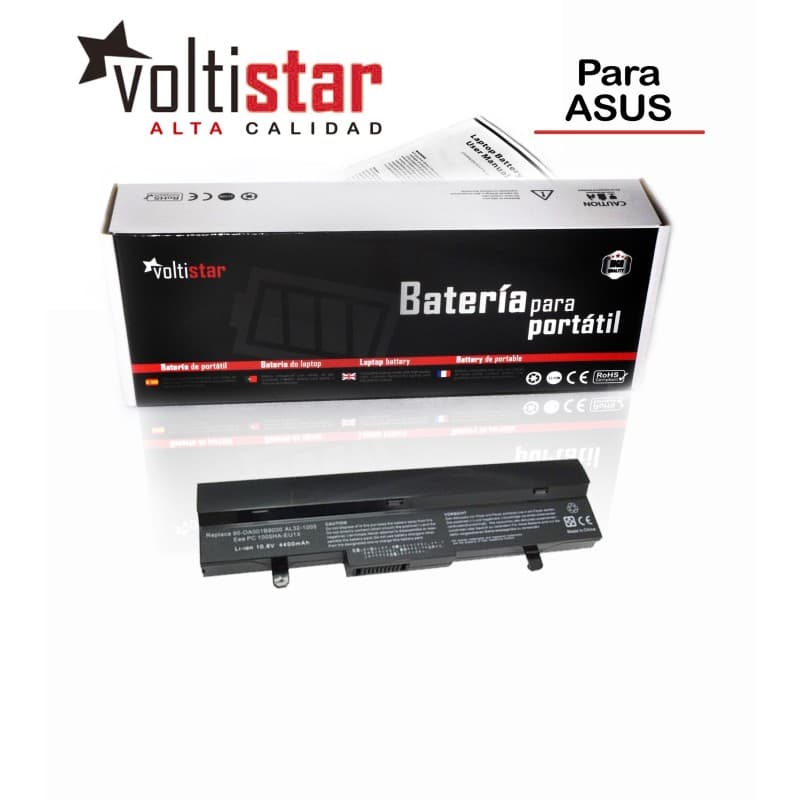
Voltistar Battery for Asus Eee PC 1001 1005 1101 - New
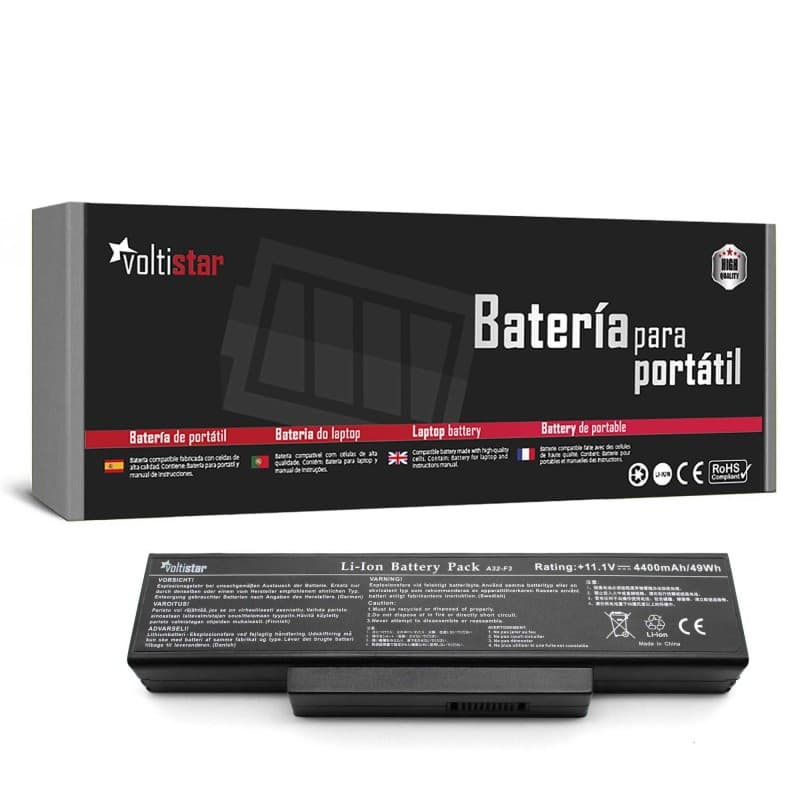
Voltistar Battery for Asus A32-F3 A32-F2 A32-Z94 A32-Z96 - New
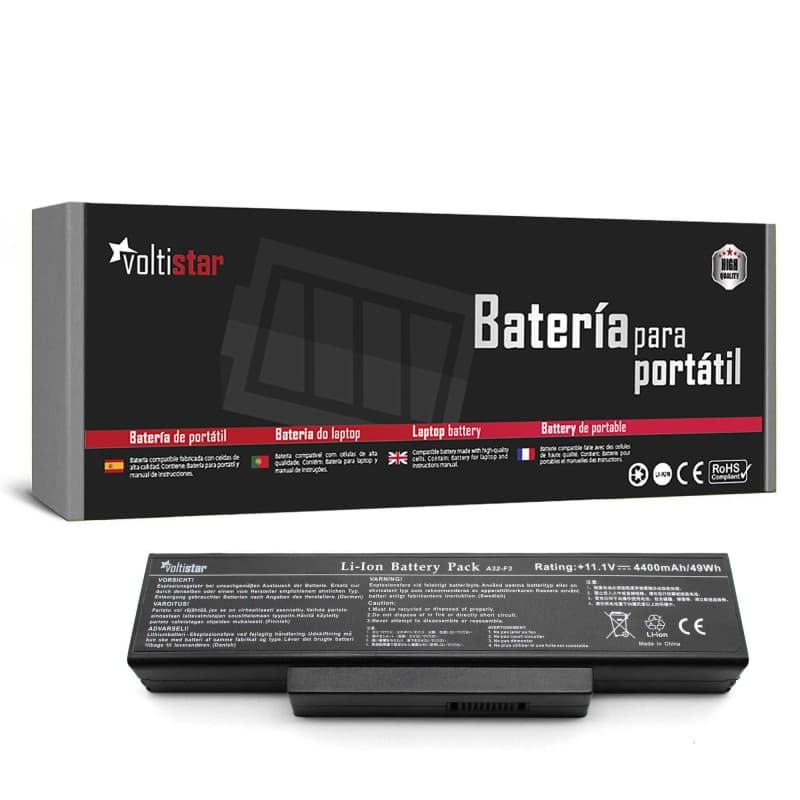
Voltistar Battery for Asus A9000 X56A Series - New & Sealed