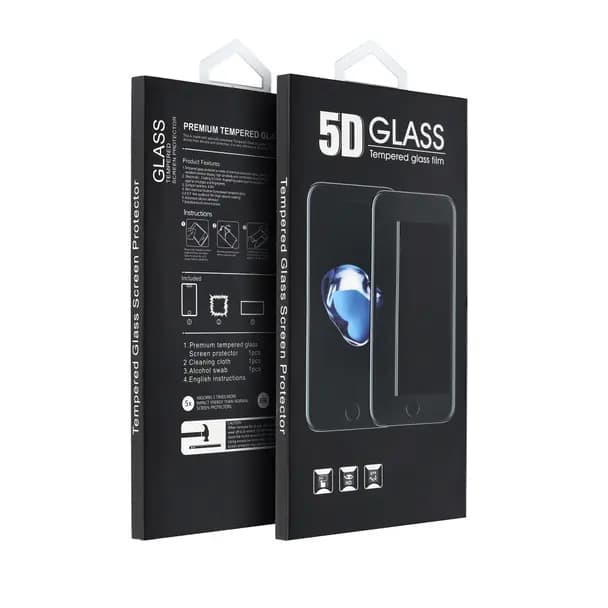
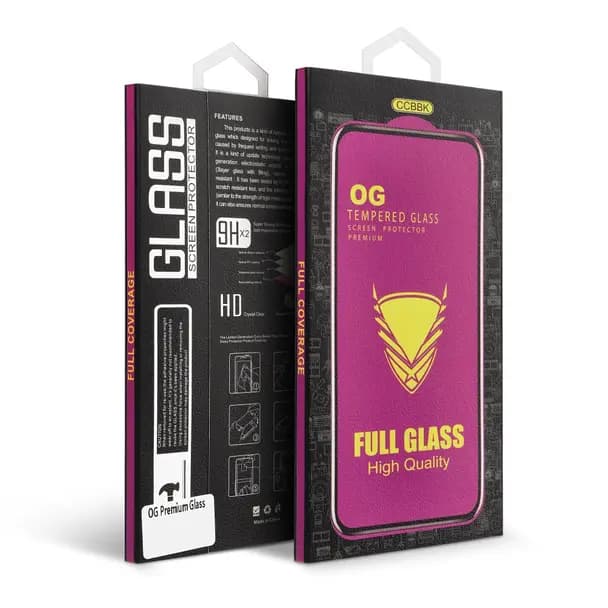
OG 6D Premium Glass - Protecteur d'Écran pour iPhone 16 Pro / 17 / 18 Noir
Modelo
6D Premium Glass
Compatibility
iPhone 16 Pro / 17 / 18
Coating
Anti-glare
Condição
New / Sealed
Le protecteur d'écran OG 6D Premium Glass offre une protection maximale contre les rayures et les chocs pour iPhone 16 Pro, iPhone 17 et iPhone 18. Verre trempé haute qualité avec revêtement anti-reflet garantit une visibilité cristalline et une durabilité exceptionnelle.
Caractéristiques Principales
- Verre Trempé 6D: protection bord à bord avec couches de sécurité renforcées
- Dureté Extrême: résiste aux rayures, chutes et pression quotidienne
- Revêtement Anti-reflet: réduit les reflets et améliore la clarté visuelle
- Installation sans Bulles: application facile et sans air emprisonné
- Compatibilité Complète: compatible avec les coques et films de confidentialité
Compatible Avec
- iPhone 16 Pro
- iPhone 17
- iPhone 18
Pourquoi RM TechStore?
- Garantie 12 mois
- Livraison Portugal et Europe
- Magasin physique à Lisbonne
How to replace the screen
General steps to replace a laptop screen. The way it's held (bezel, tape, screws) changes by model — we can swap it for you and test it if you prefer.
Tools
- 🔧 Small Phillips screwdriver
- 🔧 Plastic spudger/pick
- 🔧 Thin adhesive tape (to re-seat)
Step by step
- 1
Unplug the laptop and the charger.
- 2
Remove the rubber covers and bezel screws (if any) and release the bezel with the spudger.
- 3
Remove the screws holding the panel to the hinges and tilt the panel forward carefully.
- 4
On the back, peel the tape and unplug the flat cable (LVDS/eDP) from the panel.
- 5
Connect the flat cable to the new panel, secure it with tape and screw the panel to the hinges.
- 6
Before clipping the bezel back, power on and check the image (no lines, no dark areas). Then refit the bezel.
Good to know: Screens crack easily — work on a flat surface and don't press the panel. Always confirm the panel model is compatible before fitting.
Rather we fit it? We do it for you in store in Entrecampos, Lisbon.
Produits associés
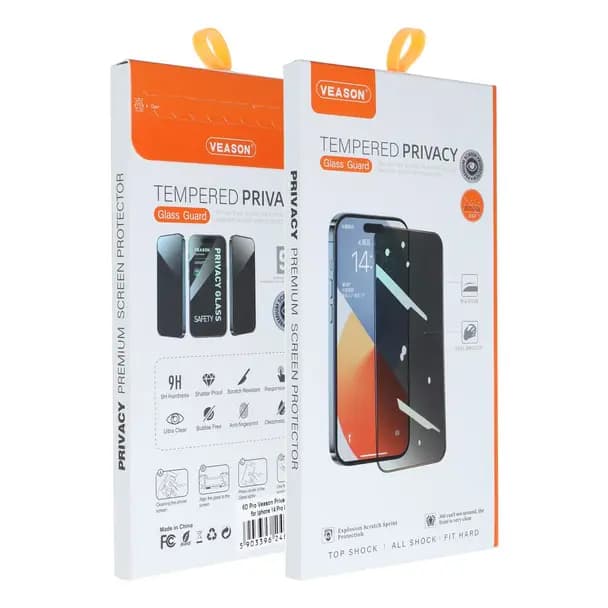
Verre de Confidentialité Veason 6D Pro pour iPhone 17 Pro Max Noir
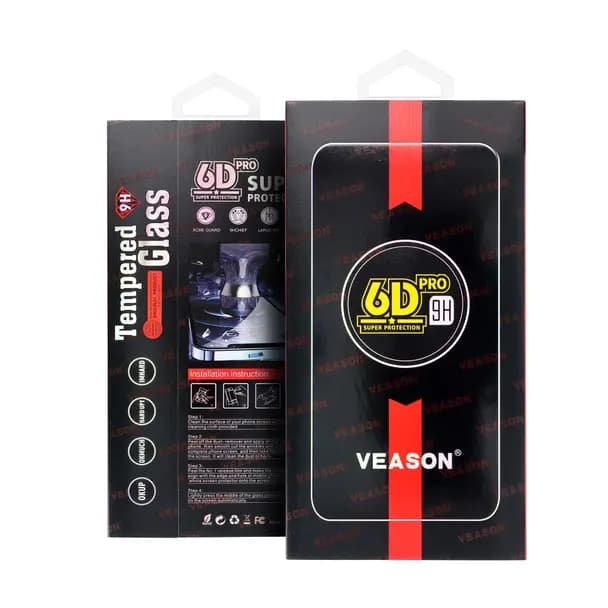
Veason 6D Pro Verre Trempé - iPhone 17 Pro Max / 18 Pro Max Noir
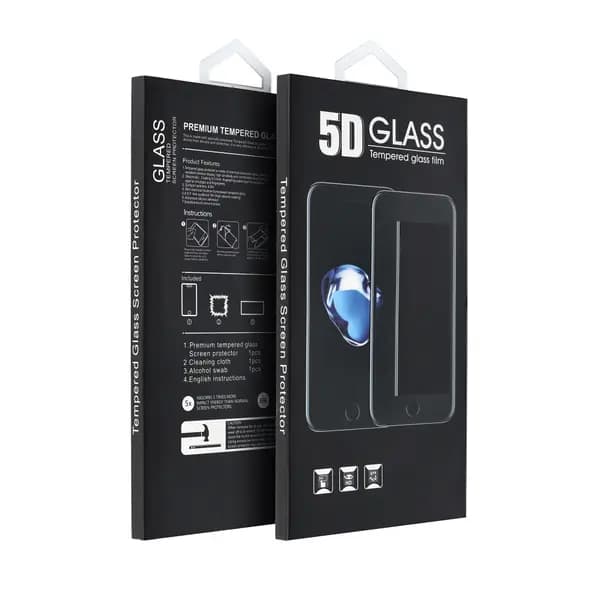
Protecteur d'Écran 5D Full Glue Verre Trempé - iPhone 17 Noir
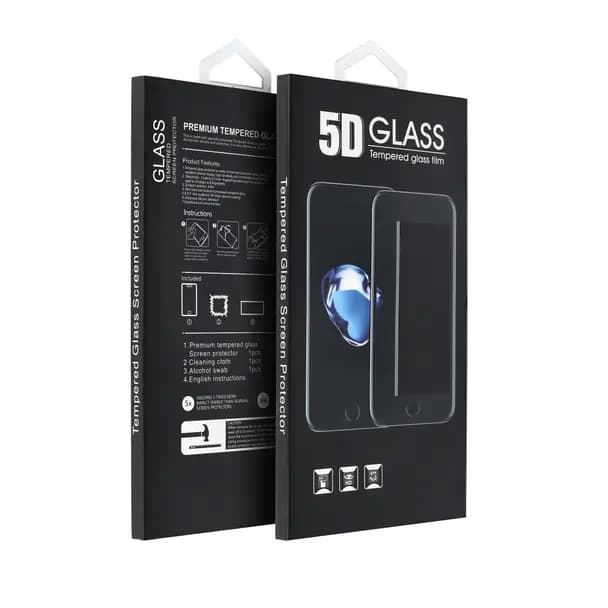
Verre Trempé 5D Full Glue Protecteur d'Écran iPhone 17 Confidentialité Noir
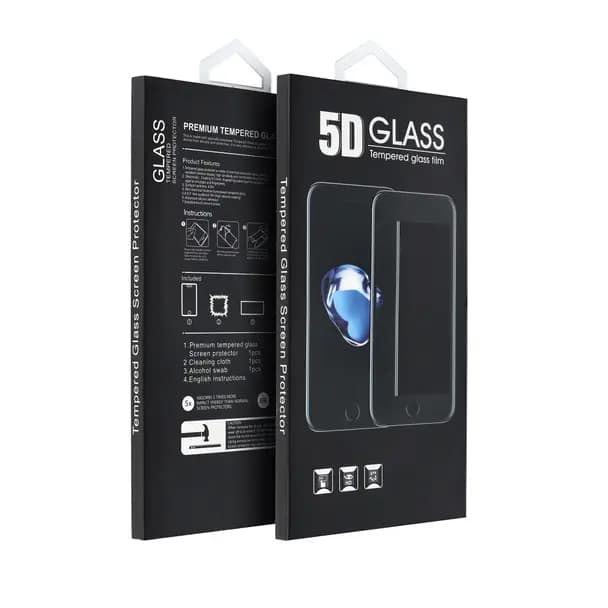
Verre Trempé 5D Protecteur Écran - iPhone 17 Pro Max (Confidentialité) Noir