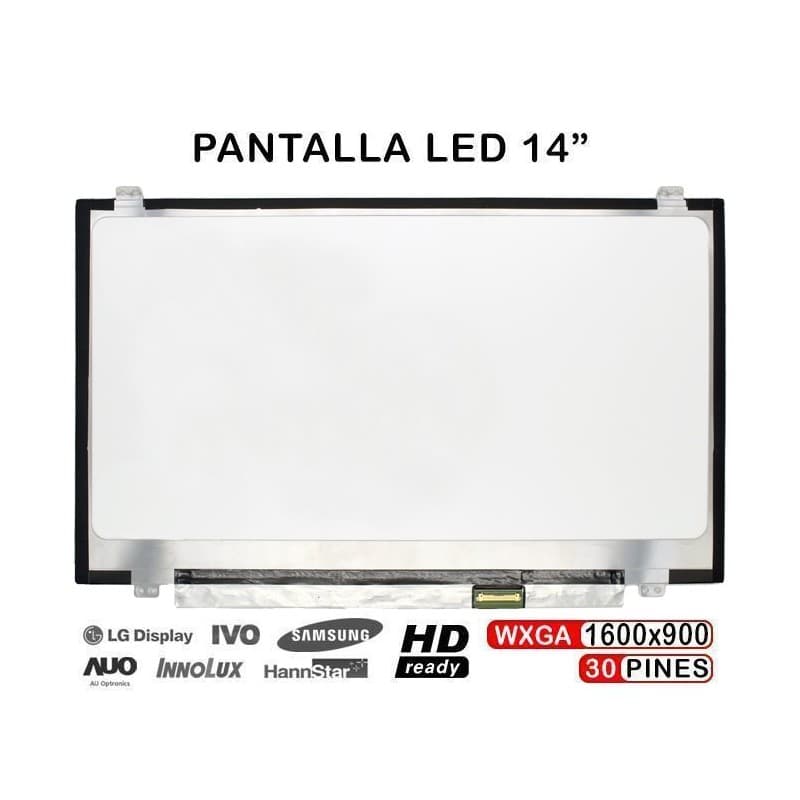
Écran LED 14" WXGA+ pour Sony Vaio PCG-61211m
Tamanho
14 polegadas
Resolução
WXGA+ (1600x900)
Conector
30 pinos
Posição do Conector
Inferior direito
Écran LED 14 pouces de haute qualité pour Sony Vaio PCG-61211m avec résolution WXGA+ (1600x900). Produit neuf et scellé, prêt pour un remplacement immédiat de votre écran endommagé.
Caractéristiques Principales
- Taille: 14 pouces - parfait pour remplacement d'ordinateur portable
- Résolution: WXGA+ (1600x900) - images claires et nettes
- Connecteur: 30 broches - compatibilité garantie
- Position: Connecteur en bas à droite
- État: Neuf et scellé - 0 cycles de fonctionnement
Compatible Avec
- Sony Vaio PCG-61211m
- HP EliteBook 840 G1 et G2
- HP EliteBook 745 G1 et G2
- Lenovo ThinkPad T440 et T450s
- Lenovo ThinkPad X1 Carbon
- HP Pavilion X360 14-DY
Pourquoi RM TechStore?
- Garantie 12 mois
- Livraison rapide vers le Portugal et l'Europe
- Magasin physique à Lisbonne
How to replace the screen
General steps to replace a laptop screen. The way it's held (bezel, tape, screws) changes by model — we can swap it for you and test it if you prefer.
Tools
- 🔧 Small Phillips screwdriver
- 🔧 Plastic spudger/pick
- 🔧 Thin adhesive tape (to re-seat)
Step by step
- 1
Unplug the laptop and the charger.
- 2
Remove the rubber covers and bezel screws (if any) and release the bezel with the spudger.
- 3
Remove the screws holding the panel to the hinges and tilt the panel forward carefully.
- 4
On the back, peel the tape and unplug the flat cable (LVDS/eDP) from the panel.
- 5
Connect the flat cable to the new panel, secure it with tape and screw the panel to the hinges.
- 6
Before clipping the bezel back, power on and check the image (no lines, no dark areas). Then refit the bezel.
Good to know: Screens crack easily — work on a flat surface and don't press the panel. Always confirm the panel model is compatible before fitting.
Rather we fit it? We do it for you in store in Entrecampos, Lisbon.
Produits associés
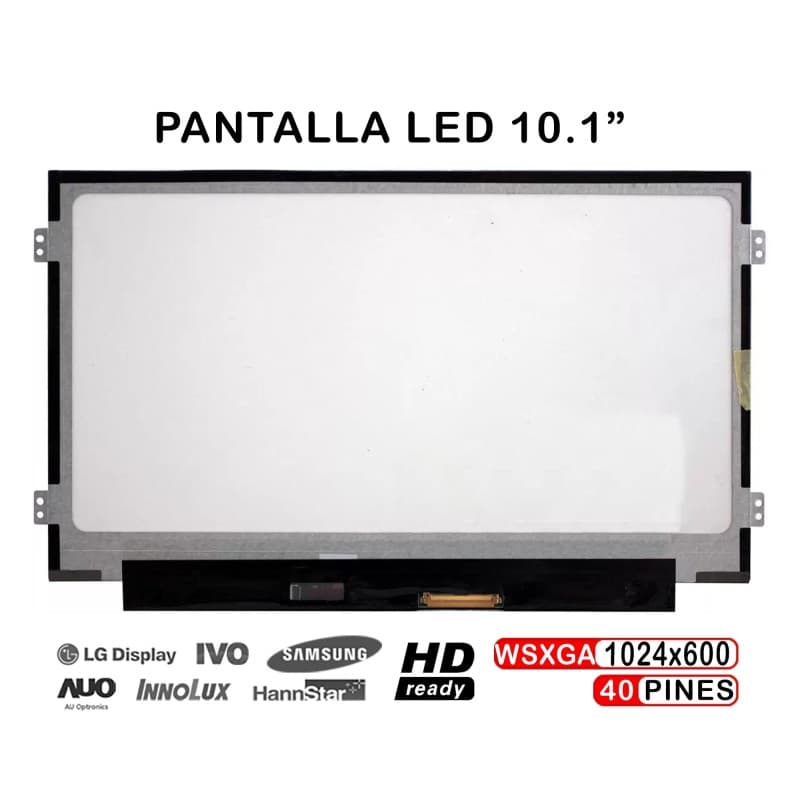
Écran pour Portable eMachines EM355 10.1" WSVGA 40 Broches
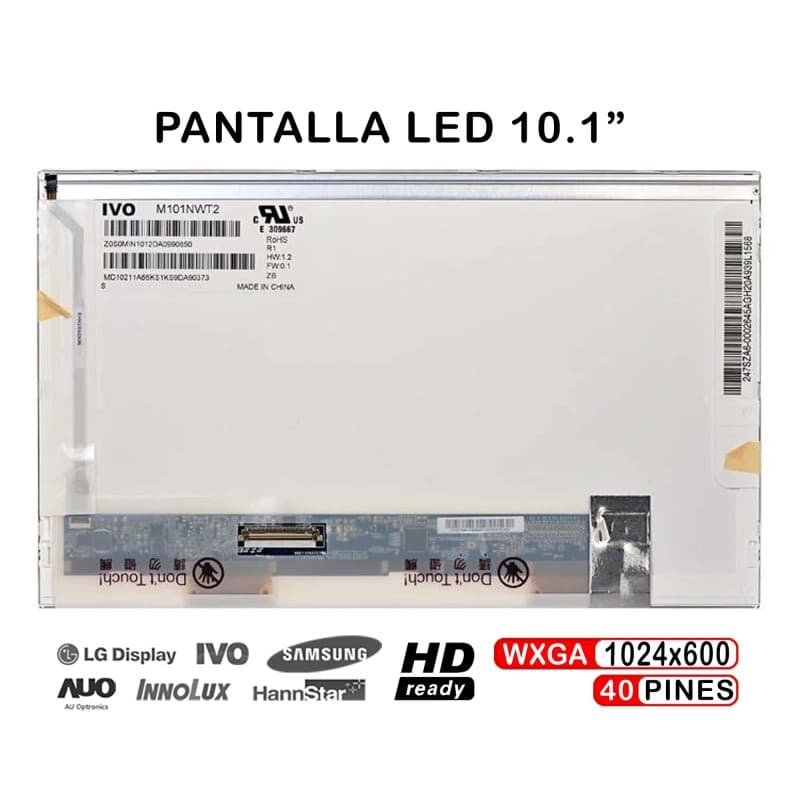
Écran LED 10.1" pour Portable eMachines EM250 EM350
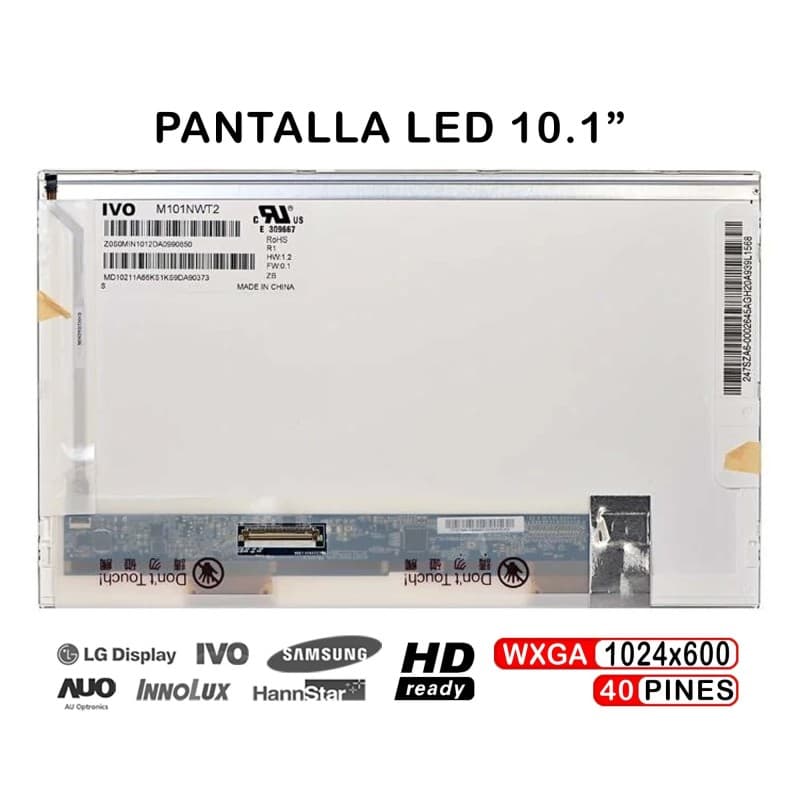
Écran pour Portable eMachines 250 Netbook 10 Pouces
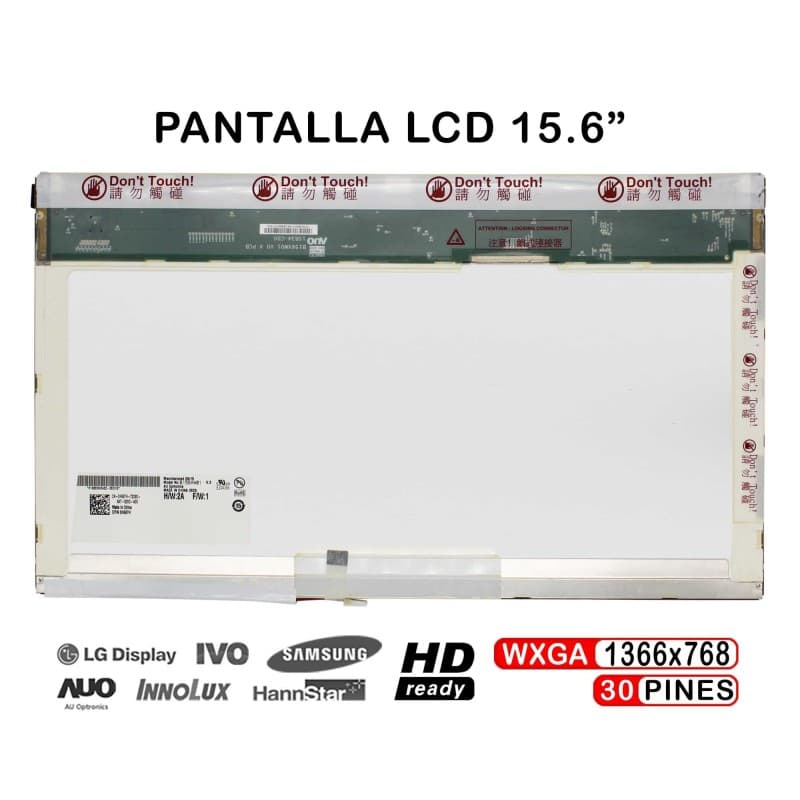
Écran LCD 15.6" pour Portable eMachines E625 E725 E627
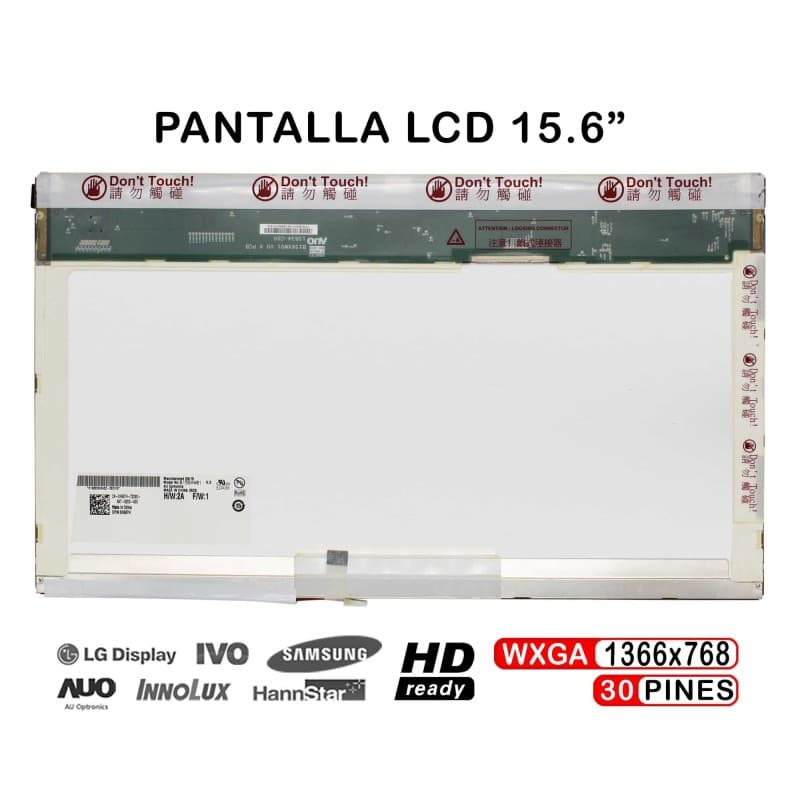
Écran LCD 15.6" pour Ordinateur Portable Emachines E525 E510 E520