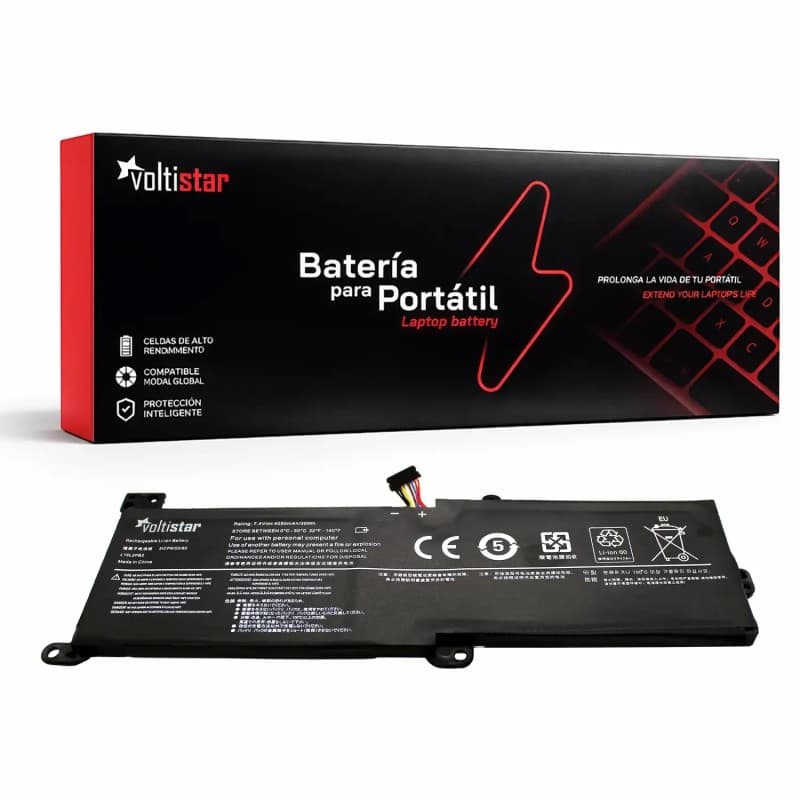
Batterie Voltistar pour Lenovo IdeaPad 320-15ABR 320-15AST 320-17ABR
Marca
Voltistar
Condição
Novo - Selado (0 ciclos)
Compatibilidade Primária
Lenovo IdeaPad 320-15ABR, 320-15AST, 320-15IAP, 320-15ISK, 320-17ABR, 320-17IKB
Proteções Electrónicas
Sobrecarga, Sobretensão, Descarga Profunda, Proteção Térmica, Anti Cortocircuito
Batterie Voltistar haute capacité pour ordinateurs portables Lenovo IdeaPad série 320. Produit neuf et scellé avec zéro cycle de charge, prêt pour une utilisation immédiate et un rendement maximal. Compatible avec IdeaPad 320, 330 et modèles ThinkPad sélectionnés.
Caractéristiques Principales
- Neuf et Scellé: Zéro cycle, jamais utilisé
- Protections Électroniques: Surcharge, surtension, décharge profonde et protection thermique
- Certifié Sécurité: Certifié CE et RoHS
- Large Compatibilité: Modèles IdeaPad 320, 330 et ThinkPad Edge
- Protection Contre les Courts-circuits: Circuiterie avancée incluse
Compatible Avec
- Lenovo IdeaPad 320-15ABR
- Lenovo IdeaPad 320-15AST
- Lenovo IdeaPad 320-15IAP
- Lenovo IdeaPad 320-17ABR
- Lenovo IdeaPad 330-15IKB
- Lenovo IdeaPad 330-14IKB
- Lenovo ThinkPad Edge E440
- Lenovo Z51-70
Pourquoi RM TechStore?
- Garantie 12 mois
- Livraison rapide Portugal et Europe
- Magasin physique à Lisbonne
How to replace the battery
General steps to replace a laptop battery. Screw layout and position vary by model — if in doubt, we can do it for you in store.
Tools
- 🔧 Small Phillips screwdriver
- 🔧 Plastic spudger
- 🔧 Clean, anti-static surface
Step by step
- 1
Shut down the laptop and unplug the charger. Let it cool.
- 2
External battery: slide the latches and remove it. Internal battery: remove the bottom-cover screws and gently pry the cover open with the spudger.
- 3
Find the battery connector on the board and unplug it by the plug (never pull the wires).
- 4
Remove the screws holding the battery and lift it out without bending it.
- 5
Fit the new battery in the same position, screw it down and reconnect the connector.
- 6
Close the cover, power on and charge to 100% before first use.
Good to know: Never force or pierce a swollen battery. If it's deformed, bring it in — we handle the swap and safe recycling.
Rather we fit it? We do it for you in store in Entrecampos, Lisbon.
Produits associés

Batterie Voltistar pour Lenovo ThinkPad X60, X61, X60s, X61s - Neuve Scellée
Batterie Voltistar pour Lenovo IdeaPad Y460 Y560 L09N6D16 L09S6D16
Batterie Voltistar pour Lenovo 3000 N200 C200 C100 N100 - FRU 42T4514
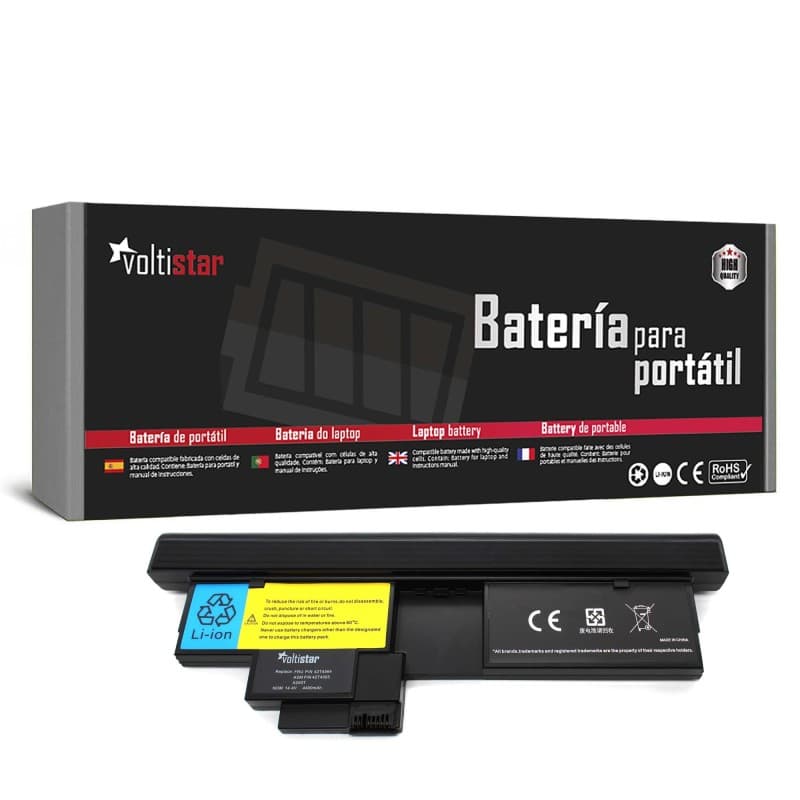
Batterie Voltistar pour Lenovo ThinkPad X200 Tablet 42T4658 - Neuve et Scellée
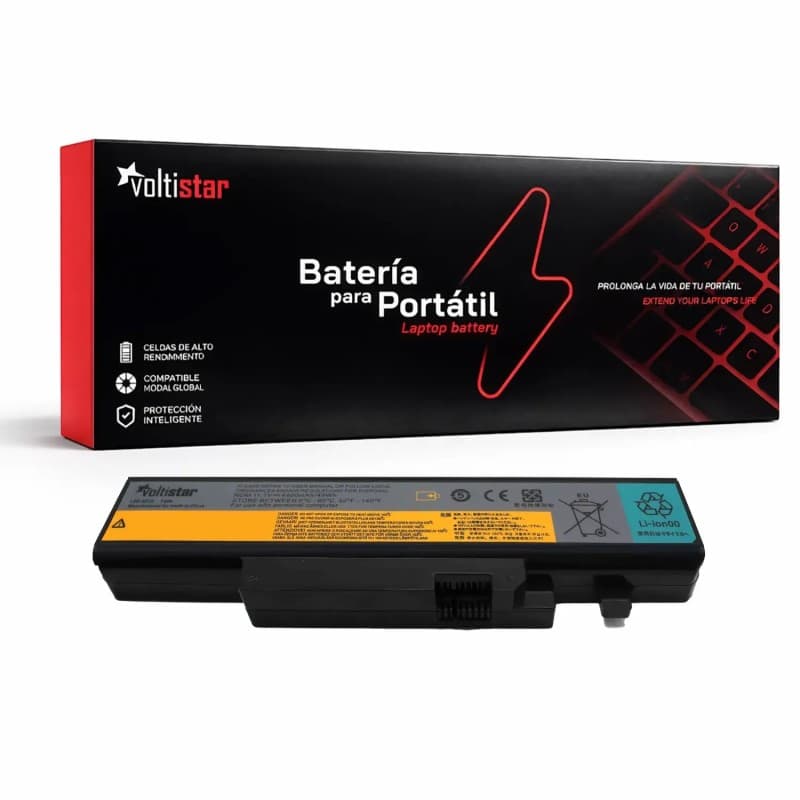
Batterie Voltistar pour Lenovo IdeaPad L10L6Y01 L10N6Y01 LO9N6D16