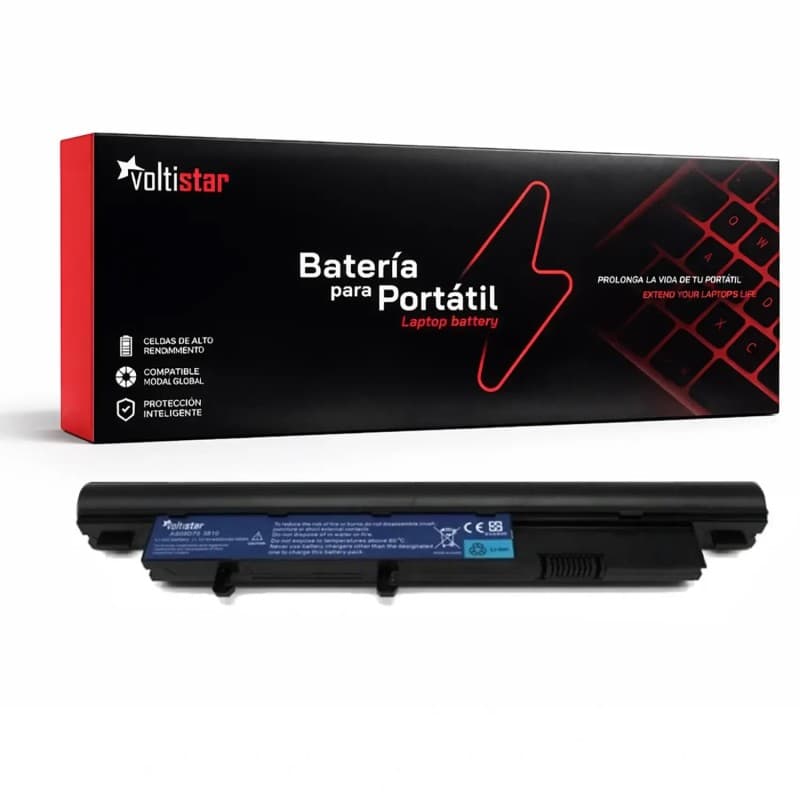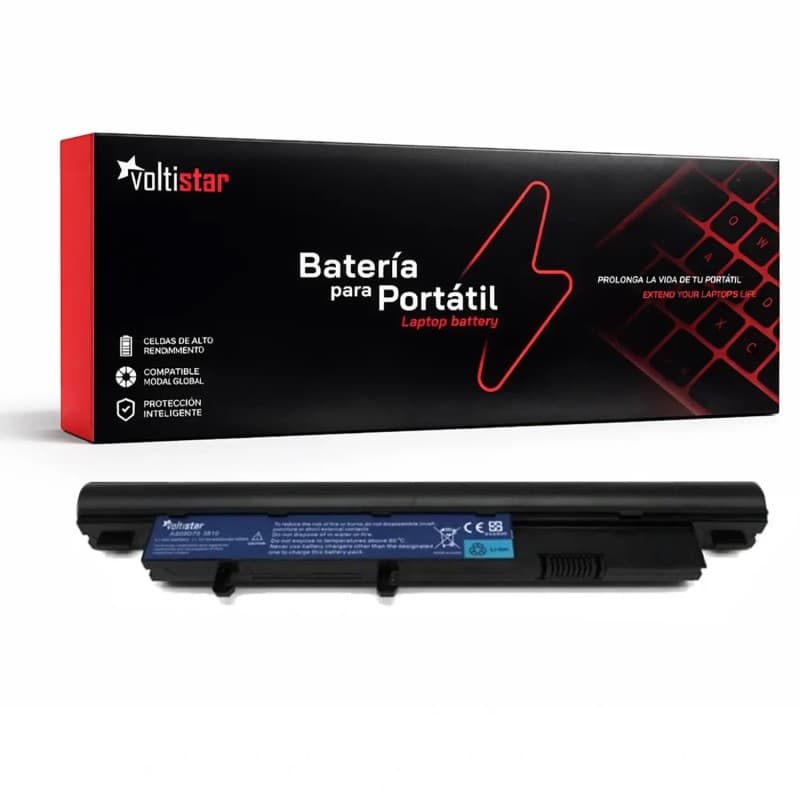
Batterie Voltistar pour Acer AS09D34 AS09D31 AS09D36 AS09D56 AS09D70 AS09D71 AS09F34
Marca
Voltistar
Compatível Com
Acer Aspire 3810T, 4810T, 5810T, TravelMate 8371, 8571
Referências OEM
AS09D34, AS09D31, AS09D36, AS09D56, AS09D70, AS09D71, AS09F34
Condição
Novo, Selado, 0 Ciclos
Batterie neuve et scellée Voltistar pour ordinateur portable Acer avec références AS09D34, AS09D31, AS09D36 et modèles compatibles. Certifiée CE et RoHS avec protection contre la surcharge, la surtension et la décharge profonde. Achetez chez RM TechStore, revendeur officiel à Lisbonne avec livraison rapide au Portugal et en Europe.
Caractéristiques Principales
- Protection Complète: Surcharge, surtension, décharge profonde et court-circuit avec réponse instantanée
- Gestion Thermique: Surveillance automatique de la température et coupure pour une sécurité maximale
- Durabilité: Gestion intelligente de la charge pour prolonger la durée de vie
- Certifications: CE et RoHS garantissent la qualité européenne et la durabilité
- Condition: Neuf et scellé avec zéro cycle de charge
Compatible Avec
- Acer Aspire 3810T Series
- Acer Aspire 4810T Series
- Acer Aspire 5810T Series
- Acer TravelMate Timeline 8371 Series
- Acer TravelMate Timeline 8571 Series
- Acer Aspire 3410 / 3410G
- Acer Aspire 4410 Series
- Acer Aspire 5538 / 5538G
Pourquoi RM TechStore?
- Garantie 12 mois sur tous les produits
- Livraison rapide au Portugal et en Europe
- Magasin physique à Lisbonne pour consultations
- Spécialiste en pièces détachées pour portables
- Support technique et assistance personnalisée
How to replace the battery
General steps to replace a laptop battery. Screw layout and position vary by model — if in doubt, we can do it for you in store.
Tools
- 🔧 Small Phillips screwdriver
- 🔧 Plastic spudger
- 🔧 Clean, anti-static surface
Step by step
- 1
Shut down the laptop and unplug the charger. Let it cool.
- 2
External battery: slide the latches and remove it. Internal battery: remove the bottom-cover screws and gently pry the cover open with the spudger.
- 3
Find the battery connector on the board and unplug it by the plug (never pull the wires).
- 4
Remove the screws holding the battery and lift it out without bending it.
- 5
Fit the new battery in the same position, screw it down and reconnect the connector.
- 6
Close the cover, power on and charge to 100% before first use.
Good to know: Never force or pierce a swollen battery. If it's deformed, bring it in — we handle the swap and safe recycling.
Rather we fit it? We do it for you in store in Entrecampos, Lisbon.
Produits associés
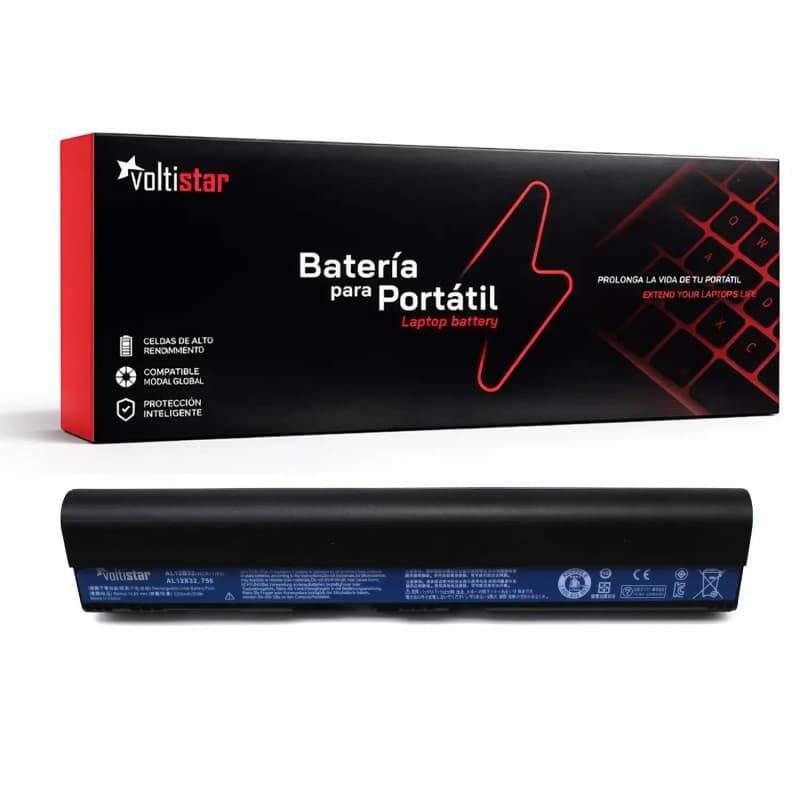
Batterie Voltistar pour Acer AL12B32 AL12B31 AL12X32 - Neuve et Scellée
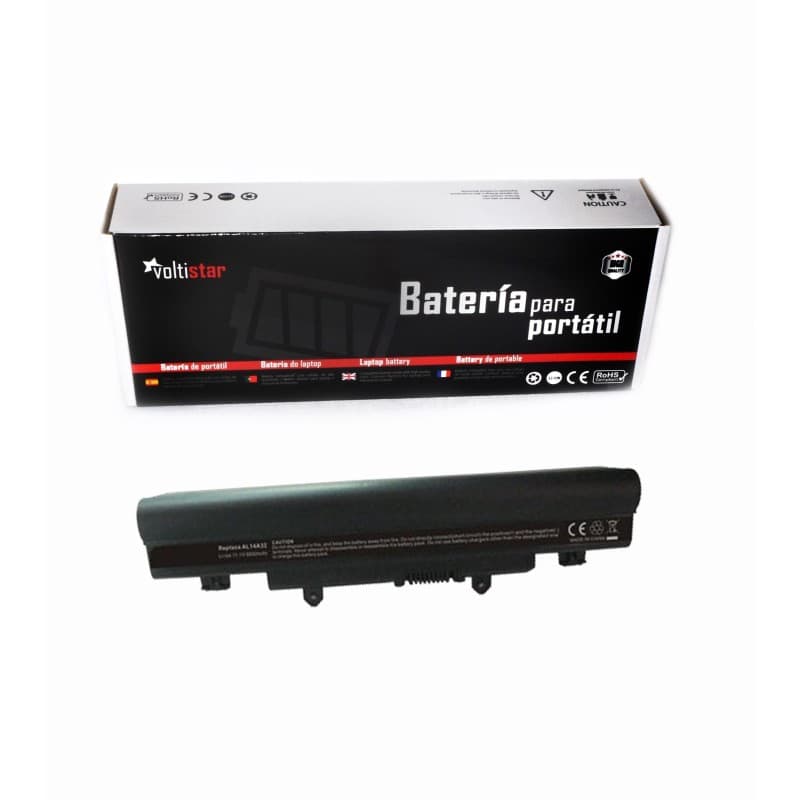
Batterie pour Acer Aspire V5-572 Haute Capacité - Voltistar Neuf
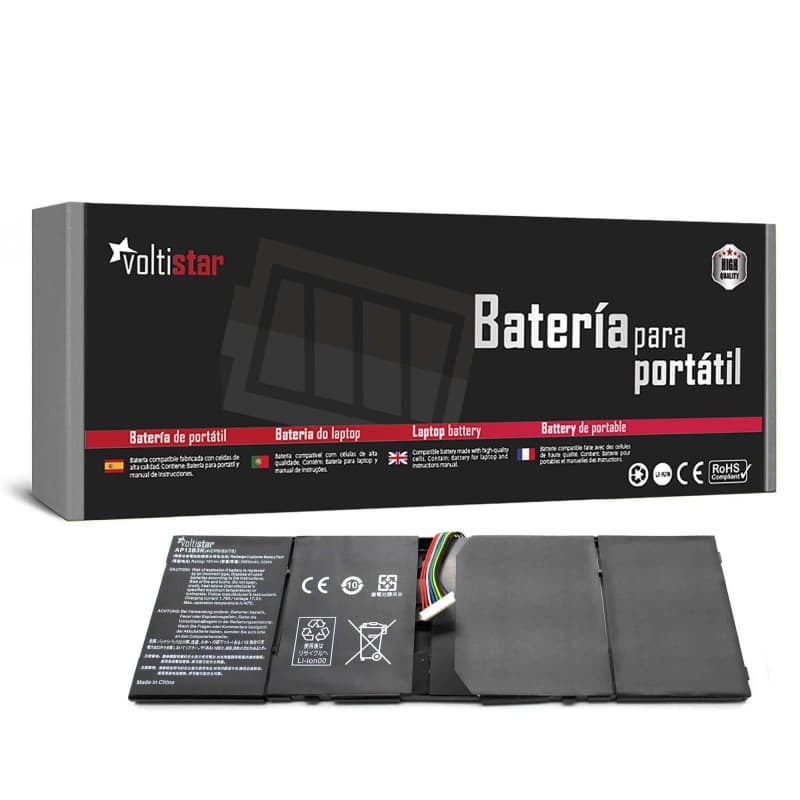
Batterie Voltistar pour Acer Aspire V5 R7-571 R7-572 AL13B3K 53Wh
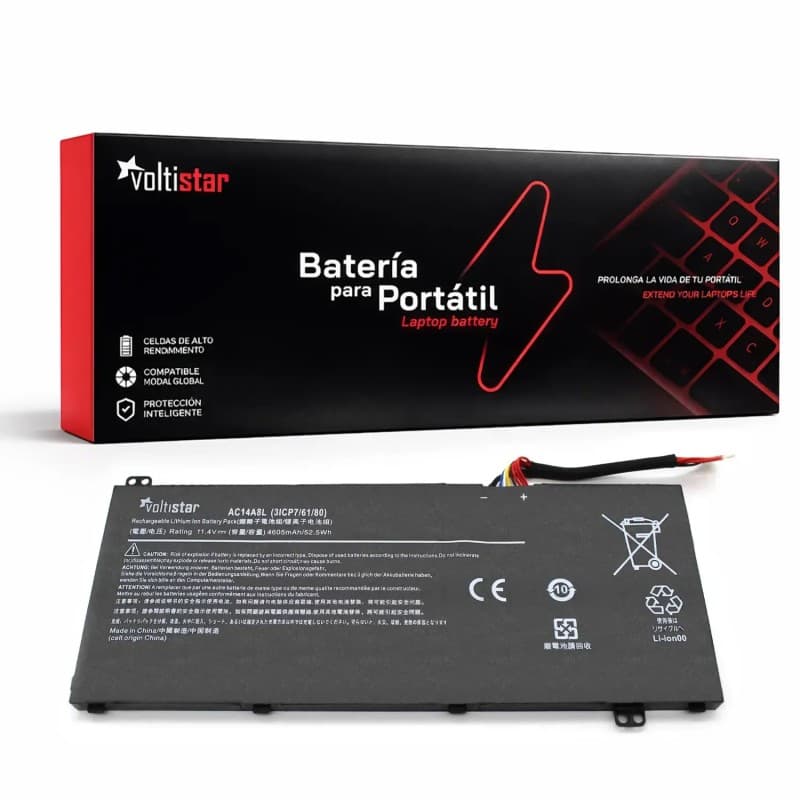
Batterie Voltistar pour Acer V15 Nitro VN7-571 VN7-591G - 11.4V 4605mAh
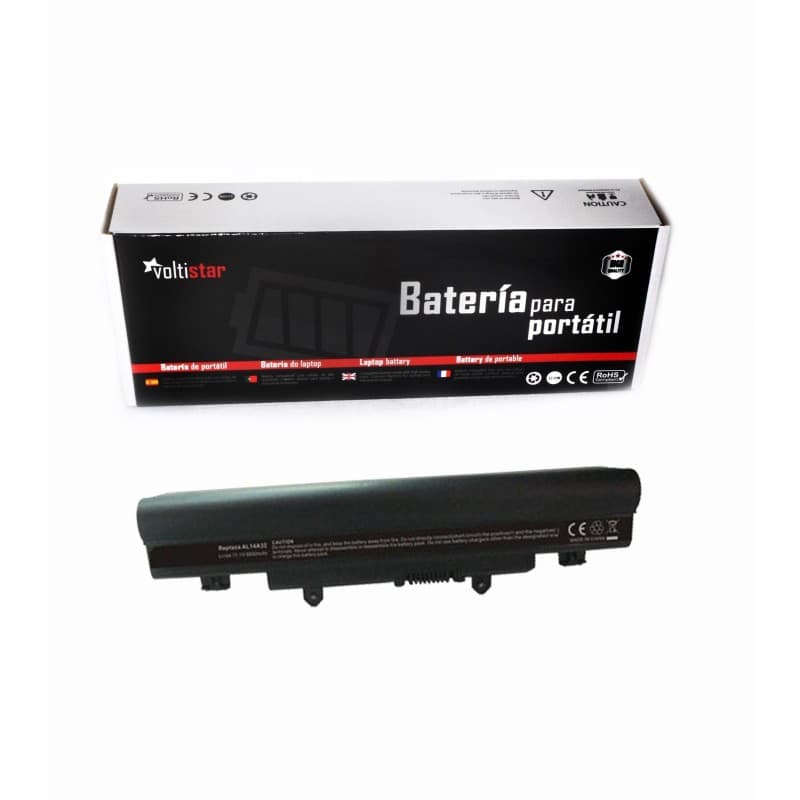
Batterie Voltistar Haute Capacité pour Ordinateur Portable Acer AL14A32