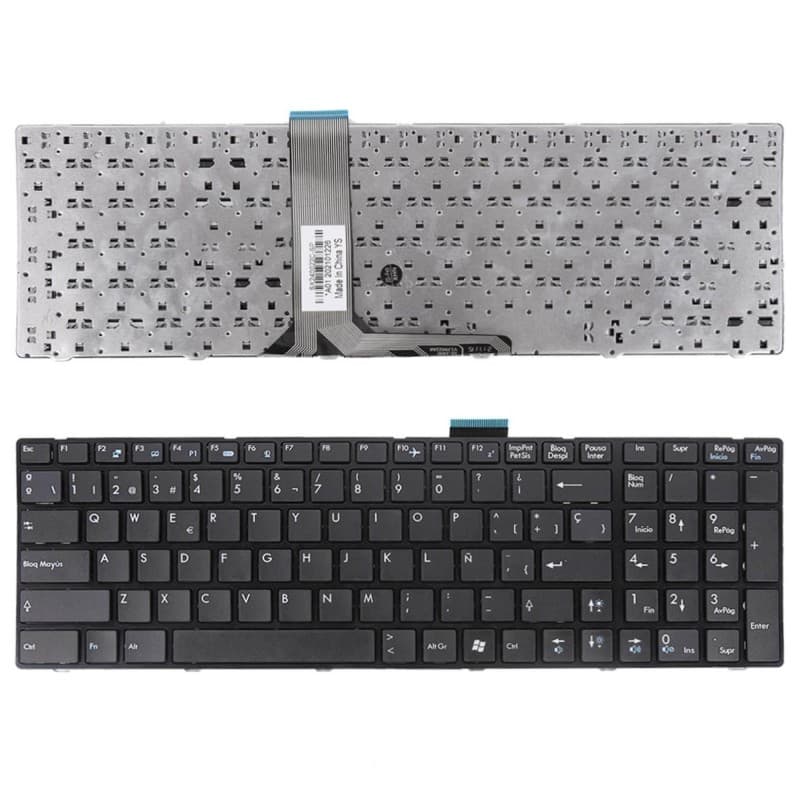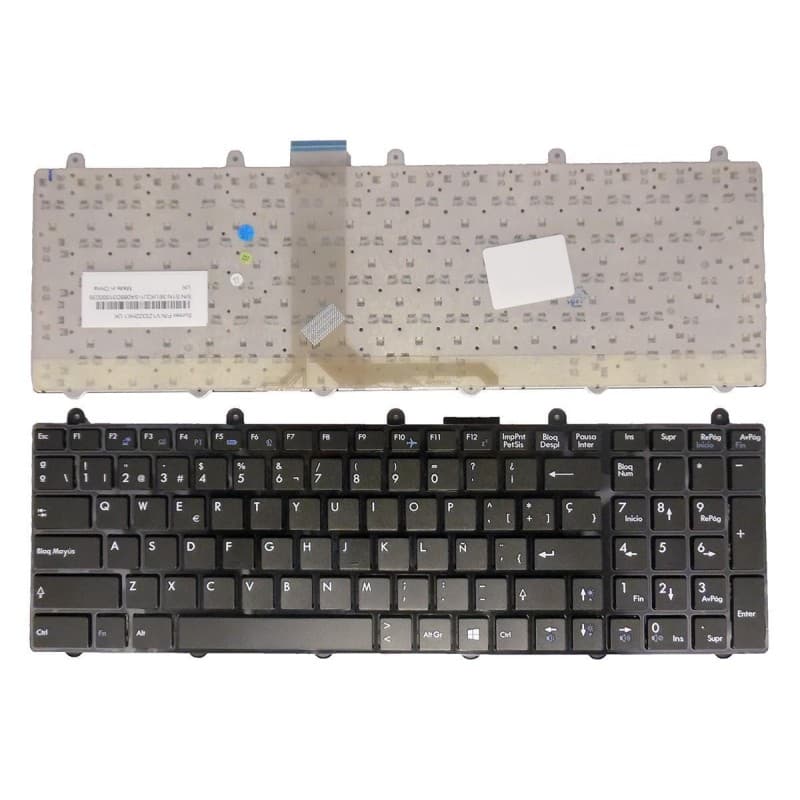
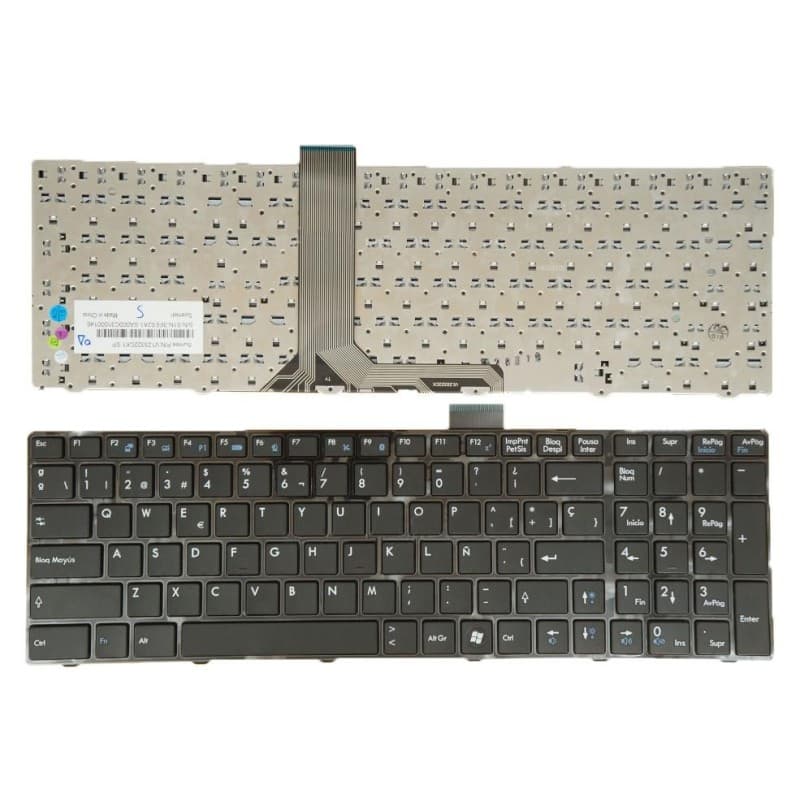
Teclado para Portátil MSI GT60 GT70 GX60 GX70 - Nuevo Sellado
Primary Models
MSI GT60, GT70, GX60, GX70
Additional Models
GT783, GT780, GP60, GP70, GF63, GF65, GS65, STEALTH 15M GS66, MODERN 15 A10M
Marca
PORTATIL MOVIL
Condição
New / Sealed
Teclado original y nuevo para portátiles MSI gaming de alto rendimiento. Compatible con múltiples series GT y GX, este teclado garantiza una experiencia de escritura profesional para juegos y trabajo intensivo.
Características Principales
- Nuevo y Sellado: Producto original con 0 ciclos de uso
- Compatibilidad Amplia: Compatible con GT60, GT70, GX60, GX70 y series relacionadas
- Calidad MSI: Teclado compatible con especificaciones originales
- Gaming Ready: Optimizado para portátiles gaming de alto rendimiento
- Instalación Simple: Montaje rápido y fácil en tu portátil
Compatible Con
- MSI GT60 (todas las series)
- MSI GT70 (todas las series)
- MSI GX60 (series 1AC, 3BE)
- MSI GX70 (series 3BE)
- MSI GP60 y GP70
- MSI GT783 y GT780
- MSI STEALTH 15M GS66
- MSI MODERN 15 A10M
¿Por Qué RM TechStore?
- Garantía de até 3 anos (novos) / 18 meses (recondicionados) en todos los productos
- Envío en 24 horas a Portugal y Europa
- Tienda física en Lisboa - prueba antes de comprar
How to replace the keyboard
Some keyboards lift out from the top (clips); others need the laptop opened from underneath. Check your model's method — if unsure, we'll swap it in store.
Tools
- 🔧 Small Phillips screwdriver
- 🔧 Plastic spudger
- 🔧 Tweezers
Step by step
- 1
Shut down, unplug the charger and (if external) remove the battery.
- 2
Top-mount keyboard: release the clips along the top edge with the spudger and lift it out. Bottom-mount: open the bottom cover and remove the screws marked with a keyboard icon.
- 3
Tilt the keyboard and unplug the flat cable (lift the ZIF connector flap before pulling).
- 4
Connect the new keyboard's flat cable into the connector and close the flap.
- 5
Seat the new keyboard into the clips/screws and reassemble.
- 6
Power on and test every key, including Fn and the arrows.
Good to know: Flat cables tear easily — never pull the cable with the flap closed. Confirm the layout (PT/US) and backlight before buying.
Rather we fit it? We do it for you in store in Entrecampos, Lisbon.
Productos relacionados
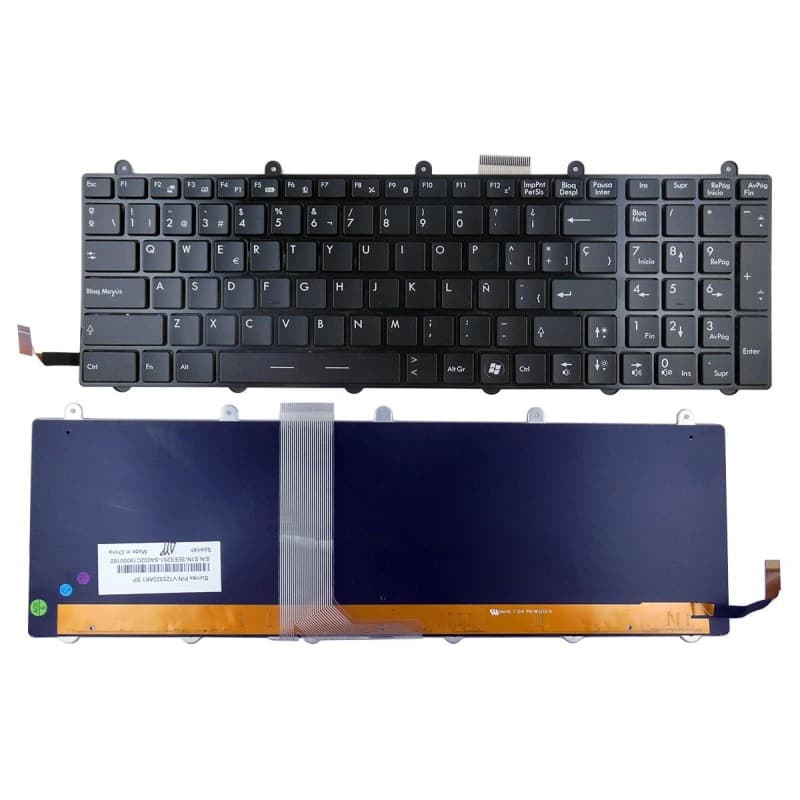
Teclado Gaming MSI Steelseries GT60 GT70 GX60 GX70 Retroiluminado
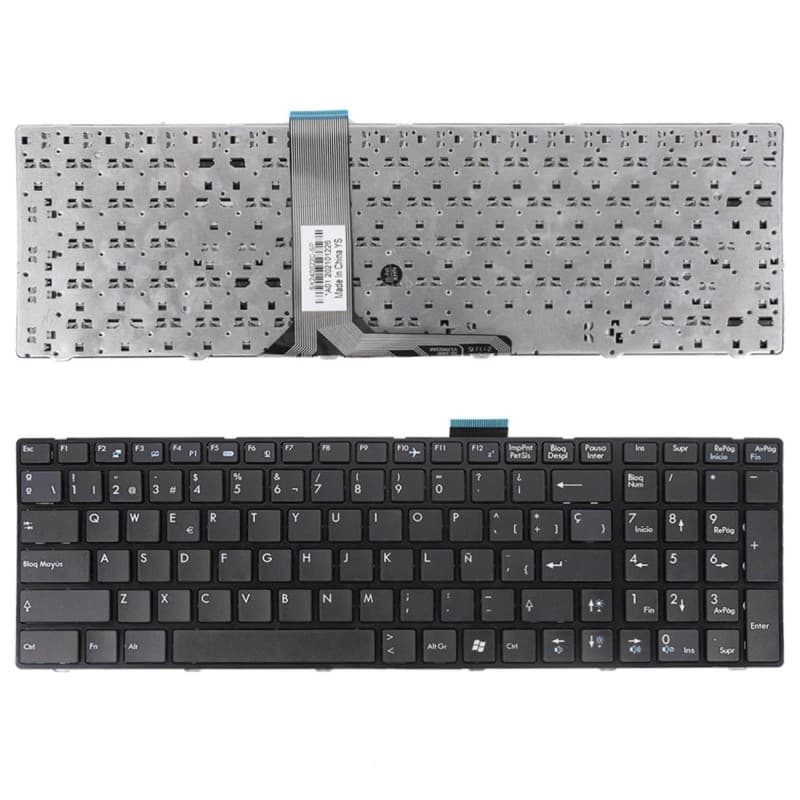
Teclado para Portátil MSI GT660 GT685 Nuevo
Teclado para Portátil MSI GE60 GE70 - Nuevo Sellado
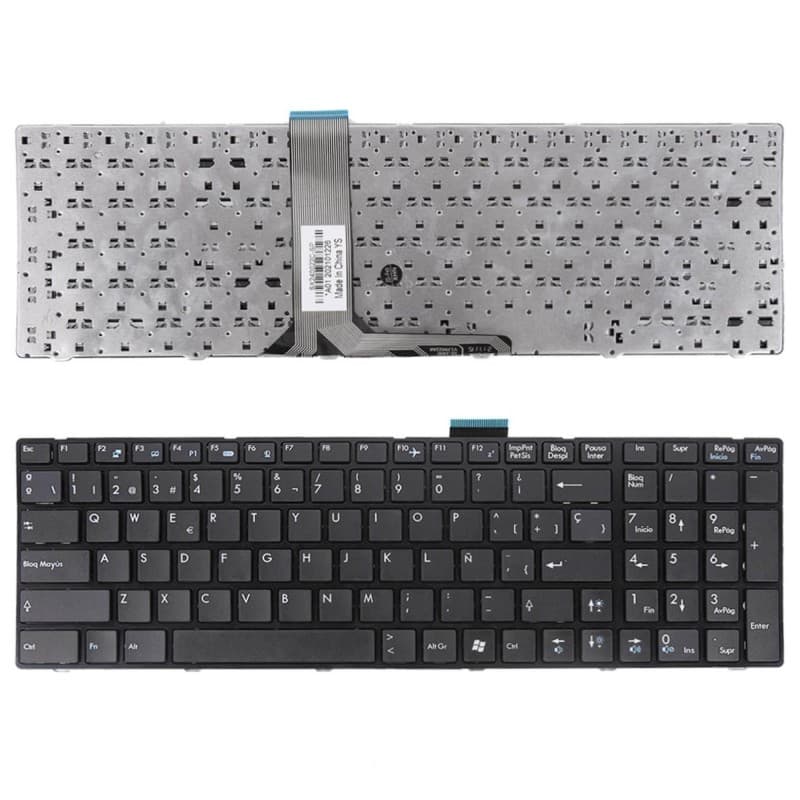
Teclado para Portátil MSI GT660 GT660R GT663 GT685 GT685R Negro - Nuevo
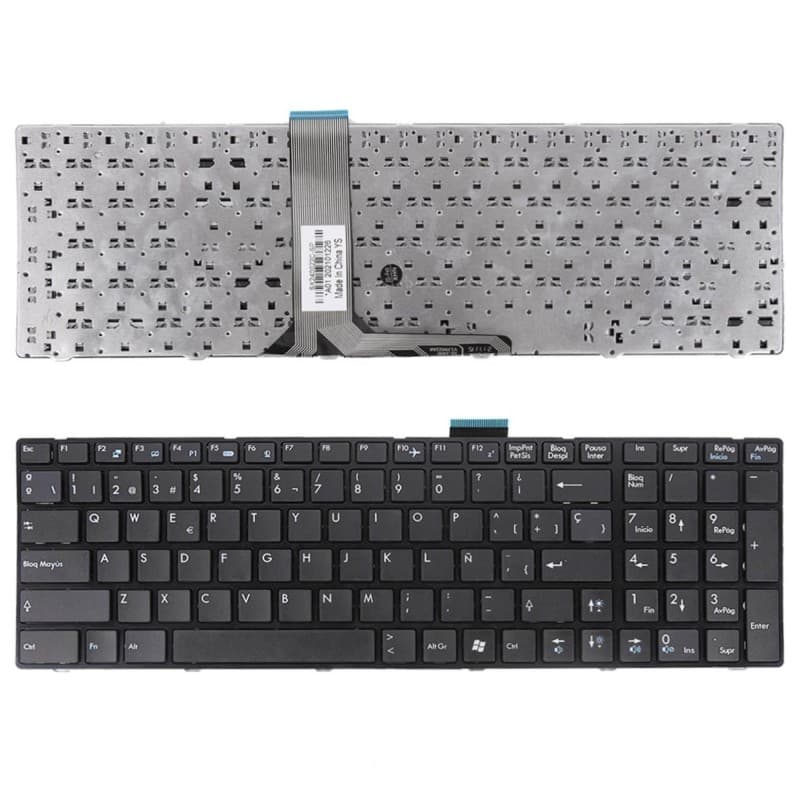
Teclado para Portátil MSI GE620 Versión 2 - Nuevo y Sellado