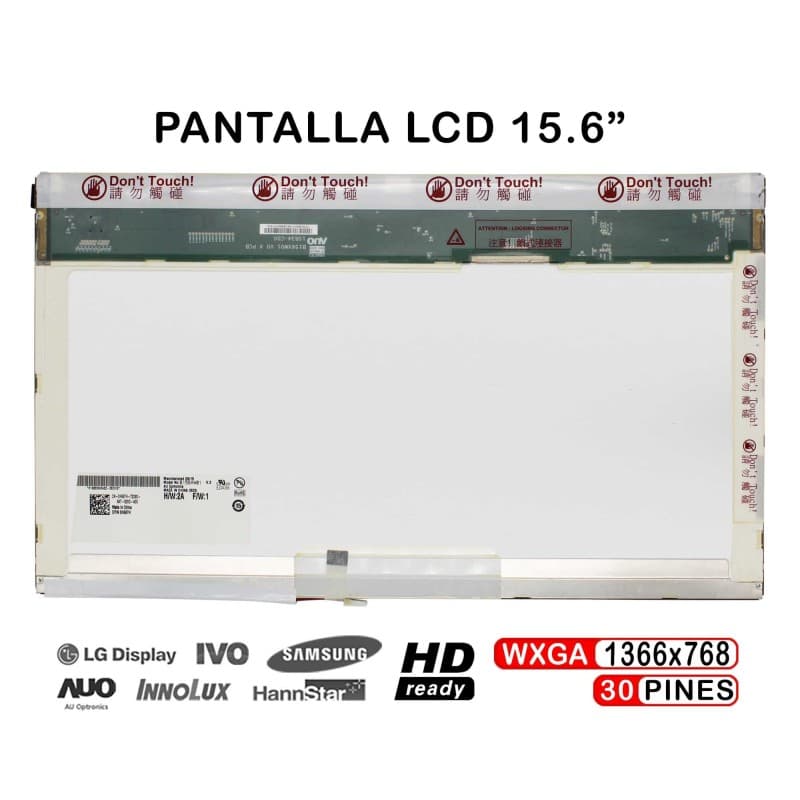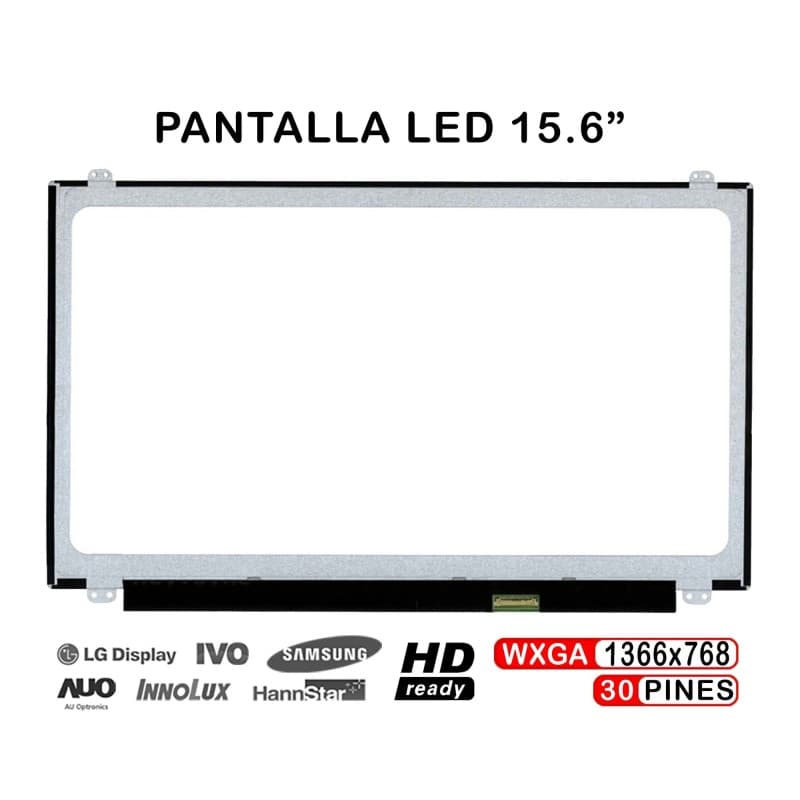
Pantalla LED Mate 15.6" para Acer Aspire ES1-571-P9N5, ES1-572-516Y, ES1-520
Condição
New, Sealed
Tipo
LED Matte
Tamanho
15.6 inches
Marca
PORTATIL MOVIL
Pantalla LED mate de 15.6 pulgadas compatible con múltiples modelos Acer Aspire de la serie ES1. Producto nuevo y sellado, nunca utilizado, listo para reemplazo inmediato de tu pantalla dañada.
Características Principales
- Tamaño: 15.6 pulgadas diagonal
- Tipo: LED mate anti-reflejo
- Condición: Nuevo, 0 ciclos de uso
- Instalación: Compatible con conectores estándar
- Calidad: Reemplazo de calidad original
Compatible Con
- Acer Aspire ES1-571-P9N5
- Acer Aspire ES1-572-516Y
- Acer Aspire ES1-520
- Dell Portátil 15.6"
- HP Portátil 15.6"
- Asus Portátil 15.6"
- Lenovo Portátil 15.6"
- Fujitsu Portátil 15.6"
¿Por Qué RM TechStore?
- Garantía de até 3 anos (novos) / 18 meses (recondicionados)
- Envío en 24h a Portugal y Europa
- Tienda física en Lisboa
How to replace the screen
General steps to replace a laptop screen. The way it's held (bezel, tape, screws) changes by model — we can swap it for you and test it if you prefer.
Tools
- 🔧 Small Phillips screwdriver
- 🔧 Plastic spudger/pick
- 🔧 Thin adhesive tape (to re-seat)
Step by step
- 1
Unplug the laptop and the charger.
- 2
Remove the rubber covers and bezel screws (if any) and release the bezel with the spudger.
- 3
Remove the screws holding the panel to the hinges and tilt the panel forward carefully.
- 4
On the back, peel the tape and unplug the flat cable (LVDS/eDP) from the panel.
- 5
Connect the flat cable to the new panel, secure it with tape and screw the panel to the hinges.
- 6
Before clipping the bezel back, power on and check the image (no lines, no dark areas). Then refit the bezel.
Good to know: Screens crack easily — work on a flat surface and don't press the panel. Always confirm the panel model is compatible before fitting.
Rather we fit it? We do it for you in store in Entrecampos, Lisbon.
Productos relacionados
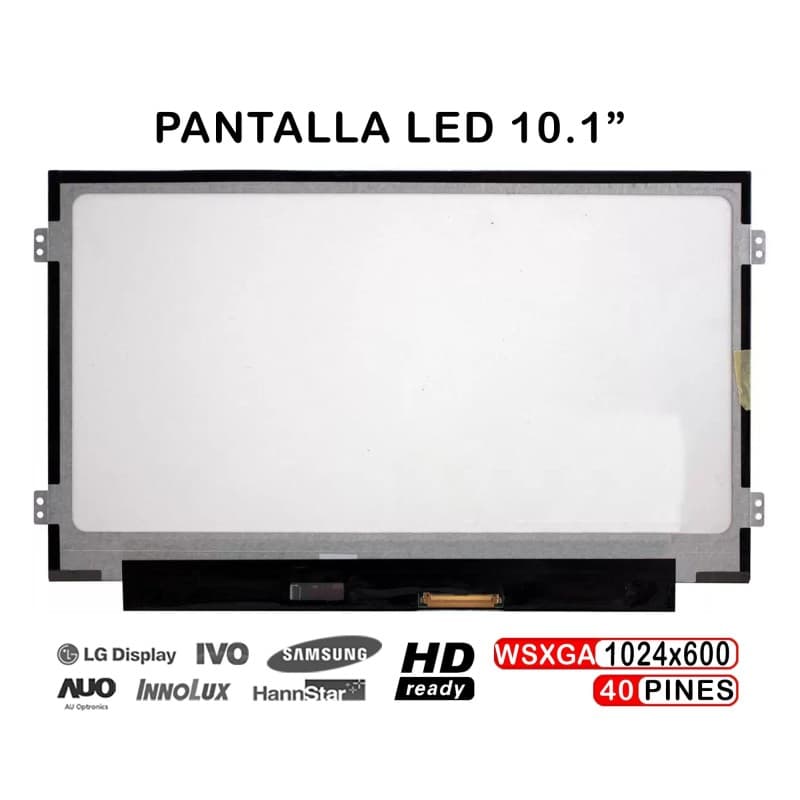
Pantalla para Portátil eMachines EM355 10.1" WSVGA 40 Pines
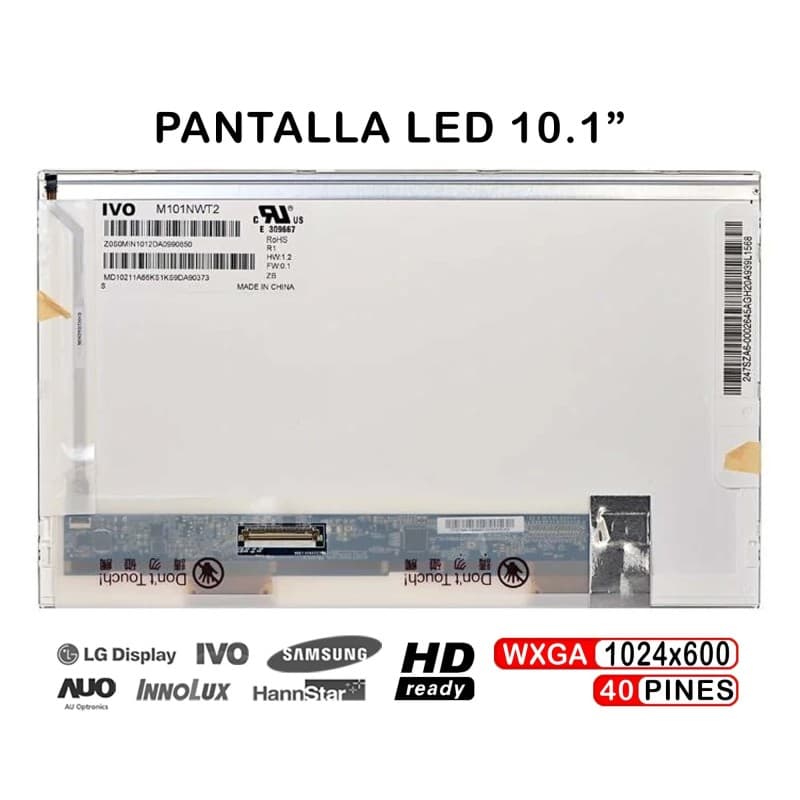
Pantalla LED de 10.1" para Portátil eMachines EM250 EM350
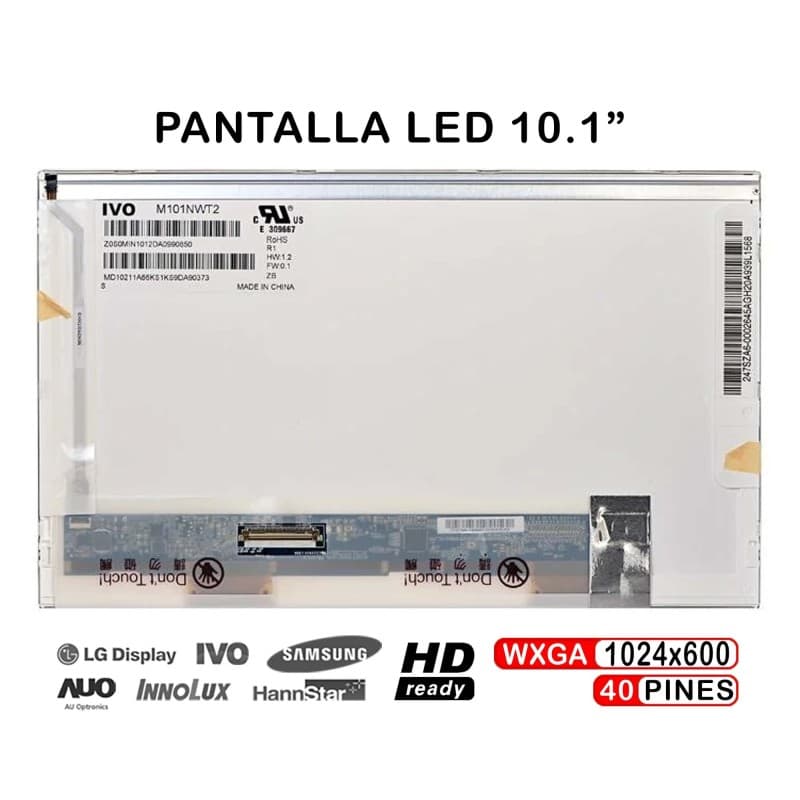
Pantalla para Portátil eMachines 250 Netbook 10 Pulgadas
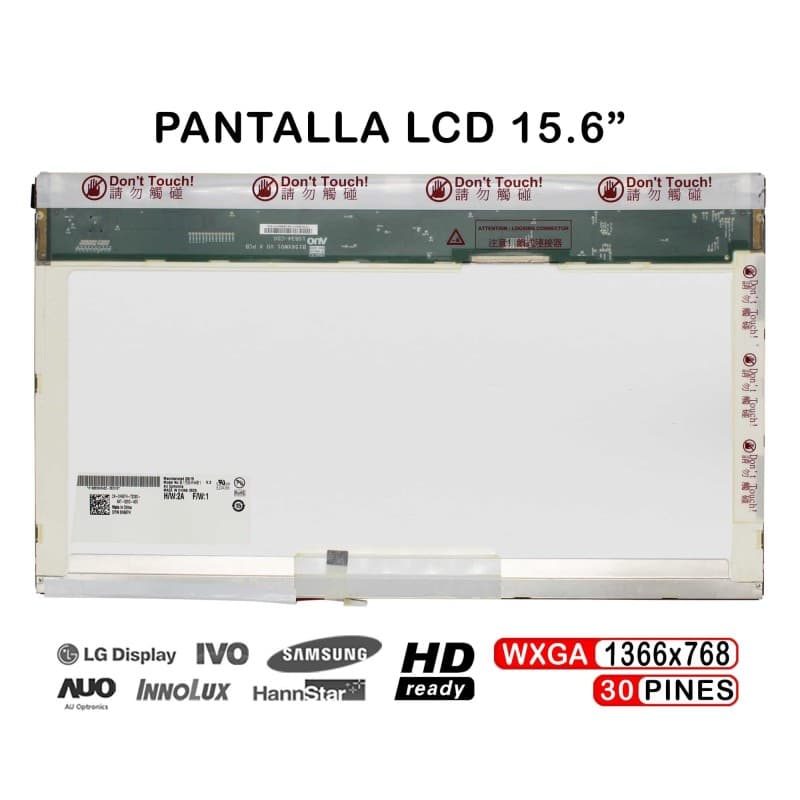
Pantalla LCD 15.6" para Portátil eMachines E625 E725 E627
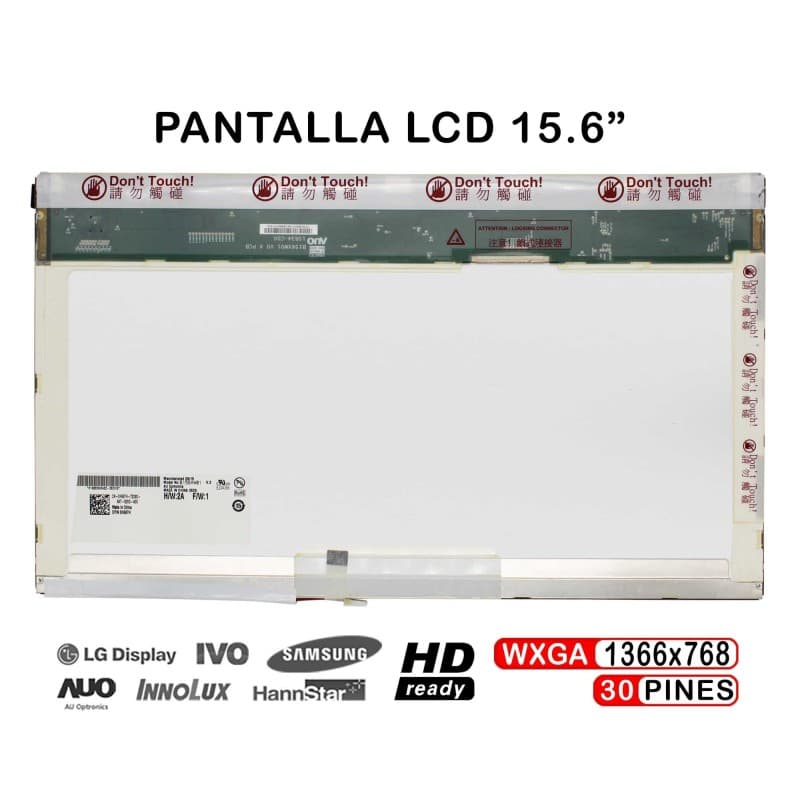
Pantalla LCD 15.6" para Portátil Emachines E525 E510 E520