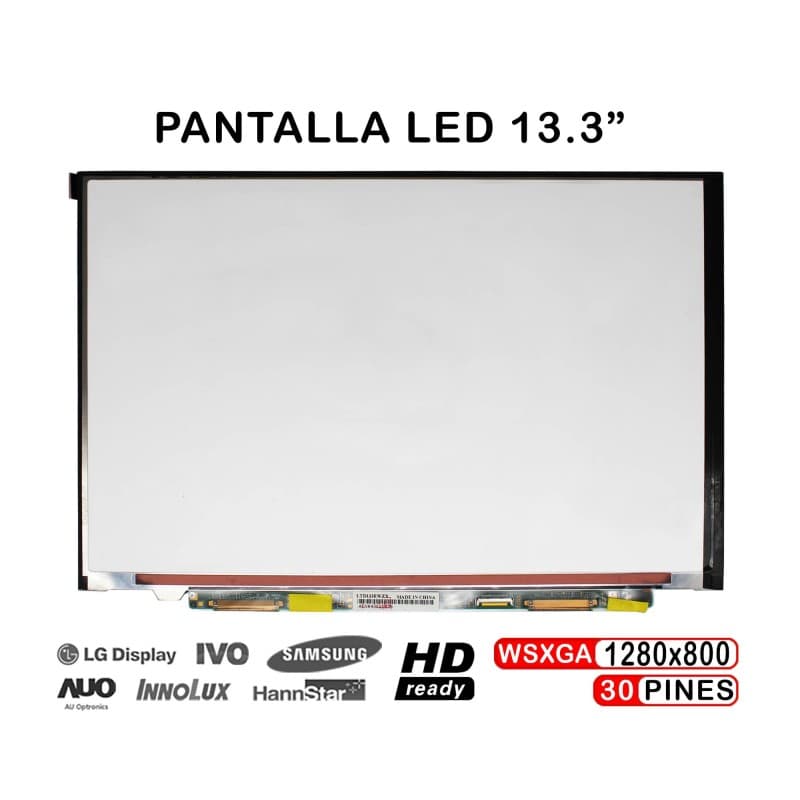
Pantalla LED 13.3" para Portátil Sony VAIO VGN-SR LTD133EWZX LTN133AT05
Diagonal
13.3 inches
Tecnologia
LED backlight
Original Brand
Sony VAIO VGN-SR
Garantia
12 months
Pantalla LED original de 13.3 pulgadas para portátiles Sony VAIO VGN-SR Series. Producto nuevo y sellado, nunca utilizado, listo para instalación inmediata. Reemplaza tu monitor dañado con un componente de calidad garantizada.
Características Principales
- Tamaño: 13.3 pulgadas HD-ready con tecnología LED
- Compatibilidad: Sony VAIO VGN-SR, Lenovo ThinkPad, Dell, HP, Asus, Fujitsu
- Referencias: LTD133EWZX, LTN133AT05
- Condición: Nuevo, sellado, 0 ciclos de uso
- Instalación: Simple y rápida en portátiles compatibles
Compatible Con
- Sony VAIO VGN-SR Series
- Lenovo ThinkPad (modelos 13")
- Dell Portátiles (modelos 13")
- HP Portátiles (modelos 13")
- Asus Portátiles (modelos 13")
- Fujitsu Portátiles (modelos 13")
- Acer Portátiles (modelos 13")
¿Por Qué RM TechStore?
- Garantía até 3 anos (novos) / 18 meses (recondicionados) en todos los componentes
- Envío rápido a Portugal y Europa
- Tienda física en Lisboa para soporte presencial
- Expertos en componentes y accesorios de portátiles
- Pago seguro con opción de contra-reembolso
How to replace the screen
General steps to replace a laptop screen. The way it's held (bezel, tape, screws) changes by model — we can swap it for you and test it if you prefer.
Tools
- 🔧 Small Phillips screwdriver
- 🔧 Plastic spudger/pick
- 🔧 Thin adhesive tape (to re-seat)
Step by step
- 1
Unplug the laptop and the charger.
- 2
Remove the rubber covers and bezel screws (if any) and release the bezel with the spudger.
- 3
Remove the screws holding the panel to the hinges and tilt the panel forward carefully.
- 4
On the back, peel the tape and unplug the flat cable (LVDS/eDP) from the panel.
- 5
Connect the flat cable to the new panel, secure it with tape and screw the panel to the hinges.
- 6
Before clipping the bezel back, power on and check the image (no lines, no dark areas). Then refit the bezel.
Good to know: Screens crack easily — work on a flat surface and don't press the panel. Always confirm the panel model is compatible before fitting.
Rather we fit it? We do it for you in store in Entrecampos, Lisbon.
Productos relacionados
Pantalla para Portátil eMachines EM355 10.1" WSVGA 40 Pines
Pantalla LED de 10.1" para Portátil eMachines EM250 EM350
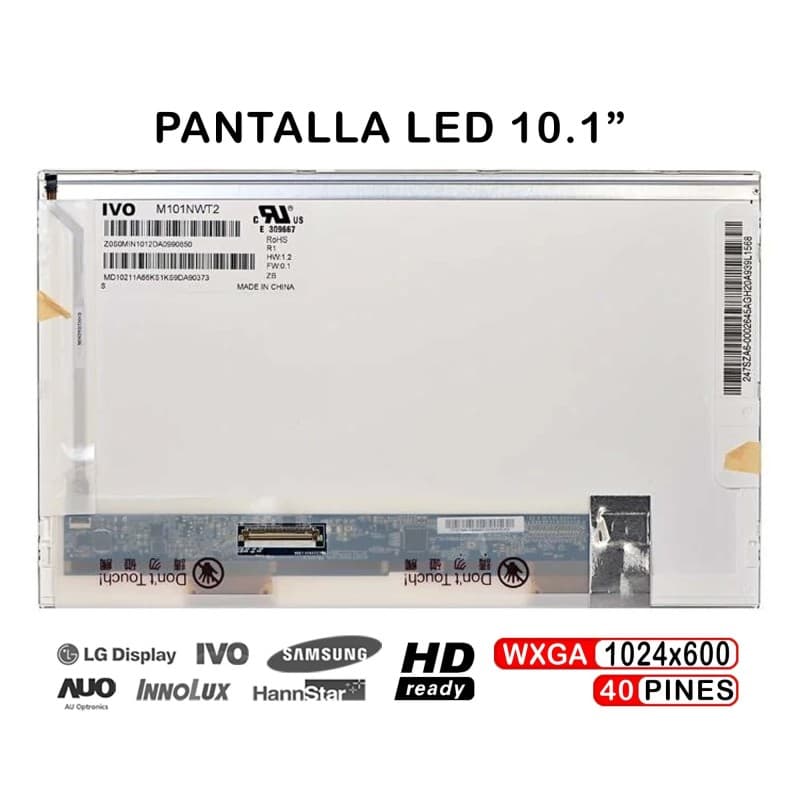
Pantalla para Portátil eMachines 250 Netbook 10 Pulgadas
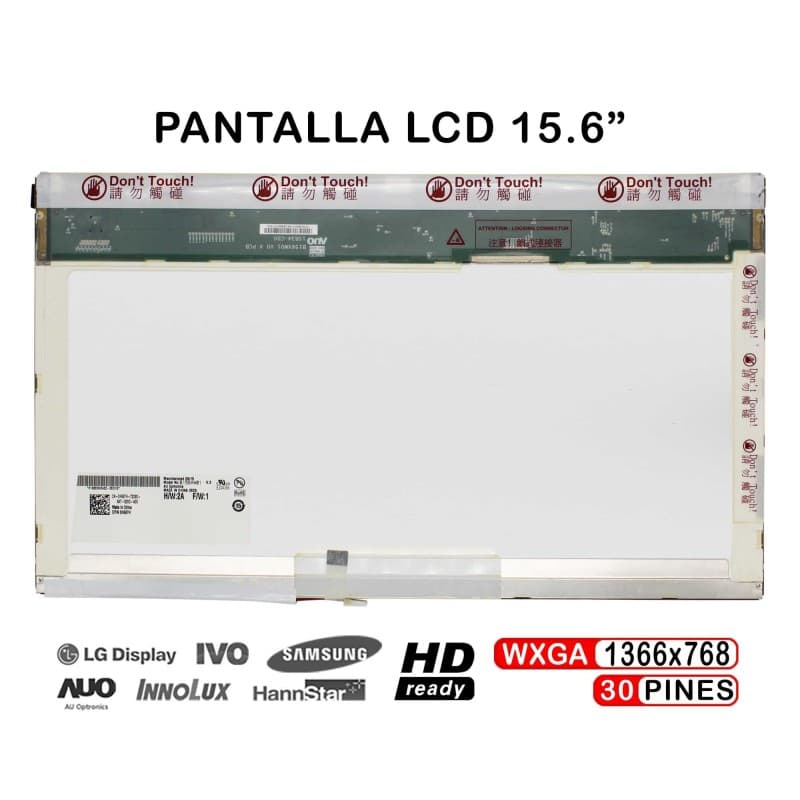
Pantalla LCD 15.6" para Portátil eMachines E625 E725 E627
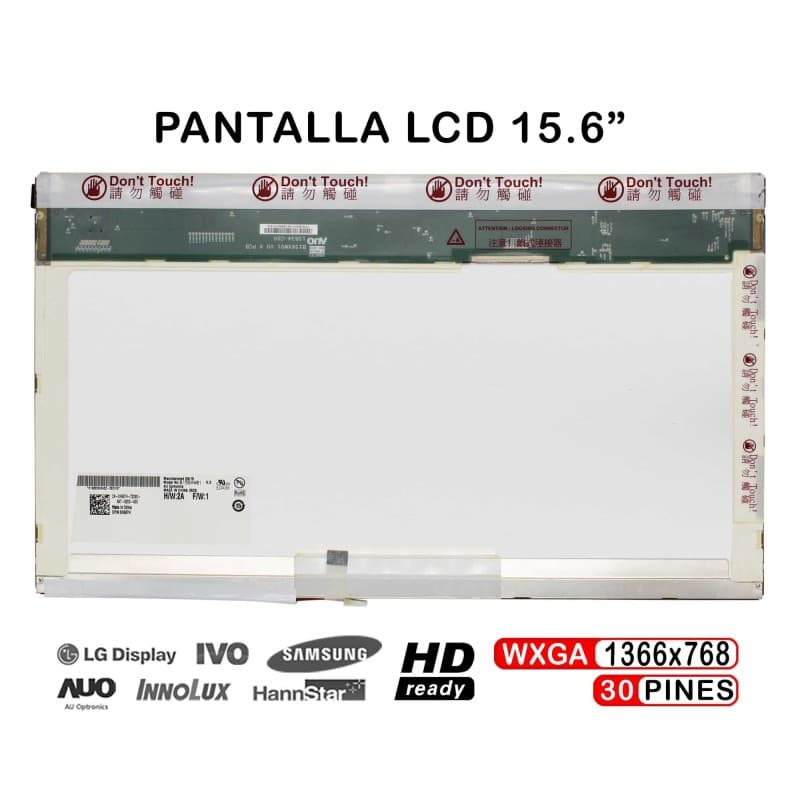
Pantalla LCD 15.6" para Portátil Emachines E525 E510 E520