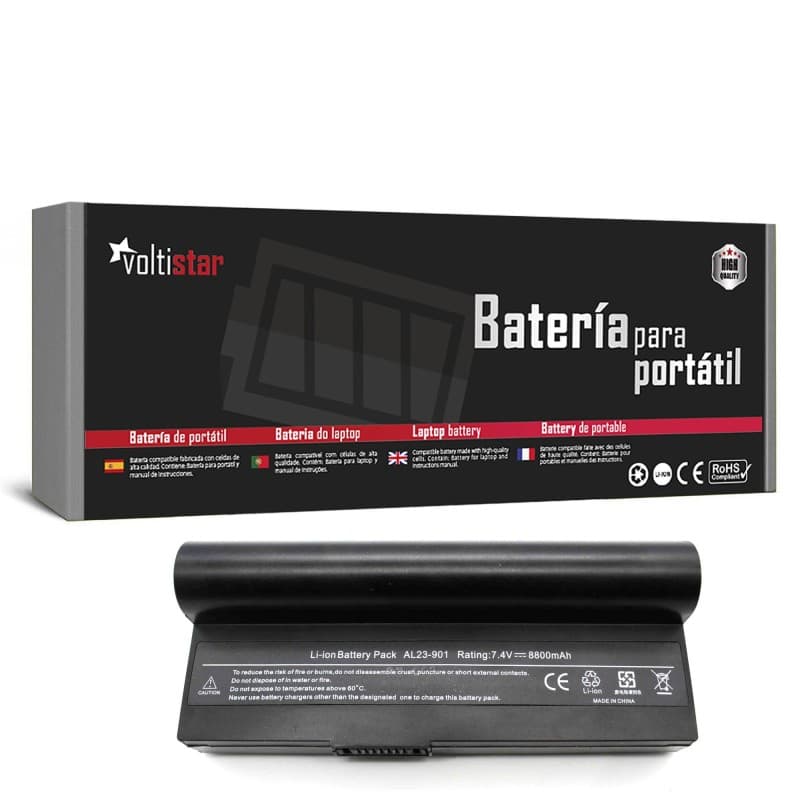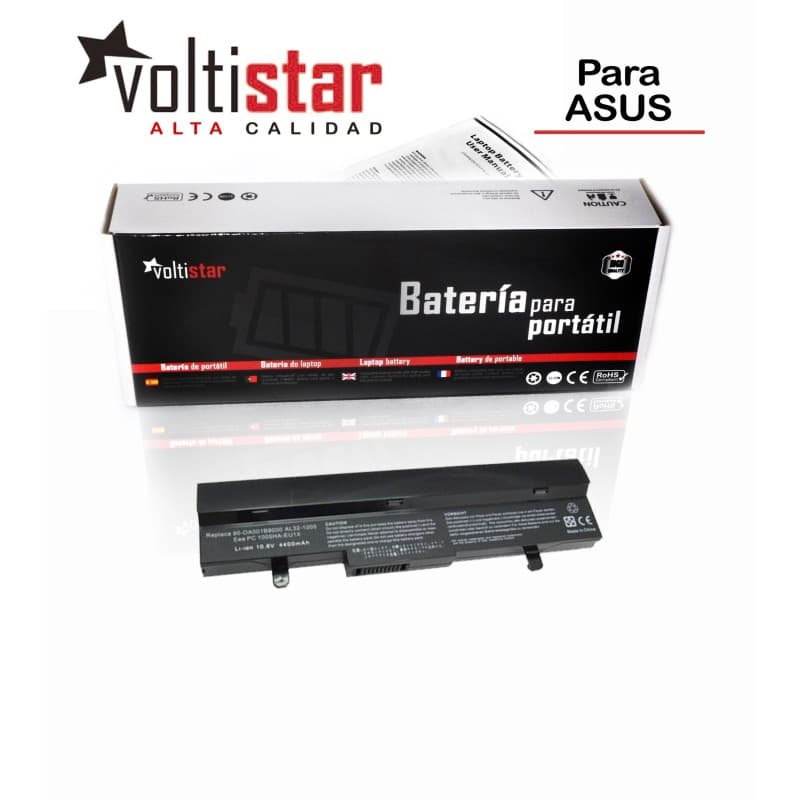
Batería Voltistar para Asus Eee PC 1005 1005H 1005HA - Nueva Sellada
Marca
Voltistar
Proteção Térmica
Yes - Temperature monitoring with automatic cut-off
Compatibility
Asus Eee PC 1005, 1005H, 1005HA, 1005HAB, 1005HR, 1101HA, 1001HA, 1001PQD
Condição
New / Sealed - 0 cycles, never used
Batería de reemplazo Voltistar compatible con serie Asus Eee PC 1005, garantizando rendimiento fiable para netbooks de referencia. Nueva y sellada, nunca utilizada, con 0 ciclos de carga.
Características Principales
- Protección Contra Sobrecarga: Sistema avanzado de protección contra sobrecarga y sobretensión para máxima seguridad
- Gestión Inteligente de Carga: Alarga la vida útil de la batería mediante monitorización continua
- Protección Térmica: Monitorización de temperatura con corte automático de seguridad
- Protección Contra Cortocircuitos: Respuesta instantánea de protección para integridad de celdas
- Certificaciones: CE y RoHS - cumplimiento total de estándares europeos
Compatible Con
- Asus Eee PC 1005
- Asus Eee PC 1005H
- Asus Eee PC 1005HA
- Asus Eee PC 1005HAB
- Asus Eee PC 1005HR
- Asus Eee PC 1101HA
- Asus Eee PC 1001HA
- Asus Eee PC 1001PQD
¿Por Qué RM TechStore?
- Garantía de até 3 anos (novos) / 18 meses (recondicionados) en todas las baterías
- Envío rápido a Portugal y toda Europa
- Tienda física en Lisboa - soporte presencial
How to replace the battery
General steps to replace a laptop battery. Screw layout and position vary by model — if in doubt, we can do it for you in store.
Tools
- 🔧 Small Phillips screwdriver
- 🔧 Plastic spudger
- 🔧 Clean, anti-static surface
Step by step
- 1
Shut down the laptop and unplug the charger. Let it cool.
- 2
External battery: slide the latches and remove it. Internal battery: remove the bottom-cover screws and gently pry the cover open with the spudger.
- 3
Find the battery connector on the board and unplug it by the plug (never pull the wires).
- 4
Remove the screws holding the battery and lift it out without bending it.
- 5
Fit the new battery in the same position, screw it down and reconnect the connector.
- 6
Close the cover, power on and charge to 100% before first use.
Good to know: Never force or pierce a swollen battery. If it's deformed, bring it in — we handle the swap and safe recycling.
Rather we fit it? We do it for you in store in Entrecampos, Lisbon.
Productos relacionados
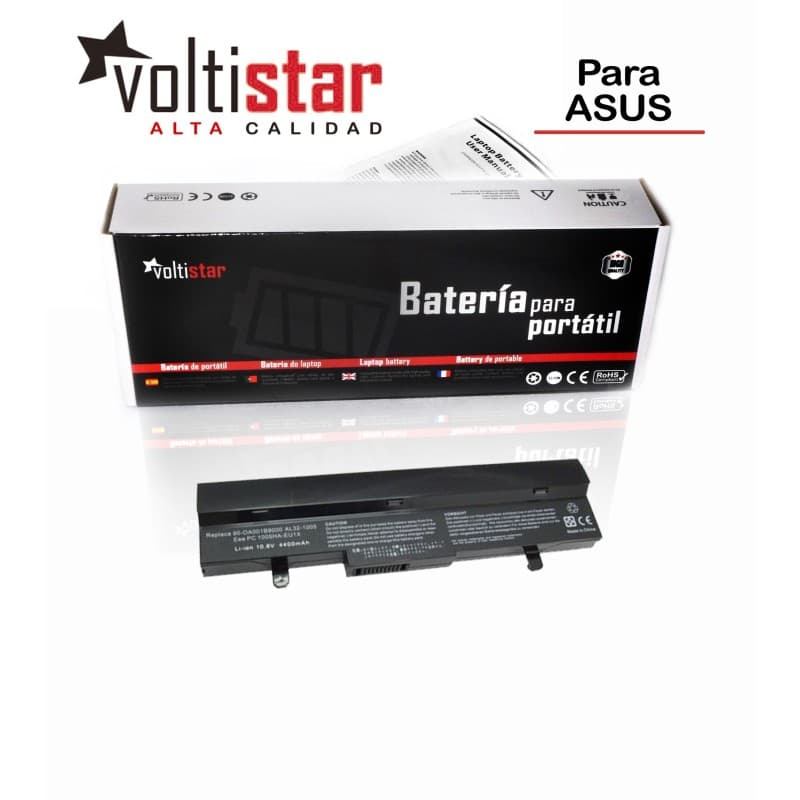
Batería Voltistar para Asus Eee PC AL31-1005 AL32-1005
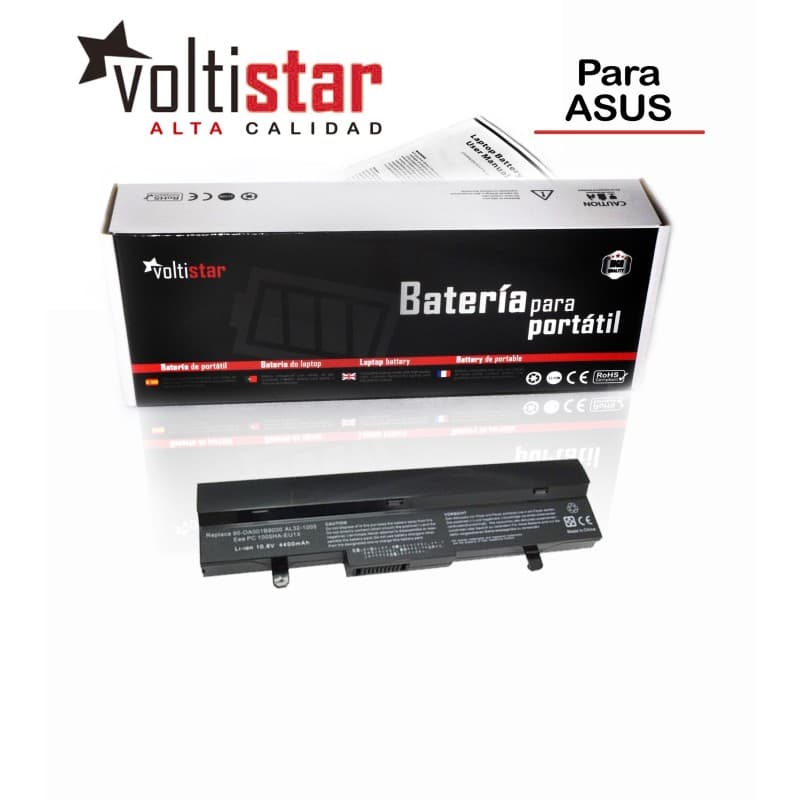
Batería Voltistar para Asus Eee PC 1001 1005 1101 - Nueva
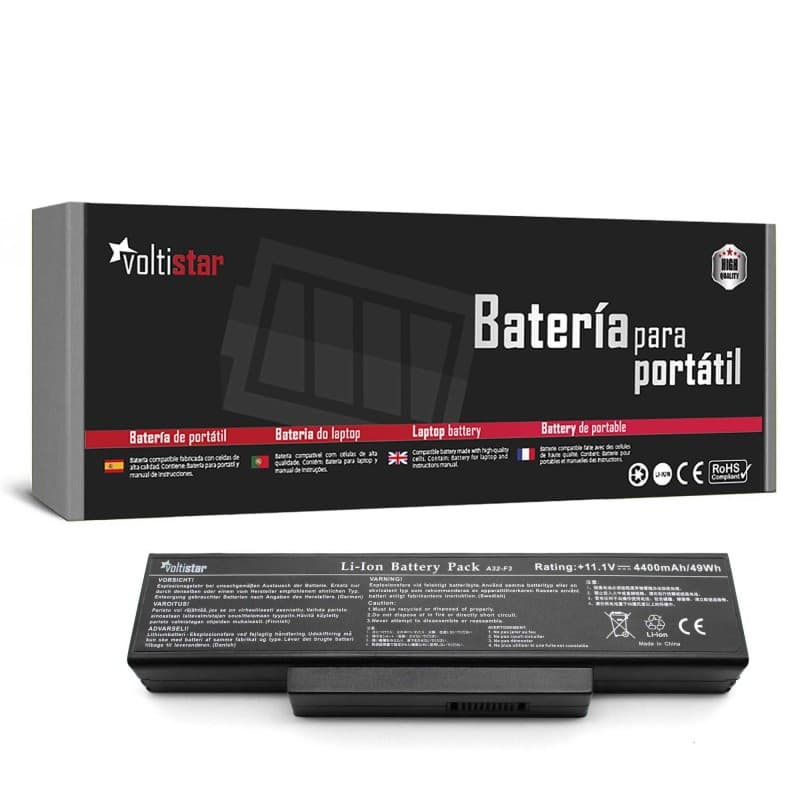
Batería Voltistar para Asus A32-F3 A32-F2 A32-Z94 A32-Z96 - Nueva
Batería Voltistar para Asus A9000 X56A - Nueva y Sellada
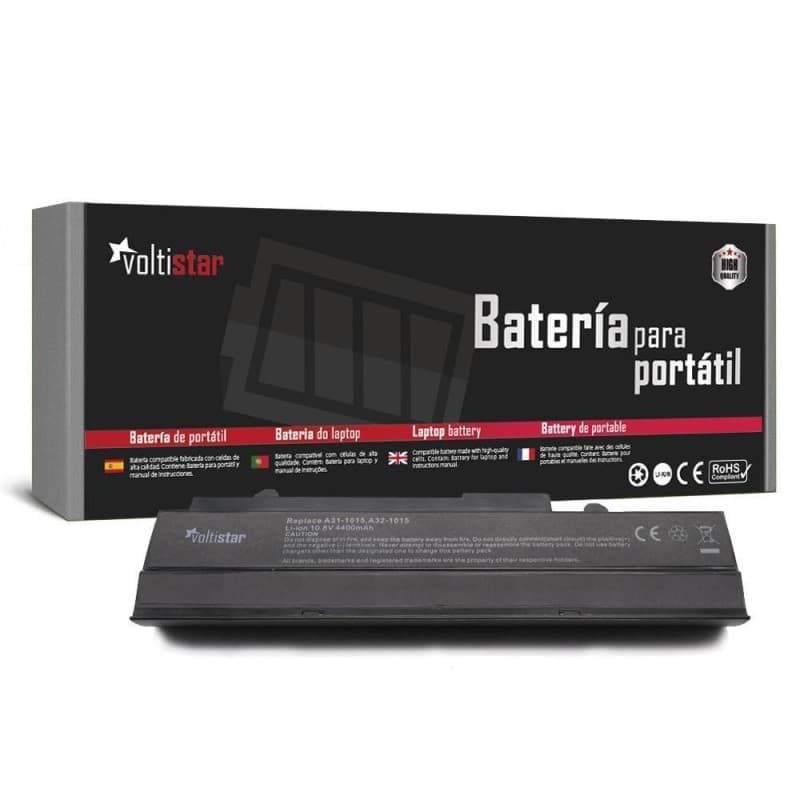
Batería Voltistar A32-1015 para Asus Eee PC 1015, 1015B, 1015P (Nueva)